



Hi Team,
When we select InventoryID in Sales Order screen, it should show Popup of InventoryItem “Add Pop-up Notes”. When we create Sales Order via Processing screen, it throws error.
How to avoid this popup trigger while creating Sales Order via code?
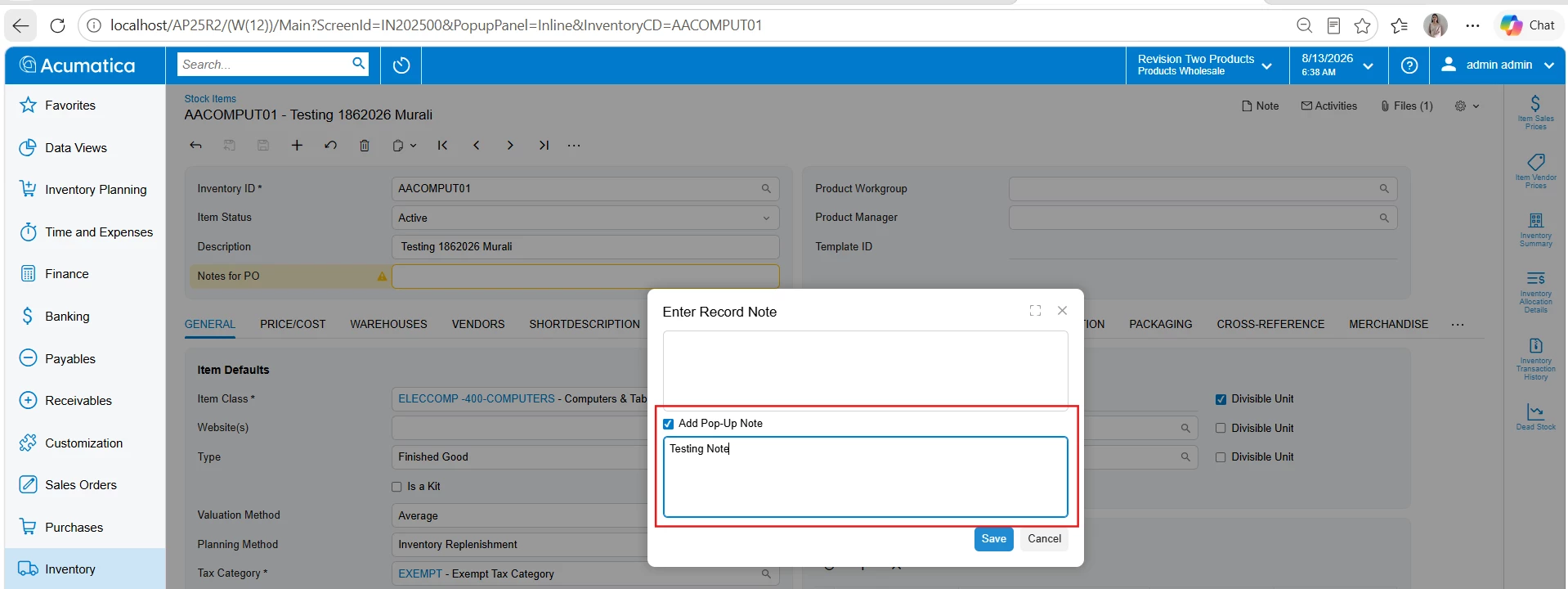
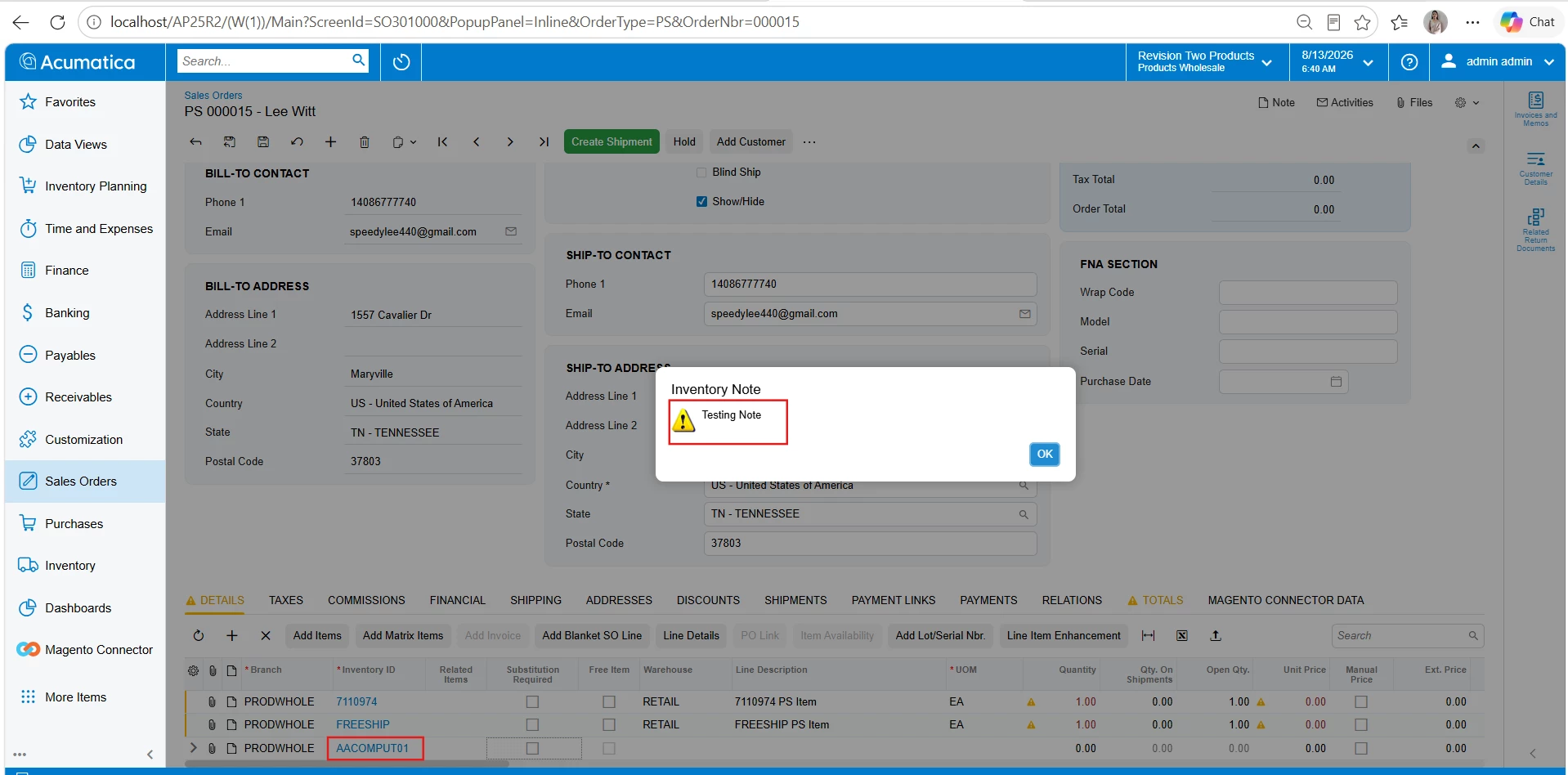
This is the code piece triggering for Popup
protected void _(Events.FieldUpdated<SOLine, SOLine.inventoryID> e, PXFieldUpdated baseHandler)
{
baseHandler?.Invoke(e.Cache, e.Args);
if (!Base.IsContractBasedAPI)
{
SOLine line = e.Row as SOLine;
if (line?.InventoryID == null) return;
InventoryItem inventory = InventoryItem.PK.Find(Base, line.InventoryID);
if (inventory == null) return;
string note = PXNoteAttribute.GetPopupNote(Base.Caches[typeof(InventoryItem)], inventory);
if (!string.IsNullOrEmpty(note))
{
_inventoryNoteText = note;
_askInventoryNote = true;
}
}
}
Thank you

