Question

PhoneRepairShop Tutorial

  • June 1, 2026
  • 10 replies
  • 57 views

Hi Everyone.

I am brand new to Acumatica and am starting off with the recommended tutorials.

Running PhoneRepairShop tutorial - T190. Followed all the steps and published. Get this error: The view MasterView doesn't exist.

[2026-06-01 10:12:09.401] Starting the website[2026-06-01 10:12:09.487] Plug-in InputData[2026-06-01 10:12:09.548] Error: The view MasterView doesn't exist.

I’ve redone all the steps 3 times. All is correct.

I also don’t see any errors in the log files.

Can anyone offer any help or advice to help me get going please?

Thanks in advance.


10 replies

Forum|alt.badge.img+3
  • Pro III
  • June 1, 2026

@WayneRoach 
The error "The view MasterView doesn't exist" usually means that the ASPX page is referencing a view name that is not defined in the Graph, or the names do not match exactly.

Please verify that your Graph contains a DAC-based view declaration similar to:

public SelectFrom<DACName>.View MasterView;

and that the ASPX file references the same view name:

<px:PXFormView ID="form" runat="server"
    DataSourceID="ds"
    DataMember="MasterView">

Since you are new to Acumatica, I would recommend checking the following:

  1. Open your Graph and confirm that a view named MasterView exists.
  2. Verify the DataMember value in the ASPX matches the view name exactly (case-sensitive).
  3. Rebuild the customization project.
  4. Republish the customization.
  5. Test again

If the issue persists, please share your Graph view declaration and the ASPX PXFormView / PXGrid DataMember definitions so we can help identify the mismatch.


Dipak Nilkanth
Pro III
Forum|alt.badge.img+14

Hi ​@WayneRoach,

Please check your ASPX file. It appears that there is a reference to a MasterView somewhere in the page definition. However, your graph does not contain a declaration for MasterView, which is likely causing the issue.

Please remove the reference or update it to use the correct data view defined in your graph. Let me know if you need any assistance identifying the exact location or you can share the aspx file here to identify root cause.


kpopova
Acumatica Employee
Forum|alt.badge.img+2
  • Acumatica Employee
  • June 1, 2026

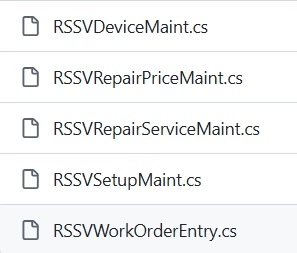
Please add this code to all of the following files in the Visual Studio project.
 

        public PXFilter<MasterTable> MasterView;

        public PXFilter<DetailsTable> DetailsView;

        [Serializable]

        public class MasterTable : PXBqlTable, IBqlTable

        {

        }

        [Serializable]

        public class DetailsTable : PXBqlTable, IBqlTable

        {

        }


  • Author
  • Freshman I
  • June 1, 2026

Thanks so far.


Just for clarity: I have installed 2025R2 SP1 and am running the tutorial T190 tutorial. 

I have not changed or written one line of code. Why should I need to change the tutorial code? is this a known issue or could I have got something wrong when installing?


kpopova
Acumatica Employee
Forum|alt.badge.img+2
  • Acumatica Employee
  • June 1, 2026

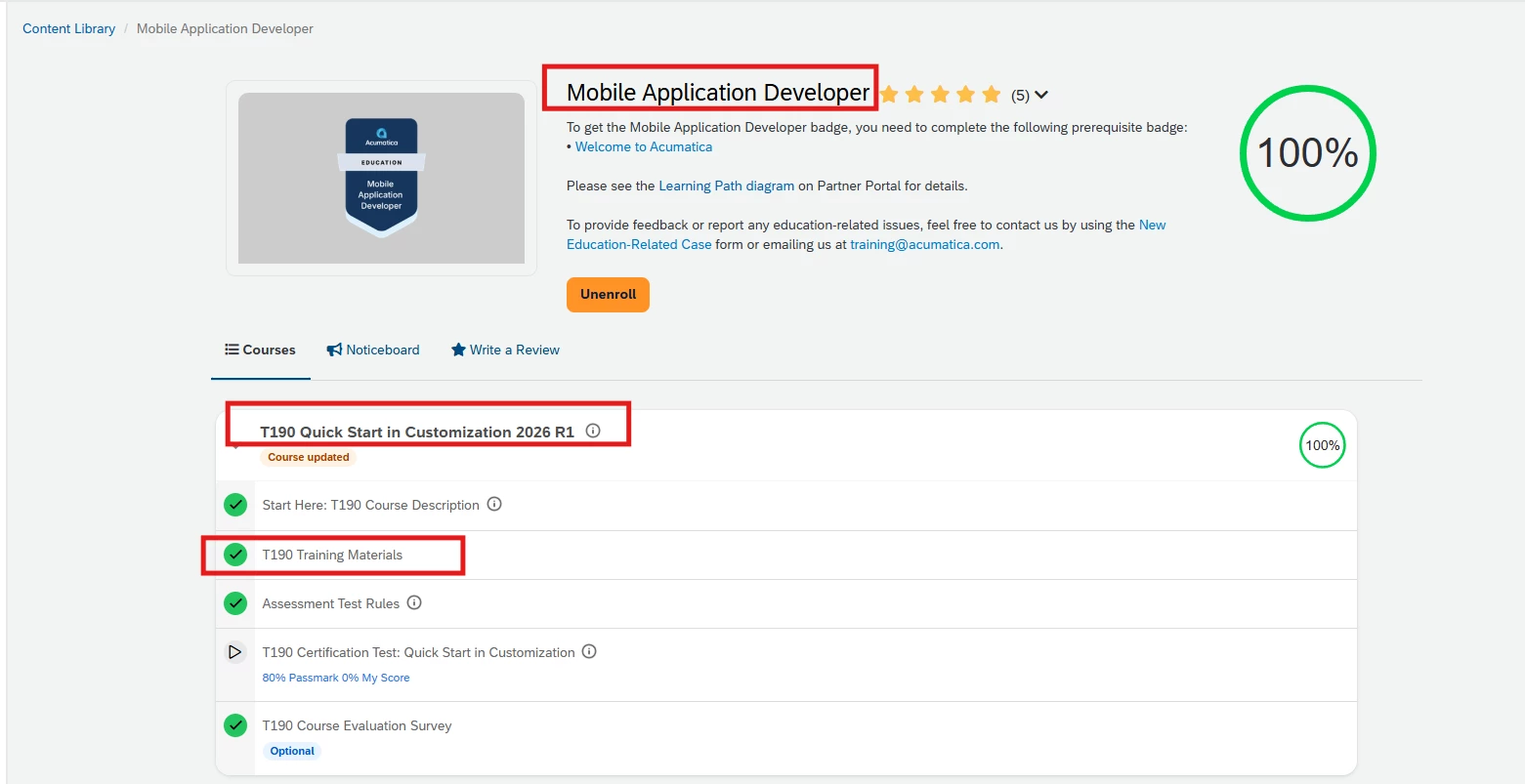
This is a known issue. We recommend that you complete the course on the latest version, which is 2026 R1.


Dipak Nilkanth
Pro III
Forum|alt.badge.img+14

Hi ​@WayneRoach,

When you create a new screen in Acumatica, the system automatically generates default data views such as MasterView and DetailView. If you later replace the generated graph code and rename or remove those views, the ASPX page may still contain references to the original MasterView.

In your scenario, if you review all the graph files, you will likely find that there is no declaration for MasterView. However, the ASPX file created when the screen was initially generated may still be referencing it.

As a result, the graph code has been updated, but the ASPX file still contains a reference to MasterView, which no longer exists in the graph. This mismatch is likely causing the issue.

Please review the ASPX file and search for any references to MasterView. Update them to use the correct data view defined in your graph.

Let me know if this helps explain the situation, or if you would like assistance identifying the specific ASPX section that is causing the problem


  • Author
  • Freshman I
  • June 1, 2026

This is a known issue. We recommend that you complete the course on the latest version, which is 2026 R1.

Can I use the same tutorial PDF for 2026 R1?


kpopova
Acumatica Employee
Forum|alt.badge.img+2
  • Acumatica Employee
  • June 1, 2026

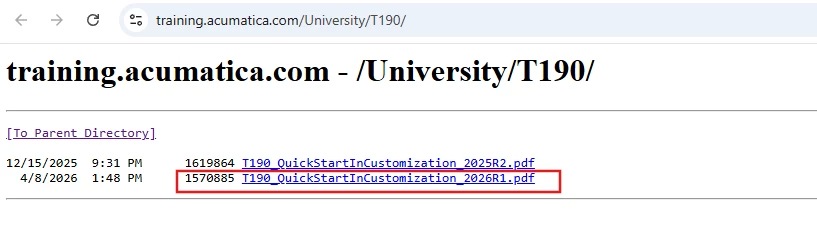
No. Please use the guide provided for 2026 R1.


  • Author
  • Freshman I
  • June 1, 2026

No. Please use the guide provided for 2026 R1.

Thanks, where can I download this guide?


Jhon Reeve Penuela
Freshman II
Forum|alt.badge.img

Hi ​@WayneRoach 

This error is common in the PhoneRepairShop tutorial and usually goes beyond just a missing declaration.

While the error says the view does not exist, it typically means there is a mismatch between the Graph, ASPX, or published customization state.

Here are a few things you should double-check:

  • Ensure the Graph actually declares the view:

    public SelectFrom<YourDAC>.View MasterView;


  • Verify the ASPX DataMember matches exactly (case-sensitive):

    DataMember="MasterView"


  • Confirm the ASPX is using the correct Graph (PXDataSource TypeName)

  • Try Unpublish All → Publish again, as sometimes the view exists in code but is not reflected in the site

  • Make sure there are no namespace or partial class mismatches

In training projects like T190, this issue is very often caused by either a naming mismatch or an incomplete publish rather than a missing view itself.

If you're still stuck, sharing your Graph and ASPX snippet would help pinpoint the issue quickly.


This is a common pitfall for beginners in Acumatica since the UI (ASPX) and Graph must always stay in sync.


Thanks.