Solved

Need To validate Unit Price field in Sales Order Screen

  • June 29, 2023
  • 12 replies
  • 206 views
  • Translate All

Forum|alt.badge.img

I need to show an error message when unit price is 0  in sales order line details.

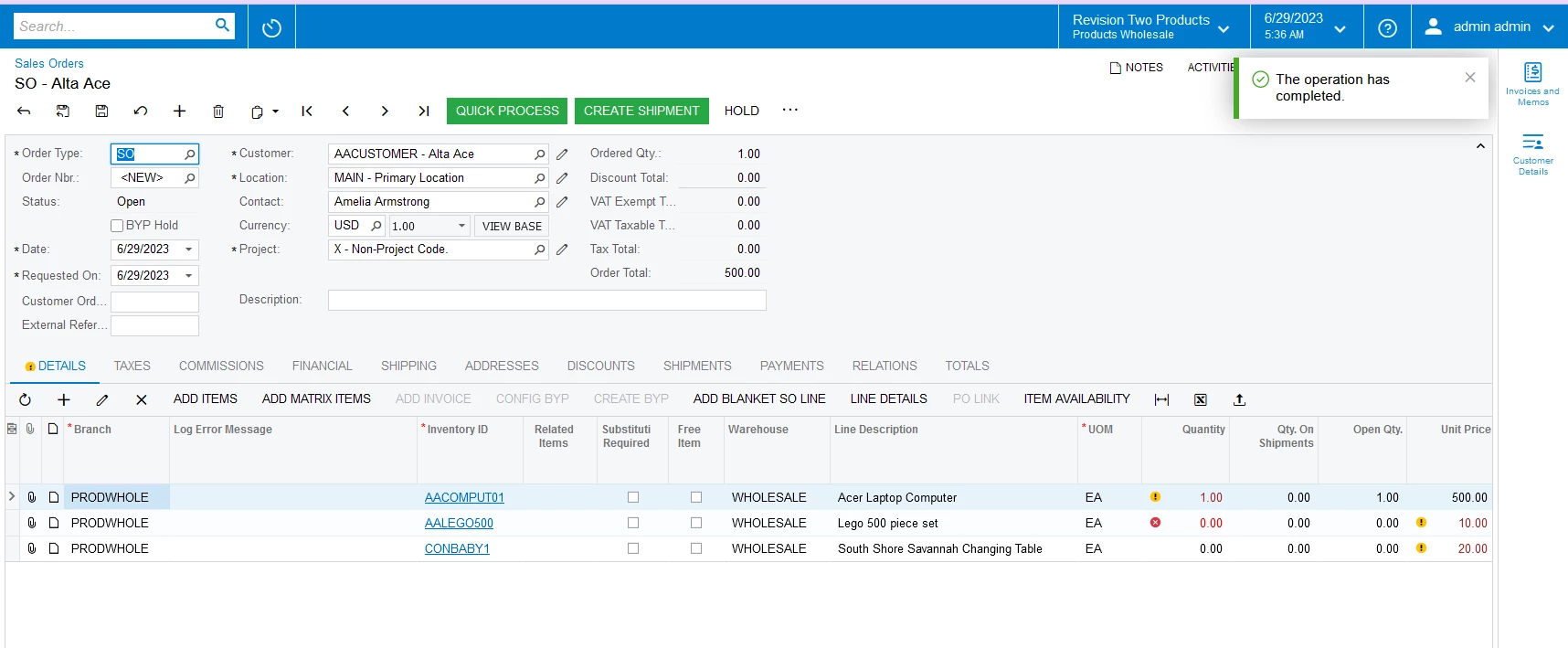
User can upload the sales order line details from excel into sales order screen and according to the inventory item unit price is automatically capture from arsales form.

I add fieldverifing event below like that.

protected void SOLine_CuryUnitPrice_FieldVerifying(PXCache cache, PXFieldVerifyingEventArgs e, PXFieldVerifying baseMethod)
{

SOLine row = e.Row as SOLine;
if (row.CuryUnitPrice == 0)
{
throw new PXSetPropertyException("Unit Price should not be 0");
}

}

After uploading so line from excel ,If condition is true or false error message is shown.


Best answer by jeewanishalika20

Hi 

I found the correct answer .

protected void SOLine_RowPersisting(PXCache cache, PXRowPersistingEventArgs e, PXRowPersisting baseHandler)

{

baseHandler?.Invoke(cache, e);

var row = (SOLine)e.Row;

if (row == null) return;

if (row.CuryUnitPrice == 0 && row.IsFree == false)

{


PXUIFieldAttribute.SetError<SOLine.curyUnitPrice>(cache, row, "Unit Price should not be 0");

}

}


View original

12 replies

Naveen Boga
Captain II
Forum|alt.badge.img+20

@jeewanishalika20  Can you please try with below code?


 protected virtual void SOLine_RowPersisting(PXCache cache, PXRowPersistingEventArgs e, PXRowPersisting InvokeBaseHandler)
{
InvokeBaseHandler(cache, e);
SOLine row = (SOLine)e.Row;
if (row != null && row.CuryUnitPrice == 0m)
{
string msg = "Unit Price must be greater than 0";
cache.RaiseExceptionHandling<SOLine.curyUnitPrice>(row, row.CuryUnitPrice, new PXSetPropertyException(msg, PXErrorLevel.Error));
}
}


Translate

Forum|alt.badge.img

Hi @Naveen Boga ,

after adding above this ,if the unit price is zero error is not show.


Translate

Naveen Boga
Captain II
Forum|alt.badge.img+20

@jeewanishalika20  Can you confirm, after SAVE also it did not show any error?

Translate

Forum|alt.badge.img

Hi @Naveen Boga ,


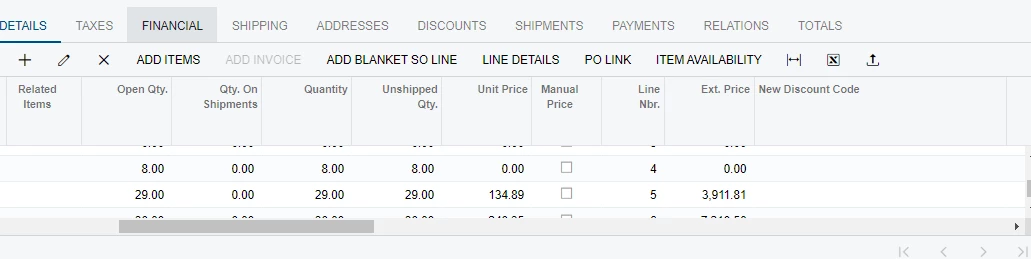
after saving, error is showed on the 1st row


Translate

Forum|alt.badge.img

Hi @Naveen Boga ,

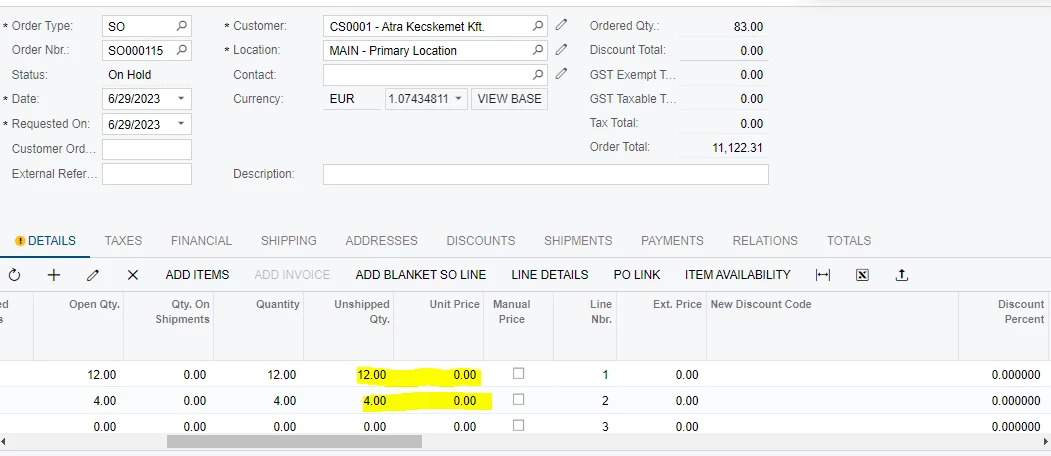
before the saving lines are showed below like that.

When saving, error is showed on the 1st row.But, Unit price field is changed from 0 to 12.


Translate

Naveen Boga
Captain II
Forum|alt.badge.img+20

@jeewanishalika20  In which version you are checking this?

Translate

Forum|alt.badge.img

Hi @Naveen Boga ,

Acumatica ERP 2022 R2 version

Translate

Naveen Boga
Captain II
Forum|alt.badge.img+20

@jeewanishalika20  The same code is working properly for the Order Qty field but not for the Unit Price field. Not sure what is the reason.

I suggest you to raise a support case on this to know the root cause for this.


Translate

Forum|alt.badge.img

Hi @Naveen Boga ,

I will raised a ticket.Thank you for the support

Translate

Naveen Boga
Captain II
Forum|alt.badge.img+20

@jeewanishalika20  Thank you, please share the update once you receive the root cause details.

Translate

Forum|alt.badge.img

Hi 

I found the correct answer .

protected void SOLine_RowPersisting(PXCache cache, PXRowPersistingEventArgs e, PXRowPersisting baseHandler)

{

baseHandler?.Invoke(cache, e);

var row = (SOLine)e.Row;

if (row == null) return;

if (row.CuryUnitPrice == 0 && row.IsFree == false)

{


PXUIFieldAttribute.SetError<SOLine.curyUnitPrice>(cache, row, "Unit Price should not be 0");

}

}


Translate

Chris Hackett
Community Manager
Forum|alt.badge.img
  • Acumatica Community Manager
  • July 11, 2023

Thank you for sharing your solution with the community @jeewanishalika20!

Translate