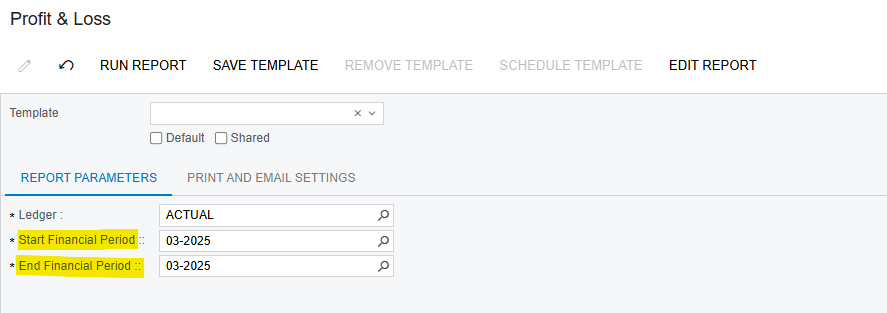
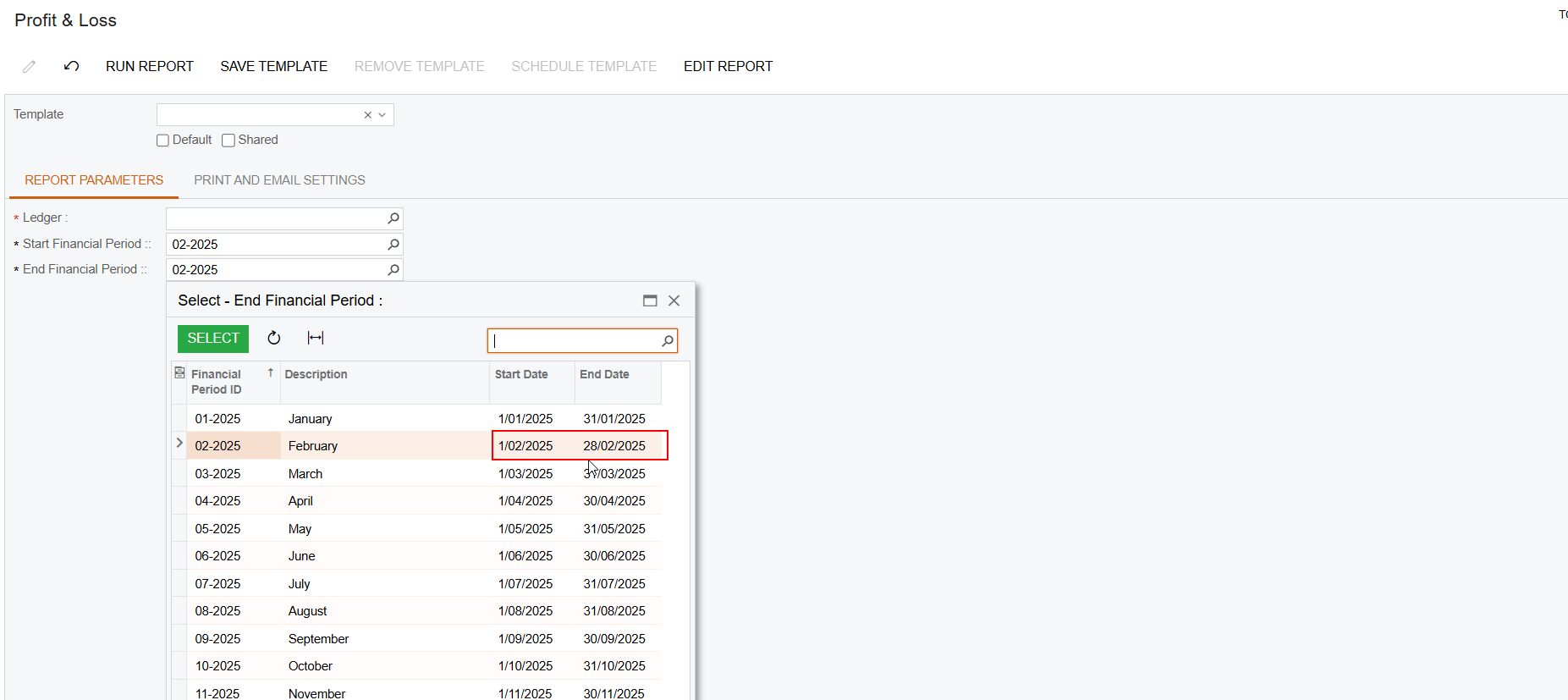
Is there a way to modify the parameters in the RMA report?
For example, I want to add the From Date and To Date fields to the Profit & Loss RMA report in the Acumatica 24.1 version.
Any guidance on this would be greatly appreciated.
Best regards, Lalith
Best answer by malintha
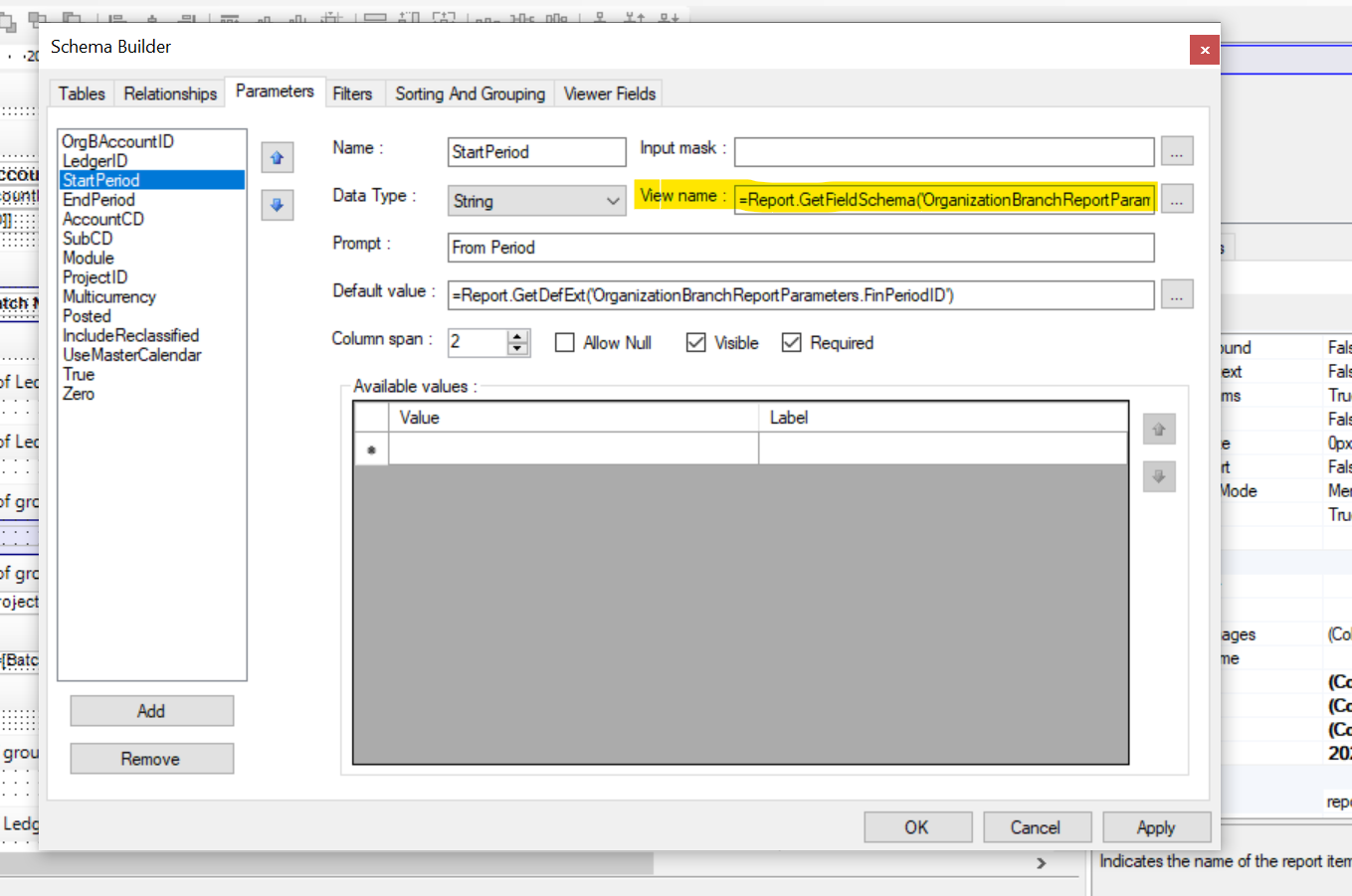
Hi @Lalith,Please check the screenshot below as an example. By changing or removing the content in the view name, you can modify the auto-suggested date period and select a custom date as expected. However, please note that sometimes you may also need to update the mapped field to the relevant two date parameters in the filter tab. Otherwise, the report may encounter an error if it expects a period but receives a specific date instead.
Yes, that is the targeted report. My customer wants to see data for a specific date range, whether it’s for a single day or half a month.
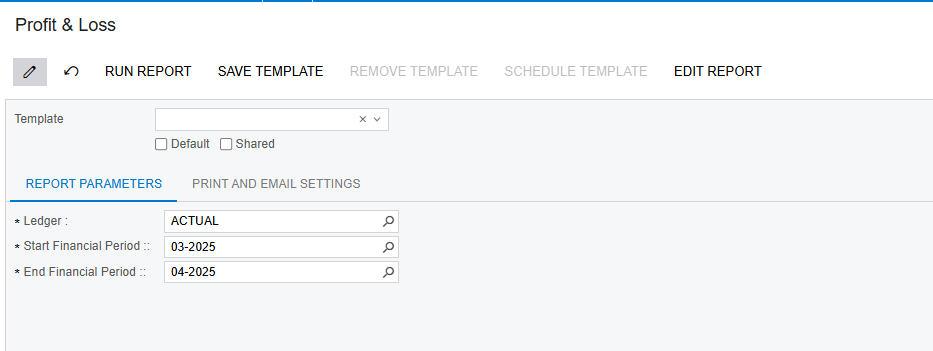
Currently, as I understand, the report selects data for a full month. Instead, we need a way to define a From Date and To Date, similar to how other reports work.
Example:
From Date: 23/03/2025
To Date: 23/03/2025
Could you please confirm if this is possible and, if so, guide how to implement it?
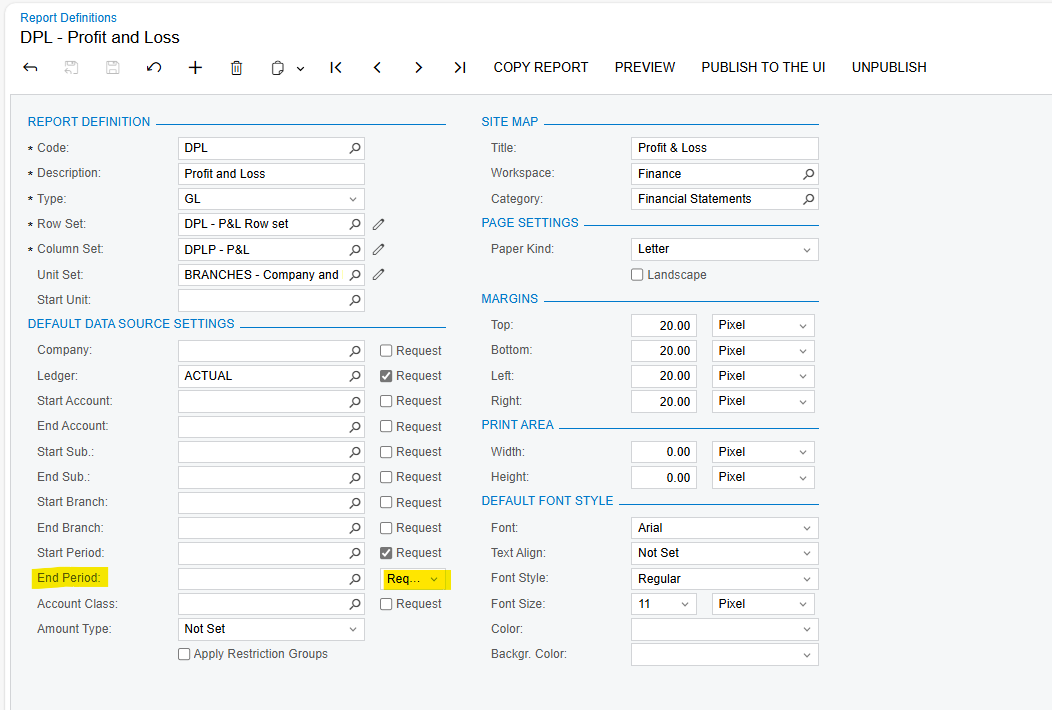
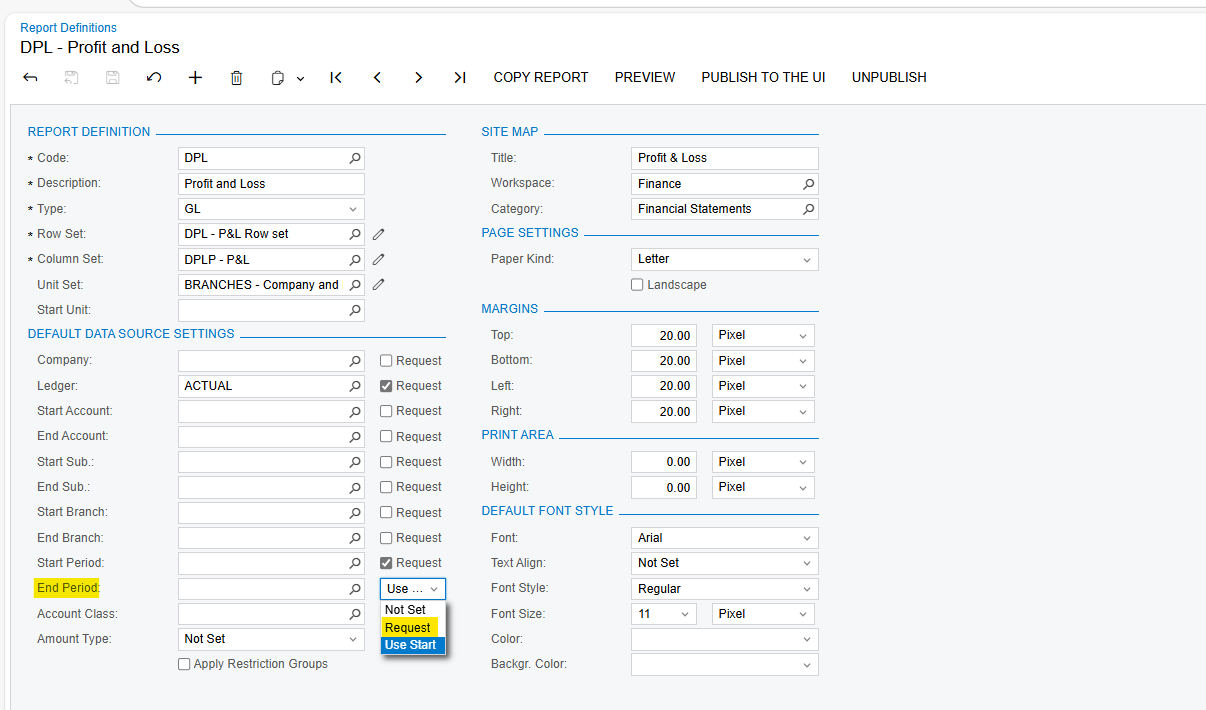
Based on the attached image, I need to change the date range as mentioned below. Currently, the report pulls data for the entire financial period, but I need to select a specific date range, such as a single day or a custom period defined by the user.
Doing it this way will prevent the report from restricting data within the financial period. Instead, I want to allow users to manually select a date range outside the predefined financial period.
Is there a way to modify the report to use a custom From Date and To Date instead of defaulting to the financial period?
Hi @Lalith,Please check the screenshot below as an example. By changing or removing the content in the view name, you can modify the auto-suggested date period and select a custom date as expected. However, please note that sometimes you may also need to update the mapped field to the relevant two date parameters in the filter tab. Otherwise, the report may encounter an error if it expects a period but receives a specific date instead.