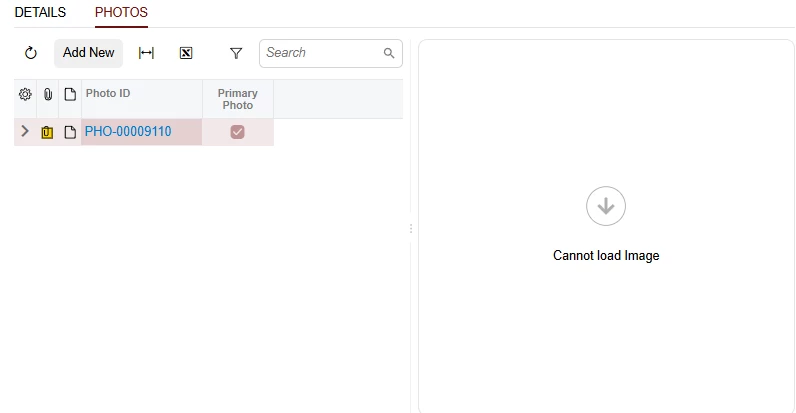
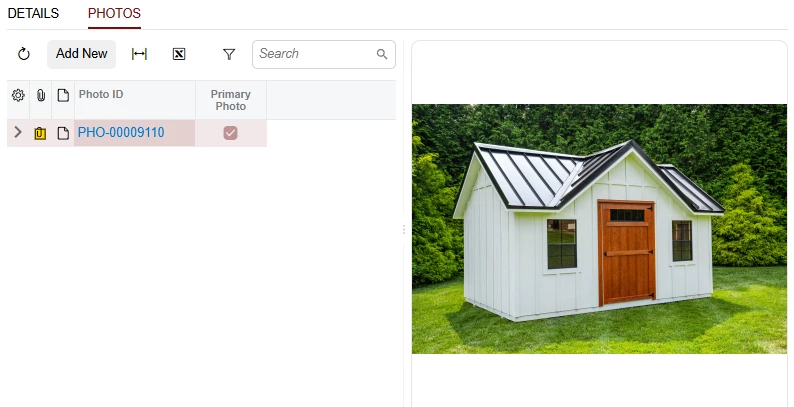
I’m attempting to display an image from the currently selected detail line, beside the grid, and I cannot get it to work without database manipulation.
The detail lines are a custom Photo record that have some details about the photo, and an image uploader shown in the element below. All on a simple form. This custom photo record is working as expected.
Now, beside this other grid, I want to display the photo from the currently selected line. See below. However, it doesn’t load the image, and when I open developer tools I see this message on the console.
“app.ts:222 GET http://localhost/<SiteName>/Shedworks%20Photo%20(PHO-00009110)/login_bg3.jpg 404 (Not Found)”
qp-image-view element with the system generated value as the Image Url in the database
If I look in the database for that photo record, the ImgUrl value is
Shedworks Photo (PHO-00009110)\login_bg3.jpg
Which is a familiar framework pattern consisting of Screen Name, Record Keys, and File Name. Obviously the file handling mechanism can use this to fetch the file, because the viewer is working on the photos record. It’s just not working when I want to display it beside the grid in the qp-image-view. Then, I opened File Maintenance and grabbed this actual File Url from there. I updated the photo record ImgUrl field in the database with this url.
Anything else → routes to url handler → just creates an absolute URL ❌
Your stored value Shedworks Photo (PHO-00009110)\login_bg3.jpg is NOT a GUID, so it falls through to the url handler, which literally appends it as a path: http://localhost/<SiteName>/Shedworks%20Photo%20(PHO-00009110)/login_bg3.jpg → 404.
The composeAttachmentUrl() function (url-utils.js:52-61) actually knows how to handle your format — it builds ${siteRoot}/ui/file?fileName=${encodedValue}, which is the Acumatica REST endpoint for resolving internal attachment paths. It just never gets called because auto doesn't recognize your path pattern.
That endpoint resolves Acumatica's internal ScreenName\RecordKeys\FileName path format — the same mechanism the uploader uses internally. No database changes needed.
”
Somehow this attribute didn’t make it into the documentation for the qp-image-view element.
@Chris Hackett any way for you to forward this to the docs team?
Anything else → routes to url handler → just creates an absolute URL ❌
Your stored value Shedworks Photo (PHO-00009110)\login_bg3.jpg is NOT a GUID, so it falls through to the url handler, which literally appends it as a path: http://localhost/<SiteName>/Shedworks%20Photo%20(PHO-00009110)/login_bg3.jpg → 404.
The composeAttachmentUrl() function (url-utils.js:52-61) actually knows how to handle your format — it builds ${siteRoot}/ui/file?fileName=${encodedValue}, which is the Acumatica REST endpoint for resolving internal attachment paths. It just never gets called because auto doesn't recognize your path pattern.
That endpoint resolves Acumatica's internal ScreenName\RecordKeys\FileName path format — the same mechanism the uploader uses internally. No database changes needed.
”
Somehow this attribute didn’t make it into the documentation for the qp-image-view element.
@Chris Hackett any way for you to forward this to the docs team?
Thank you for sharing you solution with the community @MichaelShirk! I did pass on to a peer who is checking to see which team it needs to go to. Cheers!