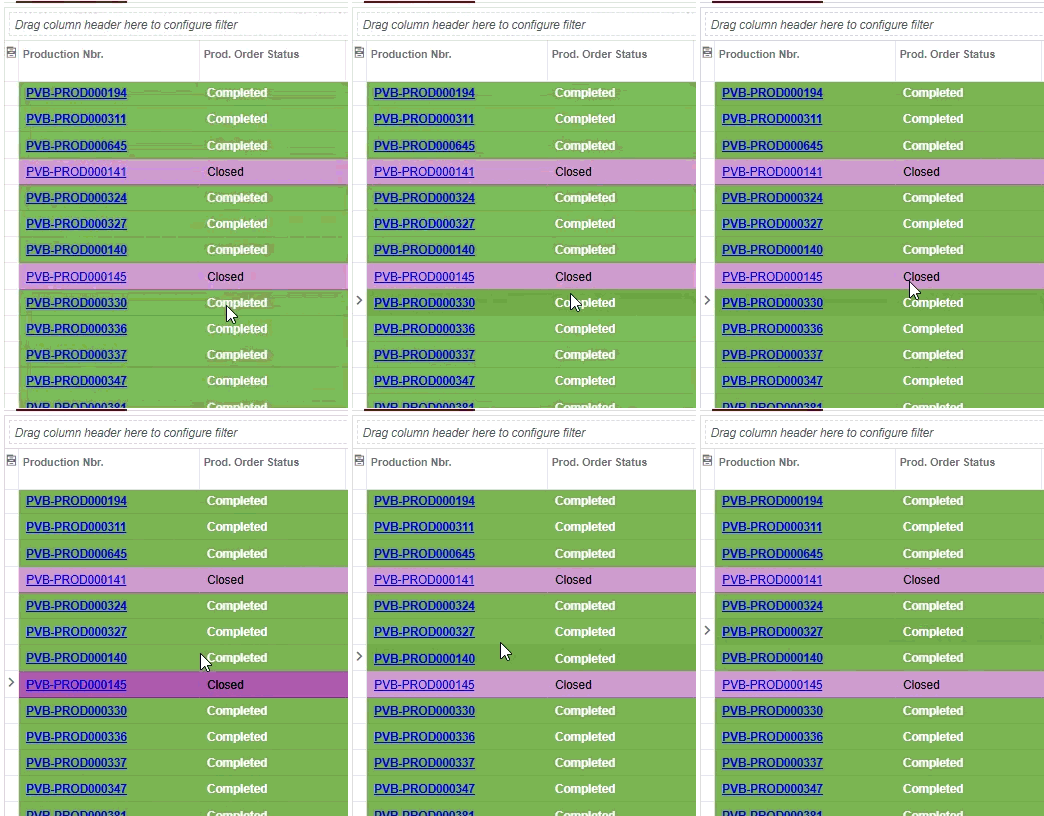
What am I doing wrong here?
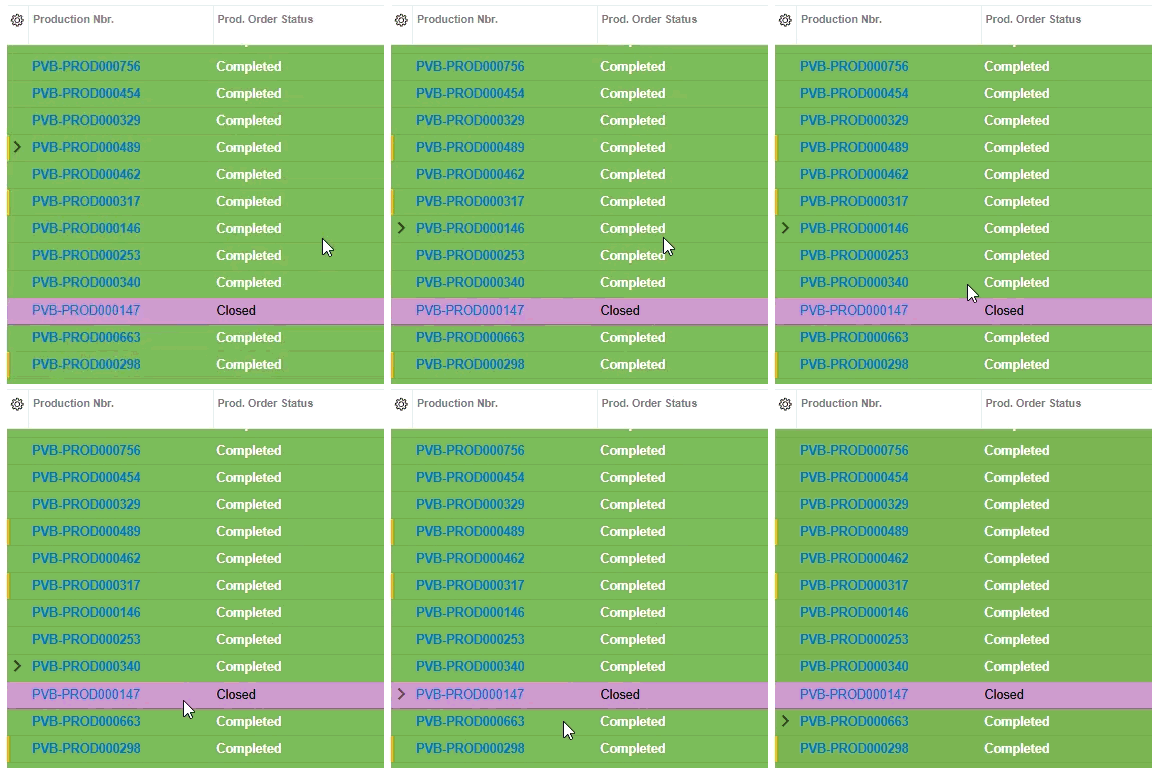
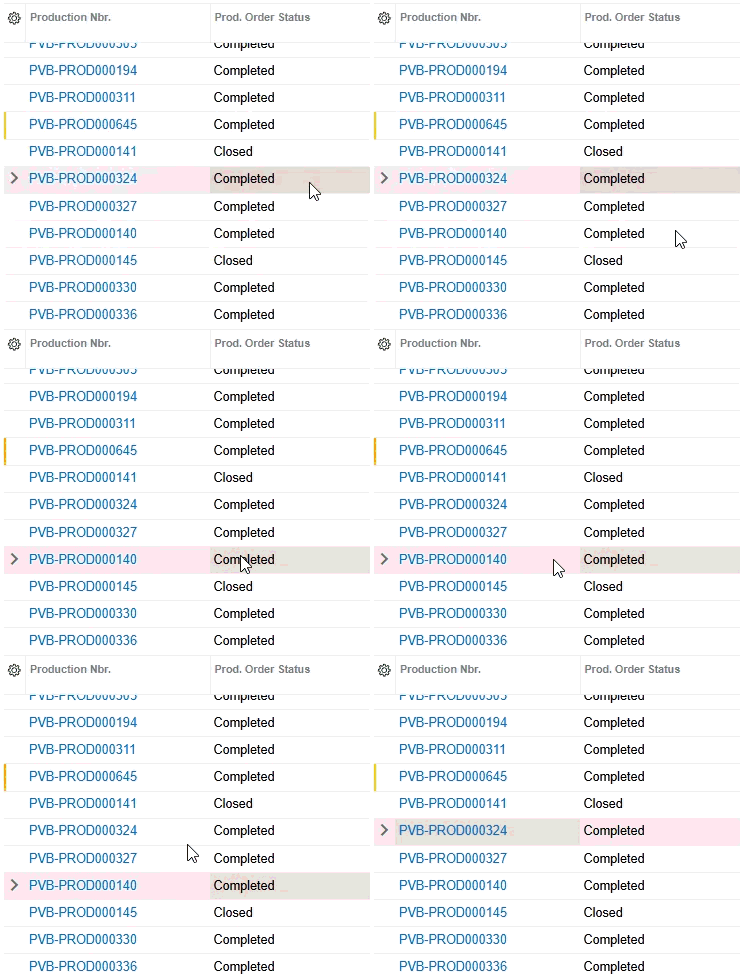
I have an inquiry screen with custom grid row colors depending on Production Order Status. The style is being applied, but there is no more slight color change to indicate the current focus/selected row/cell. See the GIFs.
import { Messages as SysMessages } from "client-controls/services/messages";
import { createCollection, createSingle, PXScreen, graphInfo, PXPageLoadBehavior, handleEvent, CustomEventType, RowCssHandlerArgs, CellCssHandlerArgs } from "client-controls";
import { SWProdPlannerLineFilter, SWProdPlannerLineView } from "./views";

@graphInfo({ graphType: "PVBMFGCustomizations.SWProdPlannerInq", primaryView: "Filter", pageLoadBehavior: PXPageLoadBehavior.PopulateSavedValues })
export class SW401010 extends PXScreen {

	Filter = createSingle(SWProdPlannerLineFilter);
	Details = createCollection(SWProdPlannerLineView);

	@handleEvent(CustomEventType.GetRowCss, { view: 'Details'})
	getDetailsRowCss(args: RowCssHandlerArgs): string | undefined {
		const row = args?.selector?.row;
		if (!row) return undefined;

		const statusID = row.StatusID?.value;

		switch (statusID) {
            case 'H': // Hold
                return 'red';
            case 'P': // Planned
                return 'red40';
            case 'R': // Released
                return 'blue40';
            case 'I': // InProcess
                return 'green40';
            case 'X': // Cancel
                return 'yellow40';
            case 'M': // Completed
                return 'green';
            case 'C': // Closed
                return 'purple40';
			case 'L': //Locked
				return 'purple60'
            default:
                return undefined;
        }
	}


}
The html
<template>

	<qp-template id="Filter_PXLayoutRule1_div0" name="1-1-1">
		<qp-fieldset id="Filter_PXLayoutRule10_fs" wg-container="Filter_form" view.bind="Filter" slot="A">
			<field name="SiteID"></field>
		</qp-fieldset>


	</qp-template>

	<qp-grid id="grid" view.bind="Details"></qp-grid>

</template>
Can someone point me to a solution/documentation for this?
Thank you!