Hi Team
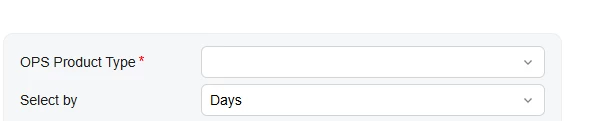
I have a couple of observations related to the Modern UI behavior:
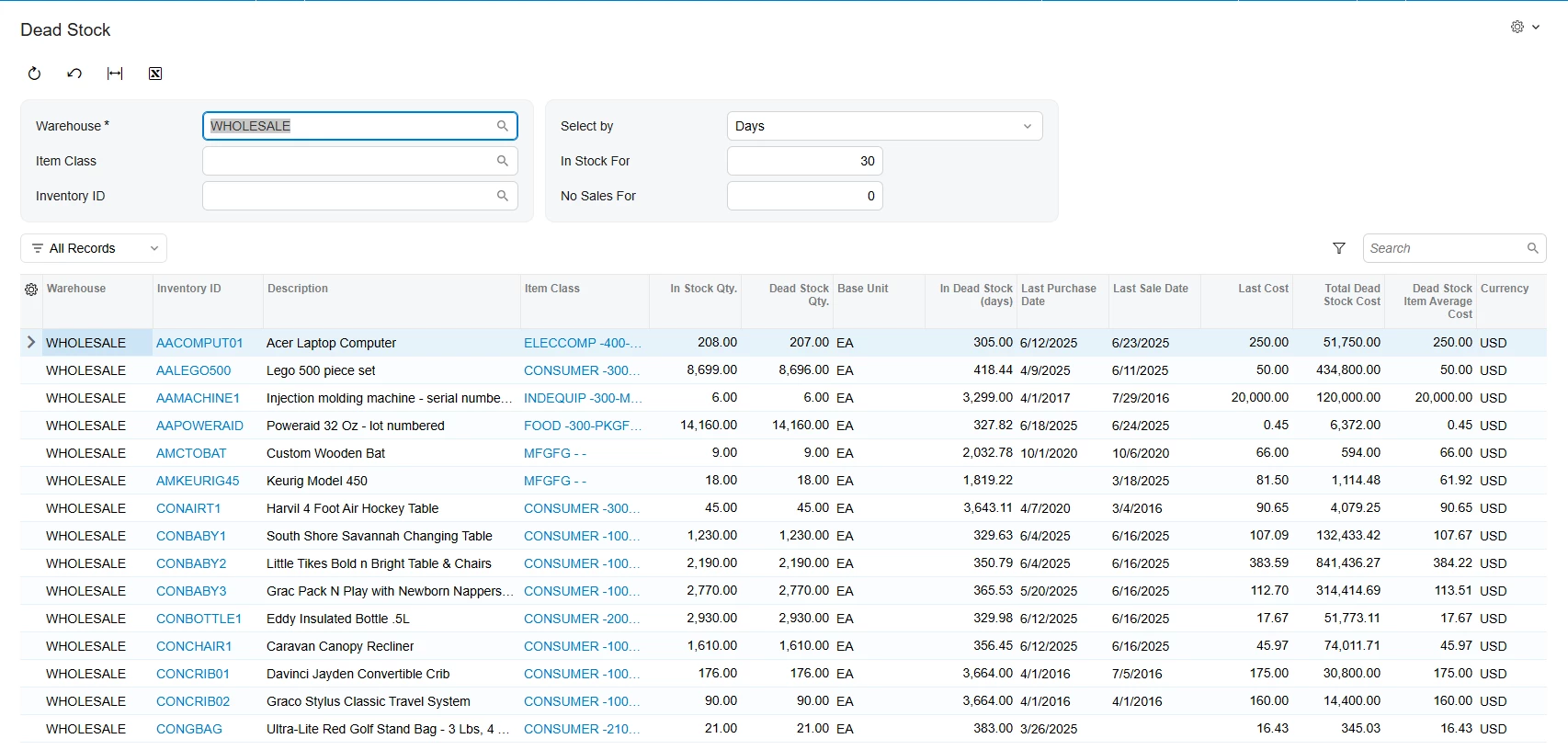
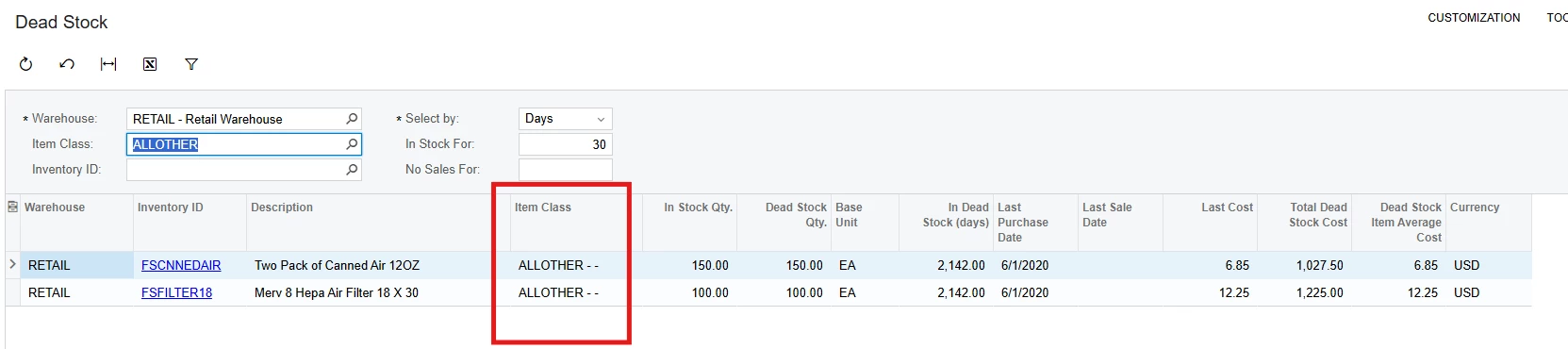
1. Dead Stock Screen – Grid Field (Item Class)
In the Dead Stock screen, we added the Item Class field at the grid level using ASPX customization, and it works correctly in the Classic UI.
However, in Modern UI, the field is not appearing.
I attempted to extend the TypeScript file as below, but unable to extended.
import { PXFieldState, PXFieldOptions, placeAfterProperty } from "client-controls";
import { INDeadStockEnqResult } from "src/screens/IN/IN405500/IN405500";

export interface INDeadStockEnqResultExt extends INDeadStockEnqResult { }

export class INDeadStockEnqResult {
  @placeAfterProperty("InventoryItem__Descr")
  InventoryItem__ItemClassID: PXFieldState<PXFieldOptions.CommitChanges>;
}
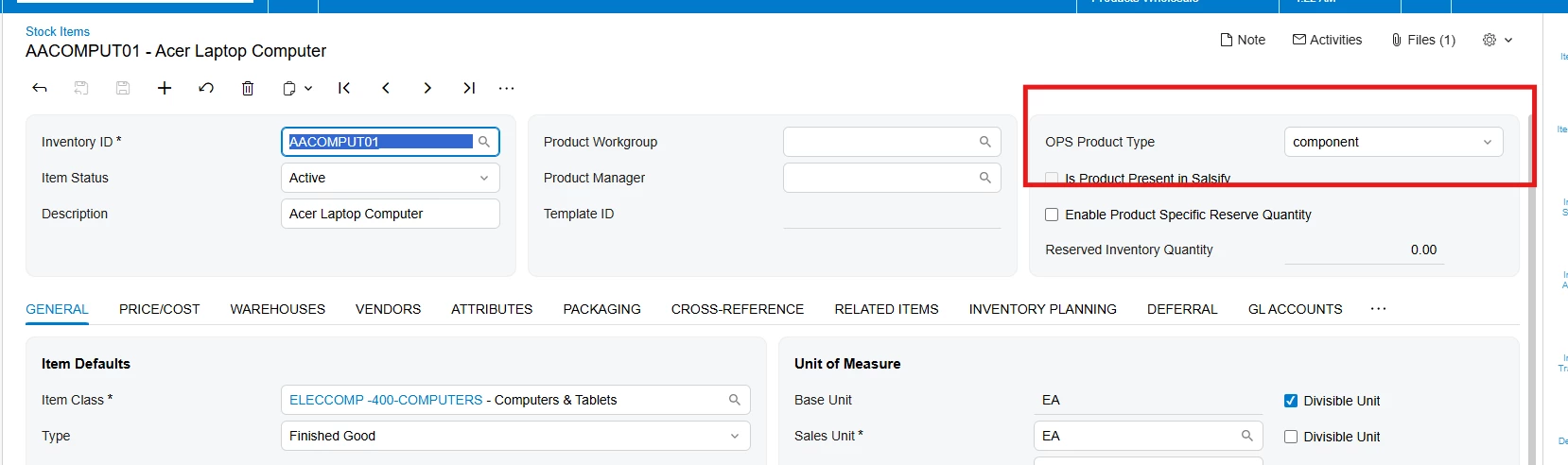
2. Stock Item Screen – Required Field Asterisk
In the Stock Item screen, we have a custom header-level field marked as Required = true in the DAC.
In Classic UI → the red asterisk (*) is displayed correctly
In Modern UI → the asterisk is not showing
I also reviewed base HTML and TS files but couldn’t find any explicit configuration for rendering required fields.
Could someone help on this?
Thanks, in advance!