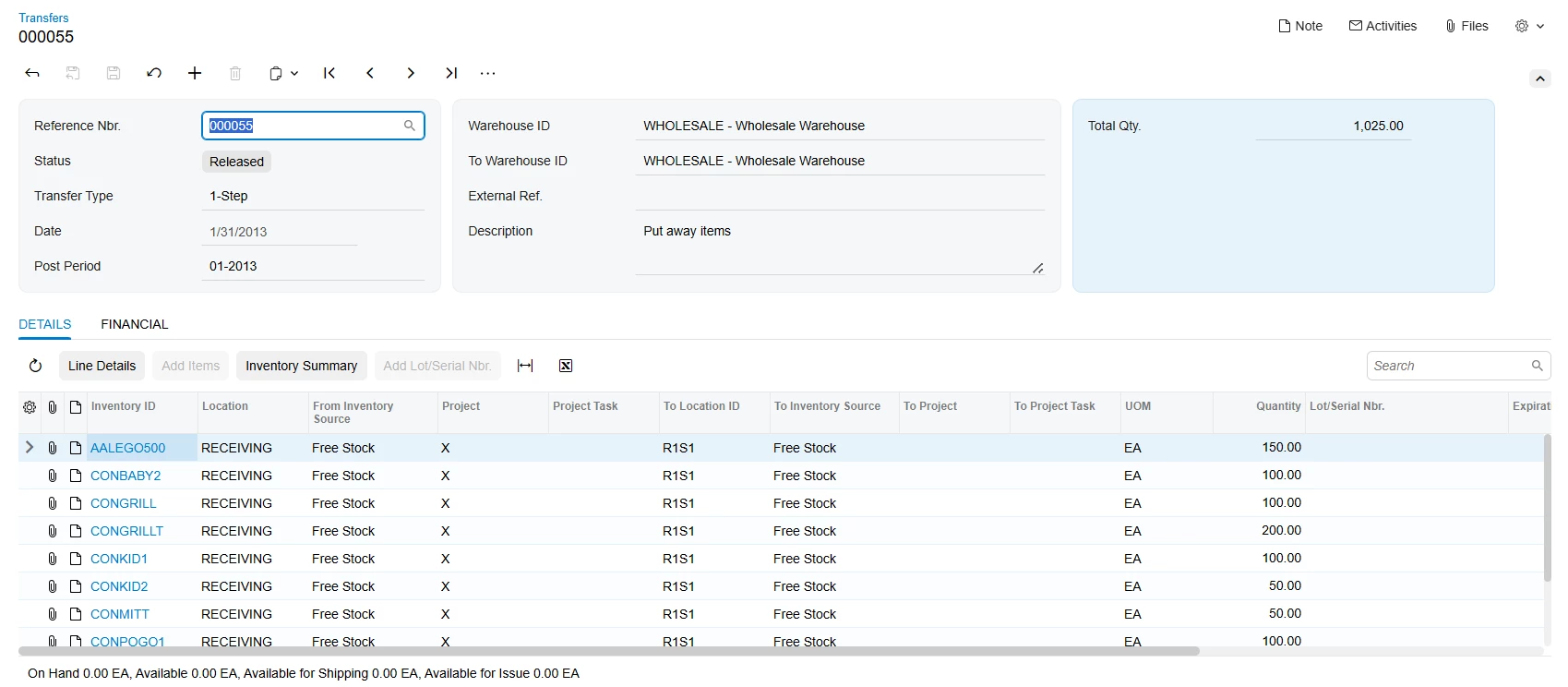
Hello, currently I’m using Acumatica 2026 R1. I’m running into an issue after Convert to Modern UI for screen IN304000. Steps to reproduce :
- Open screen IN304000
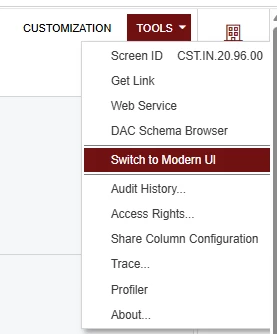
- Convert to Modern UI (generates IN304000.html, IN304000.ts and views.ts)
- Opens a project in Customizations Project
- Add Modern UI Files → Select IN304000.html, IN304000.ts and views.ts
- Publish project
After publish, I encounter error log like this :
[2026-08-14 06:41:23.069] npm run build failed with output:

> screen@0.1.0 build
> cross-env node --max_old_space_size=6144 --optimize_for_size --stack_size=6144 --trace-warnings ../node_modules/webpack/bin/webpack -- --env production --env tenant=Company screenIds=AR303000,CZ102000,IN304000,SO301000,SO503000

ts-loader: Using ts-patch/compiler@5.5.2. This version may or may not be compatible with ts-loader.
More build info can be found in logs:
D:\IHSG2024\NodeTemp\IHSGDB\_acu_build-tools-106352351393400.log
D:\IHSG2024\NodeTemp\IHSGDB\_acu_transformers-106352482563700.log
[1m[31mERROR[39m[22m in [1mD:\IHSG2024\IHSGDB\FrontendSources\screen\src\customizationScreens\Company\screens\IN\IN304000\IN304000.ts[39m[22m
[1m[32m14:119-126[39m[22m
[1m[tsl] [1m[31mERROR[39m[22m[1m in D:\IHSG2024\IHSGDB\FrontendSources\screen\src\customizationScreens\Company\screens\IN\IN304000\IN304000.ts(14,120)
      TS1005: ',' expected.[39m[22m

[1m[31mERROR[39m[22m in [1mD:\IHSG2024\IHSGDB\FrontendSources\screen\src\customizationScreens\Company\screens\IN\IN304000\IN304000.ts[39m[22m
[1m[32m14:126-129[39m[22m
[1m[tsl] [1m[31mERROR[39m[22m[1m in D:\IHSG2024\IHSGDB\FrontendSources\screen\src\customizationScreens\Company\screens\IN\IN304000\IN304000.ts(14,127)
      TS1005: ',' expected.[39m[22m

[1m[31mERROR[39m[22m in [1mD:\IHSG2024\IHSGDB\FrontendSources\screen\src\customizationScreens\Company\screens\IN\IN304000\IN304000.ts[39m[22m
[1m[32m14:119-126[39m[22m
[1m[tsl] [1m[31mERROR[39m[22m[1m in D:\IHSG2024\IHSGDB\FrontendSources\screen\src\customizationScreens\Company\screens\IN\IN304000\IN304000.ts(14,120)
      TS2304: Cannot find name 'DocType'.[39m[22m

[1m[31mERROR[39m[22m in [1mD:\IHSG2024\IHSGDB\FrontendSources\screen\src\customizationScreens\Company\screens\IN\IN304000\IN304000.ts[39m[22m
[1m[32m14:119-129[39m[22m
[1m[tsl] [1m[31mERROR[39m[22m[1m in D:\IHSG2024\IHSGDB\FrontendSources\screen\src\customizationScreens\Company\screens\IN\IN304000\IN304000.ts(14,120)
      TS2554: Expected 3 arguments, but got 5.[39m[22m

[1m[31mERROR[39m[22m in [1mD:\IHSG2024\IHSGDB\FrontendSources\screen\src\customizationScreens\Company\screens\IN\IN304000\views.ts[39m[22m
[1m[32m148:70-71[39m[22m
[1m[tsl] [1m[31mERROR[39m[22m[1m in D:\IHSG2024\IHSGDB\FrontendSources\screen\src\customizationScreens\Company\screens\IN\IN304000\views.ts(148,71)
      TS1109: Expression expected.[39m[22m

[1m[31mERROR[39m[22m in [1mD:\IHSG2024\IHSGDB\FrontendSources\screen\src\customizationScreens\Company\screens\IN\IN304000\views.ts[39m[22m
[1m[32m66:88-94[39m[22m
[1m[tsl] [1m[31mERROR[39m[22m[1m in D:\IHSG2024\IHSGDB\FrontendSources\screen\src\customizationScreens\Company\screens\IN\IN304000\views.ts(66,89)
      TS2339: Property 'SiteID' does not exist on type 'INTran'.[39m[22m

[1m[31mERROR[39m[22m in [1mD:\IHSG2024\IHSGDB\FrontendSources\screen\src\customizationScreens\Company\screens\IN\IN304000\views.ts[39m[22m
[1m[32m95:90-96[39m[22m
[1m[tsl] [1m[31mERROR[39m[22m[1m in D:\IHSG2024\IHSGDB\FrontendSources\screen\src\customizationScreens\Company\screens\IN\IN304000\views.ts(95,91)
      TS2339: Property 'SiteID' does not exist on type 'INTran'.[39m[22m

[1m[31mERROR[39m[22m in [1mD:\IHSG2024\IHSGDB\FrontendSources\screen\src\customizationScreens\Company\screens\IN\IN304000\views.ts[39m[22m
[1m[32m192:87-93[39m[22m
[1m[tsl] [1m[31mERROR[39m[22m[1m in D:\IHSG2024\IHSGDB\FrontendSources\screen\src\customizationScreens\Company\screens\IN\IN304000\views.ts(192,88)
      TS2339: Property 'SiteID' does not exist on type 'INTranSplit'.[39m[22m

webpack compiled with [1m[31m8 errors[39m[22m


Error output:


Publishing customization FAILED
After I check the generated files, I notice some issues :
Issue 1 - unescaped double quotes inside a string literal
IN304000.ts, line 14:
@viewInfo({containerName: "Details", parameters: [new ControlParameter("INTran.docType", "transfer", "NewDataKey["DocType"]")]})The inner double quotes are not escaped, so the parser reads five arguments instead of three:
- "INTran.docType" - arg 1
- "transfer" - arg 2
- "NewDataKey[" - arg 3 (string terminates here)
- DocType - arg 4 (bare identifier)
- "]" - arg 5
This accounts for the two TS1005 errors, the TS2304, and the TS2554.
Issue 2 - empty parameter value
views.ts, line 148:
@controlConfig({parameters:(screen: IN304000) => ({ "INTran.docType": ,})})No value is emitted for the parameter.
Issue 3 - parameters reference fields absent from the generated type
views.ts, lines 66, 95, 192:
line 66 :
parameters: (screen: IN304000) => ({ "INTran.siteID": screen.transactions.activeRow.SiteID.value, ... })line 95 :
parameters: (screen: IN304000) => ({ "INTran.toSiteID": screen.transactions.activeRow.SiteID.value, ... })line 192 :
parameters: (screen: IN304000) => ({ "INTranSplit.siteID": screen.splits.activeRow.SiteID.value, ... })SiteID exists on both INTran and INTranSplit at the DAC level, but it is not exposed as a control on the Transfers screen (the source warehouse is set in the header). It therefore does not appear in the generated type, while the selector parameters still reference it.
Questions :
- Is this a known issue for 2026 R1?
- Is there a supported workaround, or is removing IN304000 from the conversion the only option for now?