Solved

Modern UI 25R2 Customization Project Editor issue

  • January 21, 2026
  • 5 replies
  • 85 views

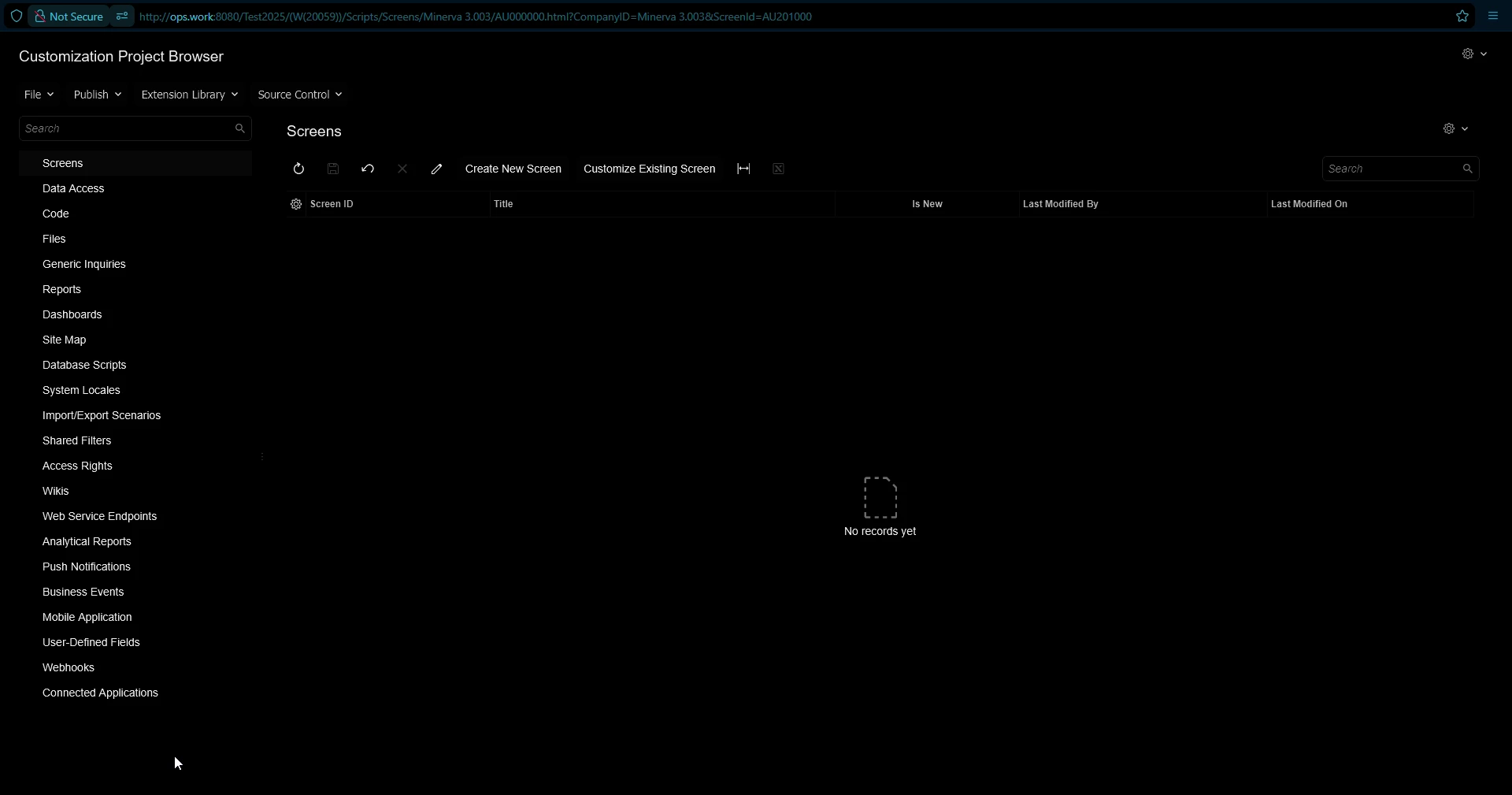
The version I’m using is 2025 R2 Build 25.200.0248 and the issue is that the Modern UI Files and the rest of that functionality is missing from the Customization Project Editor even tho the build version I’m using is the latest and inside the other instance I’m having for the Acumatica tutorials is working absolutely fine. Here’s a screenshot of a fresh customization inside the problematic instance I’m using 

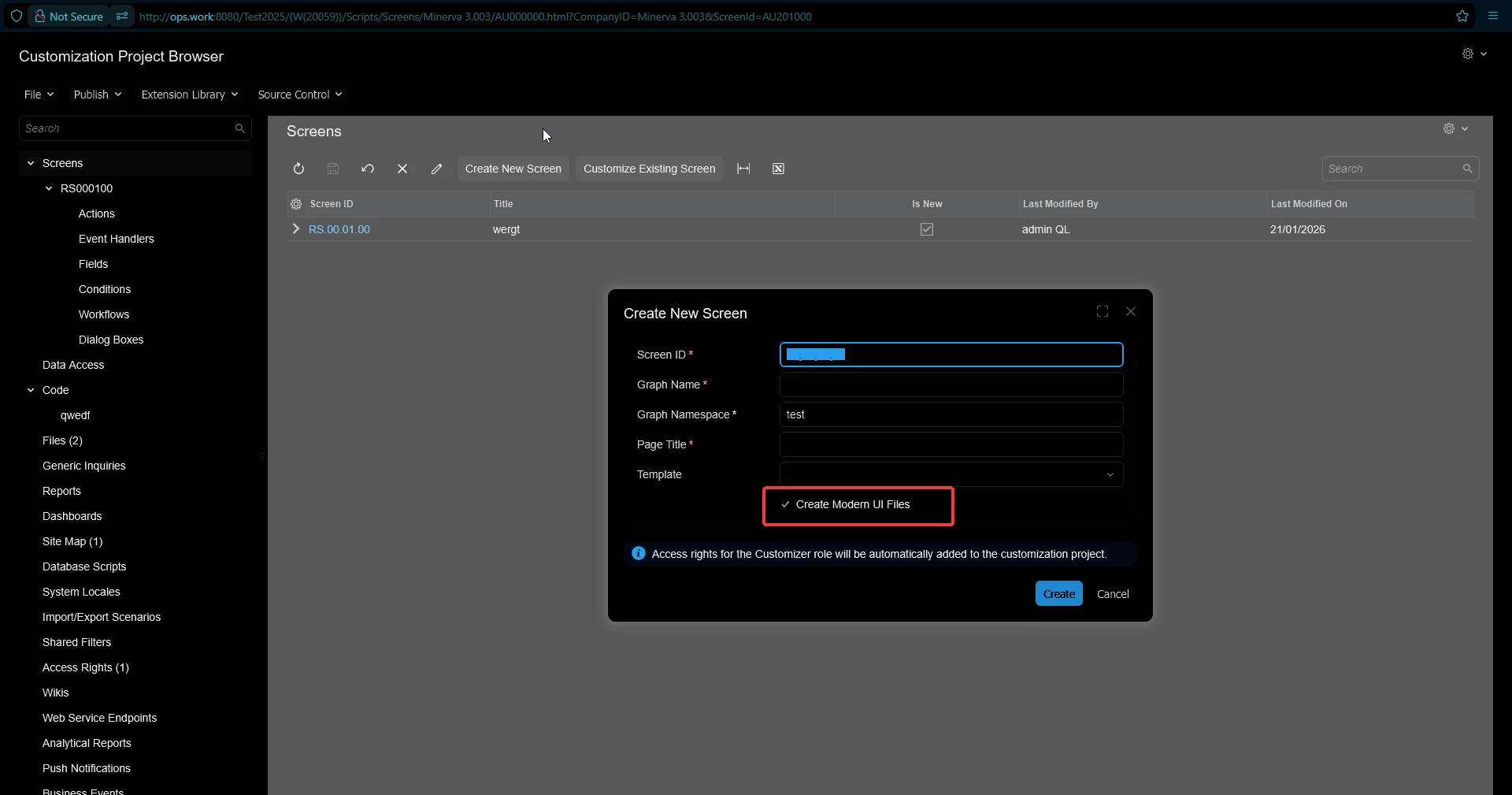
even after the creation of a screen with marked creation of “Modern UI Files”, the link in the navigation menu doesn’t appear
 

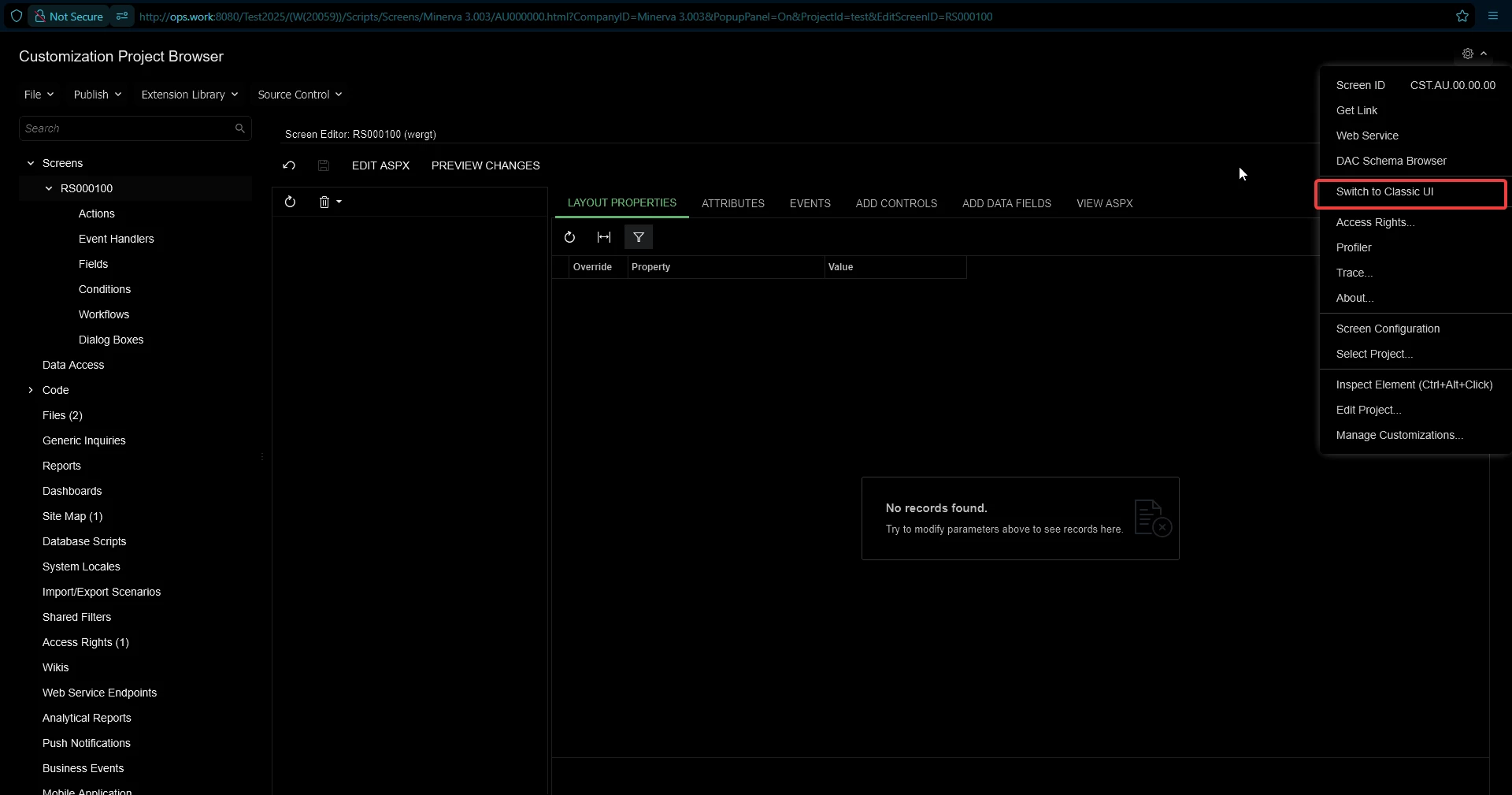
also forgot to mention that the Modern UI is currently active


Best answer by nikola74

I would update your version to the latest (25.201.0213) released near the end of December to make sure it’s available. I don’t think the ‘Convert to Modern UI’ button is available on your version.

That said, I just tested and I’m having issues using that conversion tool anyway.

It was a DB issue. It’s solved already

5 replies

DipakNilkanth
Pro III
Forum|alt.badge.img+14

Hi ​@nikola74,
Have you tried logging out and logging back in once?
If that doesn’t help, please try resetting the caches and restarting the application from the Apply Updates screen.


  • Freshman I
  • January 21, 2026

You need to fill all the required field screenID, graphname, title. Without that it does not run. WIth current project editor when you add new screen it should have both aspx file and new modern UI.


  • January 26, 2026

I would update your version to the latest (25.201.0213) released near the end of December to make sure it’s available. I don’t think the ‘Convert to Modern UI’ button is available on your version.

That said, I just tested and I’m having issues using that conversion tool anyway.

It is possible I’m misunderstanding your issue though, so I’m just saying if you want this button available I would update:


  • Author
  • Freshman II
  • Answer
  • January 26, 2026

I would update your version to the latest (25.201.0213) released near the end of December to make sure it’s available. I don’t think the ‘Convert to Modern UI’ button is available on your version.

That said, I just tested and I’m having issues using that conversion tool anyway.

It was a DB issue. It’s solved already


Chris Hackett
Community Manager
Forum|alt.badge.img
  • Acumatica Community Manager
  • January 26, 2026

Thank you for sharing your solution with the community ​@nikola74!