

Answer

Mobile app missing field and field are empty

  • September 4, 2025
  • 2 replies
  • 50 views

Hello,


I added a new tab called Material to PJ304000.

On the web, everything works as expected: InventoryID,Project and Project Task has a selector.
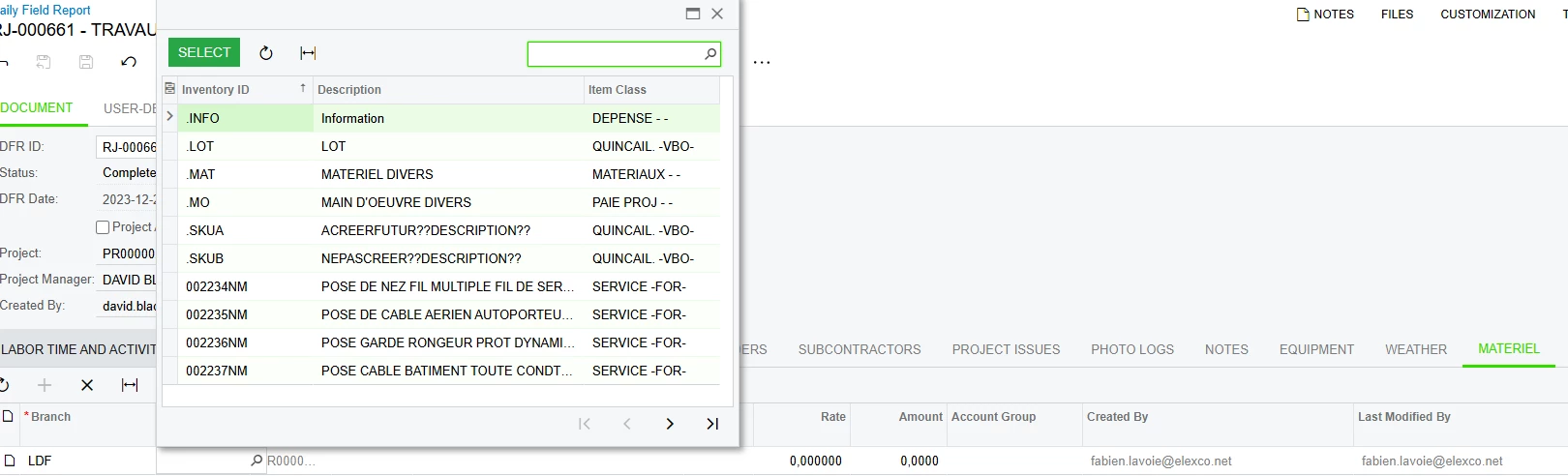
 

However, in the mobile app, I don’t see all the fields and some appear empty.

Here is the code.
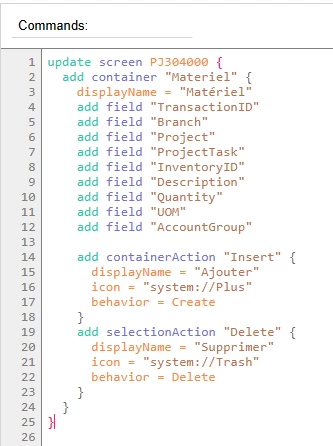
 

I can see my new tab:

I can also see every field:
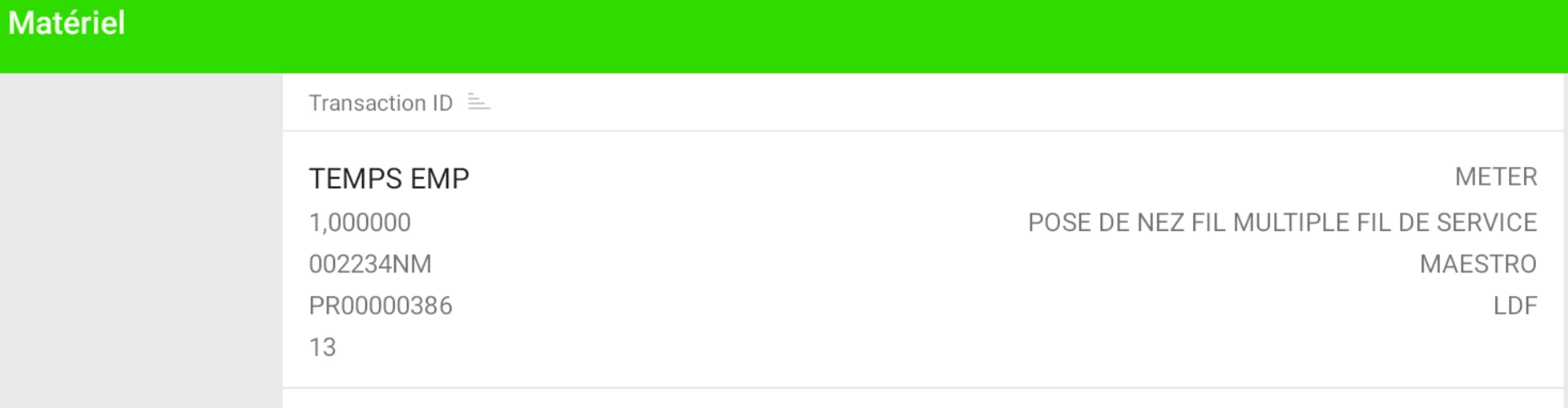
The issue occurs when I try to add a new row in the mobile app: many fields are missing, and some of the visible ones can’t be changed.
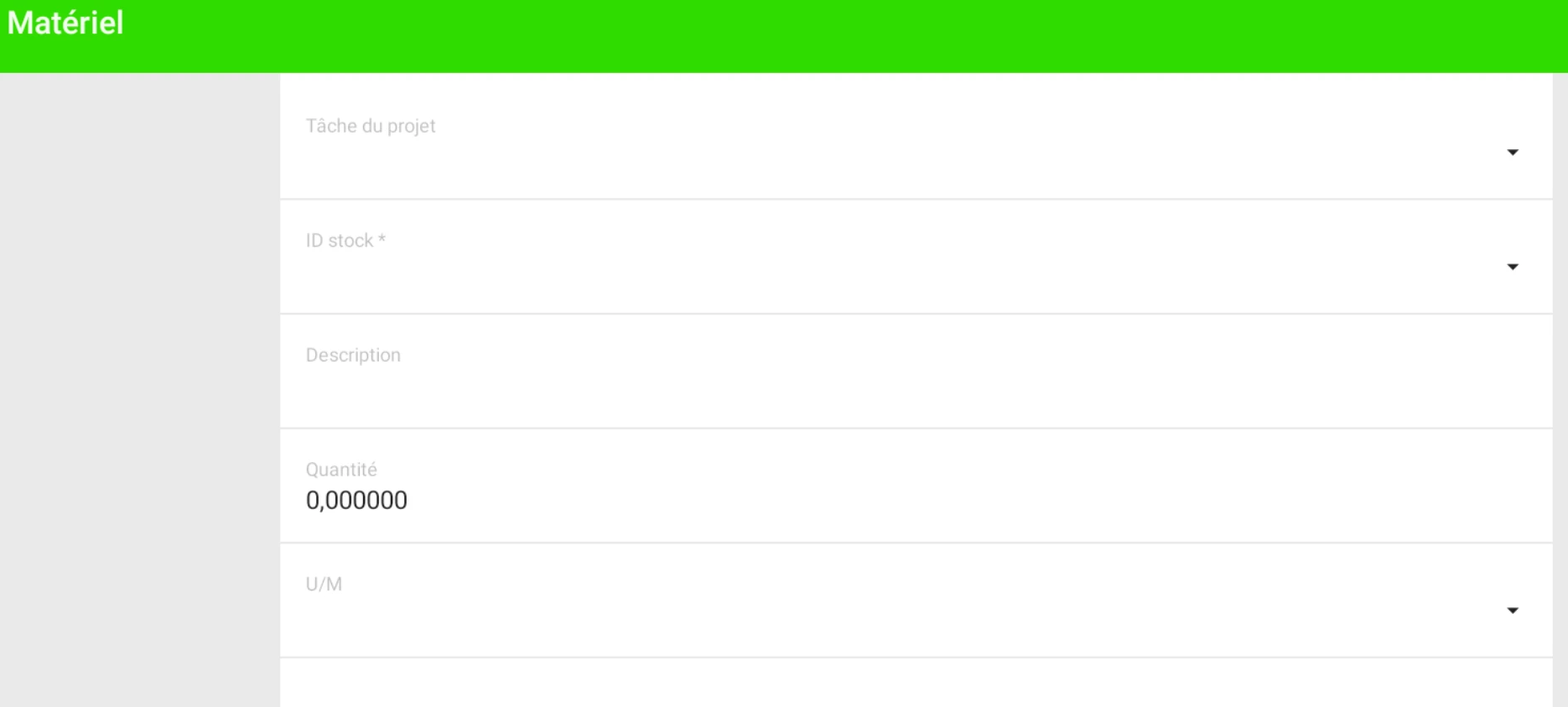
 

If anyone could help me, thanks in advance.

Best answer by FLAVOIE

I was missing the RowTemplate in the ASPX.

<RowTemplate>              <px:PXSelector runat="server" ID="edTaskID" DataField="TaskID" DisplayMode="Text" AutoRefresh="true" />     <px:PXSelector runat="server" ID="edInventoryID" DataField="InventoryID" DisplayMode="Text" AutoRefresh="true" />

</RowTemplate>

2 replies

DipakNilkanth
Pro III
Forum|alt.badge.img+13

Hi ​@FLAVOIE,

Please check This link. hope this helps you!


  • Author
  • Freshman III
  • Answer
  • September 8, 2025

I was missing the RowTemplate in the ASPX.

<RowTemplate>              <px:PXSelector runat="server" ID="edTaskID" DataField="TaskID" DisplayMode="Text" AutoRefresh="true" />     <px:PXSelector runat="server" ID="edInventoryID" DataField="InventoryID" DisplayMode="Text" AutoRefresh="true" />

</RowTemplate>
