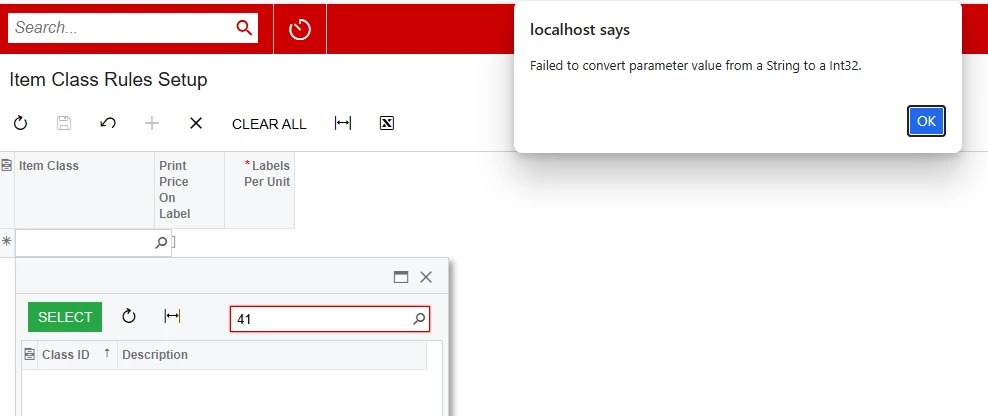
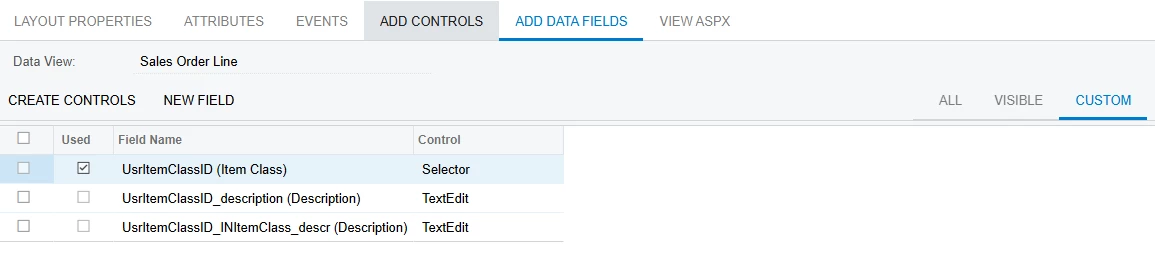
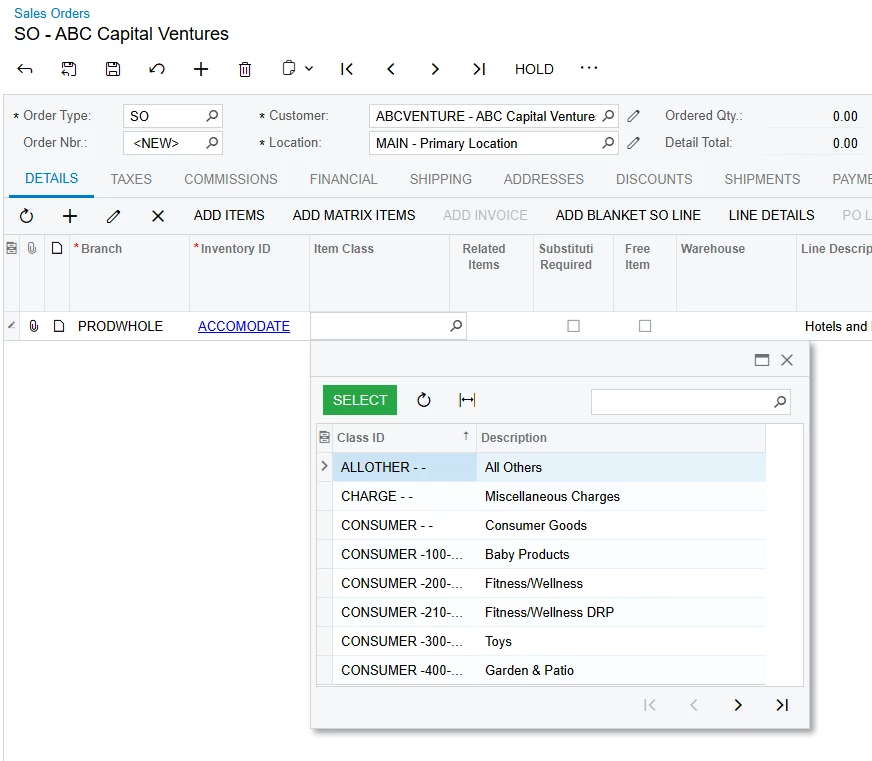
I’m trying to figure out why I can’t search for an Item Class. I’m saving the ItemClassID to SQL even though the ItemClassCD is shown which is what I want. However, my search is always throwing a “failed to convert parameter vale from a String to an Int32” popup box.
Question: is there something that I’m missing to get my search to work?
Here’s my DAC code:
[PXDBInt]
[PXUIField(DisplayName = "Item Class")] [PXSelector(typeof(SearchFor<INItemClass.itemClassID>.Where<INItemClass.itemClassCD.IsNotEqual<Empty>>), SubstituteKey = typeof(INItemClass.itemClassCD), DescriptionField = typeof(INItemClass.itemClassID))]
public virtual int? ItemClassID { get; set; }
[SuppressMessage("Style", "IDE1006:Naming Styles", Justification = "DAC field BQL class uses same name with different case")]
public abstract class itemClassID : BqlInt.Field<itemClassID> { }
Here’s my Grid:
<px:PXGrid ID="grid" runat="server" DataSourceID="ds" Width="100%" Height="150px"
AllowPaging="True" AllowSearch="true" AdjustPageSize="Auto"
SkinID="Primary" AllowAutoHide="false" SyncPosition="true" MatrixMode="true">
<Levels>
<px:PXGridLevel DataMember="Records">
<RowTemplate>
<px:PXSelector ID="edItemClass" runat="server" DataField="ItemClassID" AutoRefresh="True"></px:PXSelector>
</RowTemplate>
<Columns>
<px:PXGridColumn DataField="ItemClassID" Width="70" ></px:PXGridColumn>
<px:PXGridColumn DataField="PrintPriceOnLabel" Type="CheckBox"></px:PXGridColumn>
<px:PXGridColumn DataField="LabelsPerUnit" CommitChanges="true"></px:PXGridColumn></Columns>
<Mode AllowUpdate="True" AllowAddNew="True" ></Mode>
</px:PXGridLevel>
</Levels>
<AutoSize Container="Window" Enabled="True" MinHeight="150" />
<Mode AllowAddNew="true" />
<ActionBar >
<Actions>
<AddNew Enabled="true" />
</Actions>
</ActionBar>
</px:PXGrid>