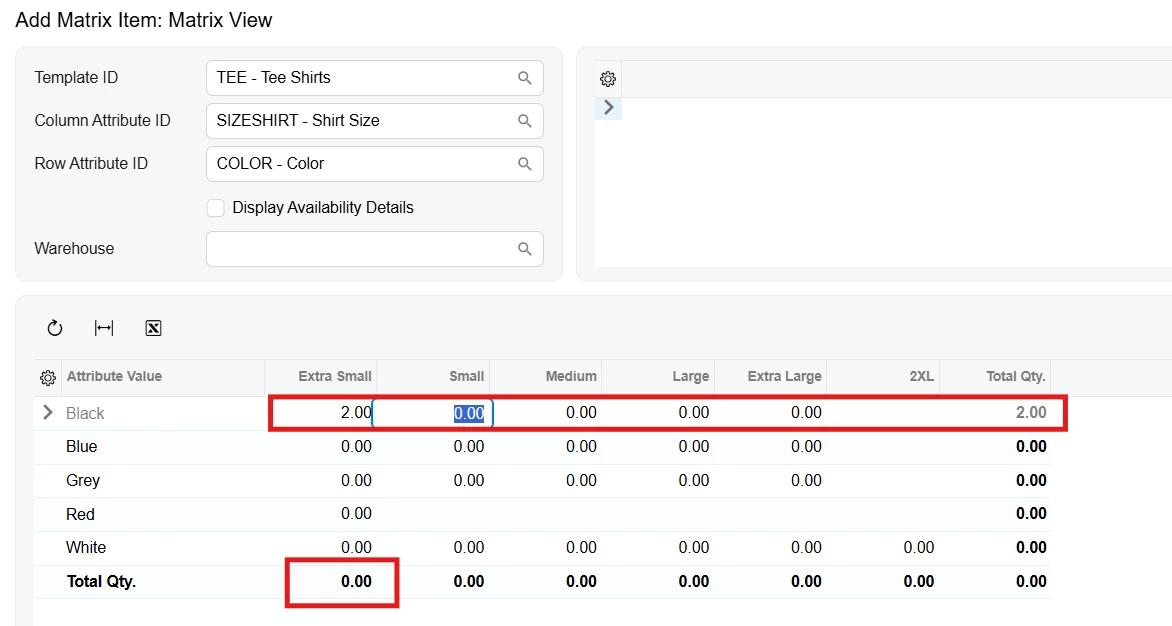
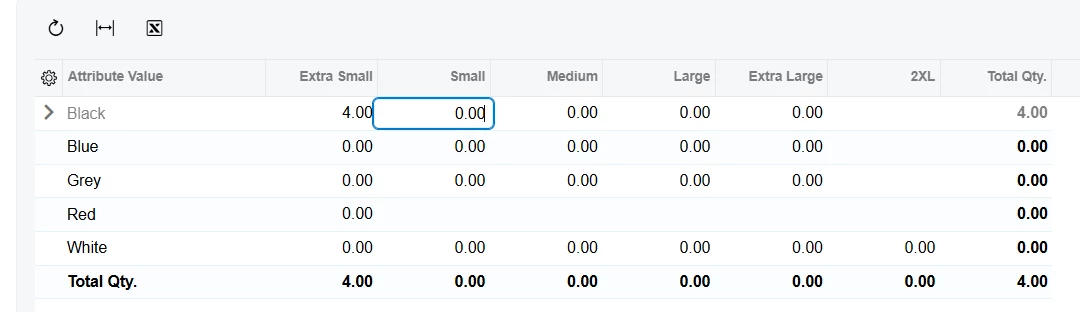
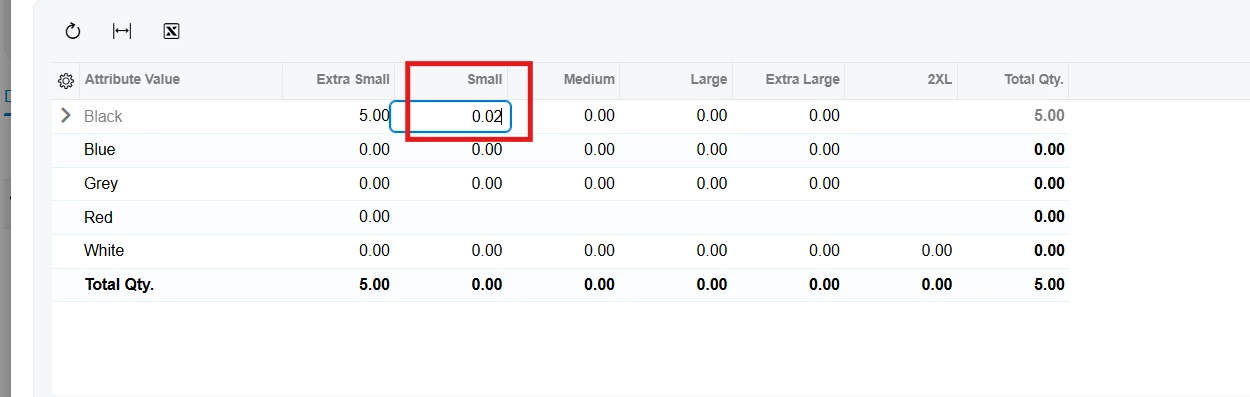
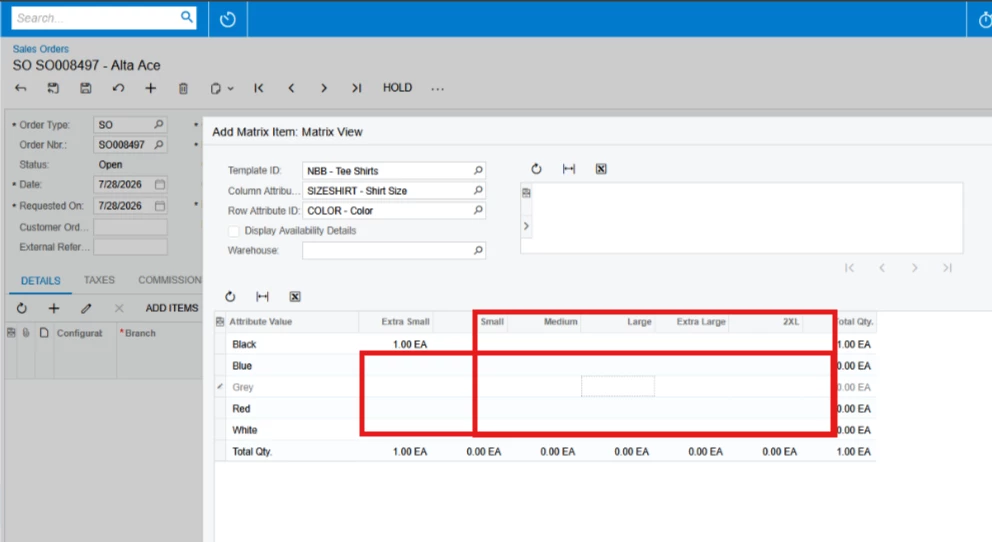
Hide the rows and columns in the Matrix Item grid when there are no corresponding inventory variants or all matrix cells are empty.
If a row or column has no valid Attribute values, I want it to be hidden instead of being displayed with empty cells.
Any guidance or sample implementation would be greatly appreciated. Thank you!

Best answer by jinin
Hi @SaiKrishnaV ,
Try to extend `MatrixEntryExt` and override `GetMatrixAttributeValues()`. That method supplies the attribute values the panel turns into rows and columns — prune what it returns and the empty rows/columns are never built.
- The extension class must live in the `PX.Objects.IN.GraphExtensions.SOOrderEntryExt` namespace. The base type resolves relative to it and won't compile anywhere else. - Extend `MatrixEntryExt`, not `SmartPanelExt`.
Try to extend `MatrixEntryExt` and override `GetMatrixAttributeValues()`. That method supplies the attribute values the panel turns into rows and columns — prune what it returns and the empty rows/columns are never built.
- The extension class must live in the `PX.Objects.IN.GraphExtensions.SOOrderEntryExt` namespace. The base type resolves relative to it and won't compile anywhere else. - Extend `MatrixEntryExt`, not `SmartPanelExt`.