Answer

How to change the default TAB on the Case screen?

  • October 17, 2023
  • 3 replies
  • 114 views

nhatnghetinh
Captain II
Forum|alt.badge.img+11

Dear Team,


When creating a new CASE or opening a CASE, the default TAB is "DETAILS".
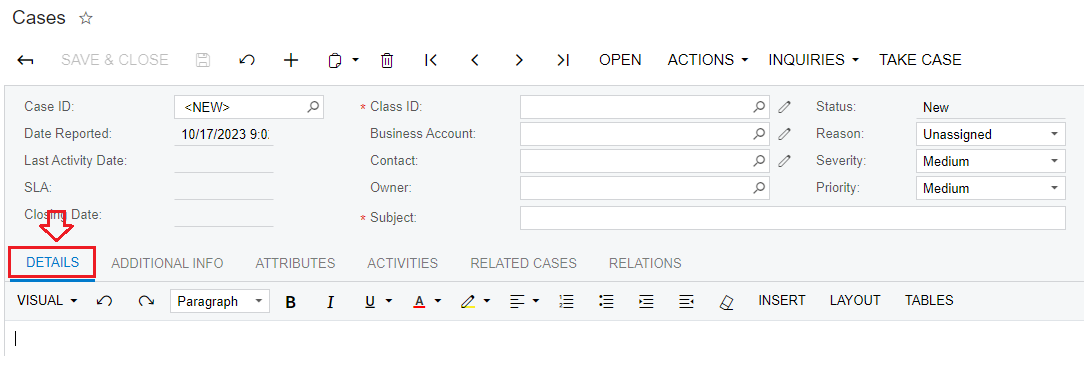


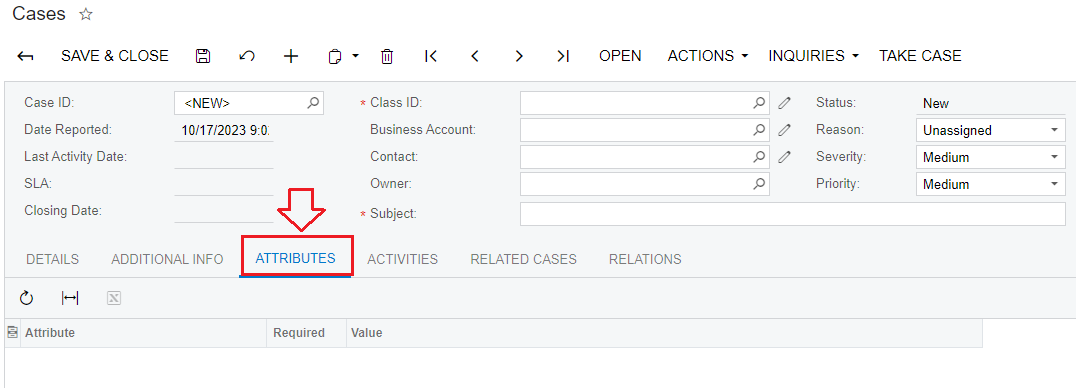
How to change default TAB to "ATTRIBUTES" ?


Best Regards,

NNT

Best answer by Naveen Boga

@nhatnghetinh 

Please check this link

https://community.acumatica.com/distribution%2D6/sales%2Dorder%2Ddefault%2Dtab%2D4456

3 replies

Naveen Boga
Captain II
Forum|alt.badge.img+19
  • Captain II
  • October 17, 2023

@nhatnghetinh  Please go through the below post and it helps  for your requirement.


nhatnghetinh
Captain II
Forum|alt.badge.img+11
  • Author
  • Captain II
  • October 17, 2023

Hi @Naveen Boga,


I clicked on the link as you shared.

https://community.acumatica.com/customization-and-development-72/how-to-conditionally-change-the-default-tab-on-the-entry-form-4309


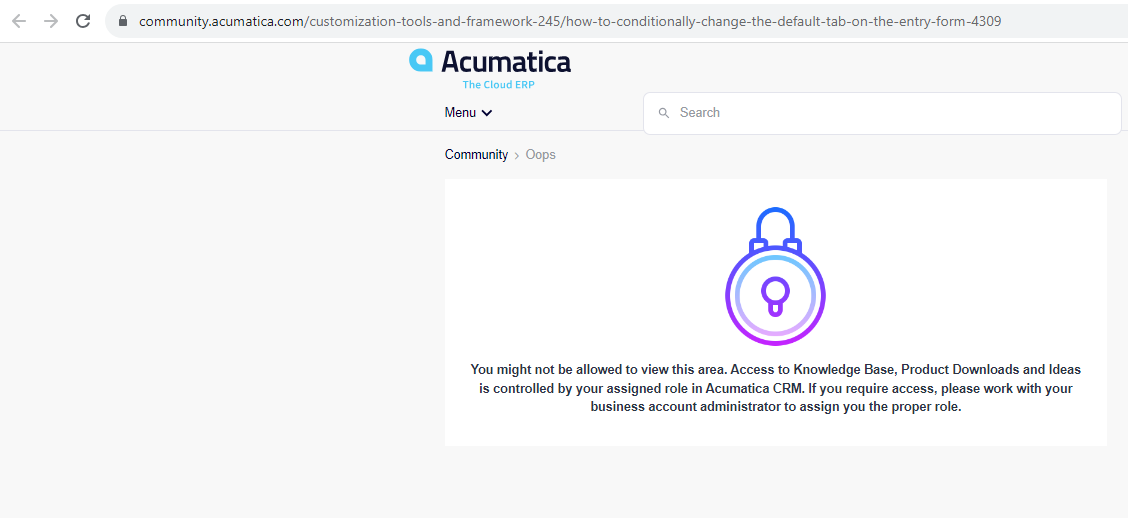
but received the message "You might not be allowed to view this area ..."


Best Regards,

NNT


Naveen Boga
Captain II
Forum|alt.badge.img+19
  • Captain II
  • Answer
  • October 17, 2023