




I have added a custom screen to the mobile app.
This is NOT coming from a GI. I have found using a GI for this is a complete nightmare.
- Is it possible to add a filter to a screen that is not coming from a GI?
- I’d like to be able to add a label to the Reminder Date field. I cannot find a way to do this.
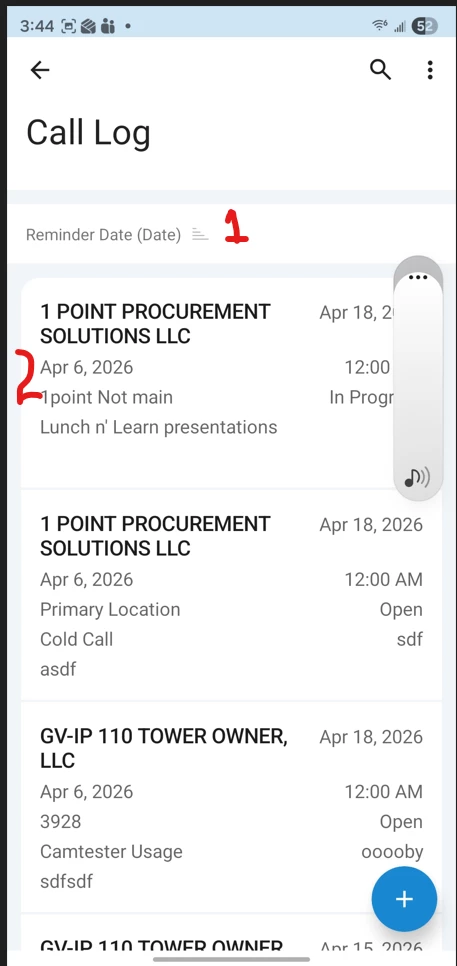
When you click Add or tap an existing record, the custom screen opens and works perfectly.
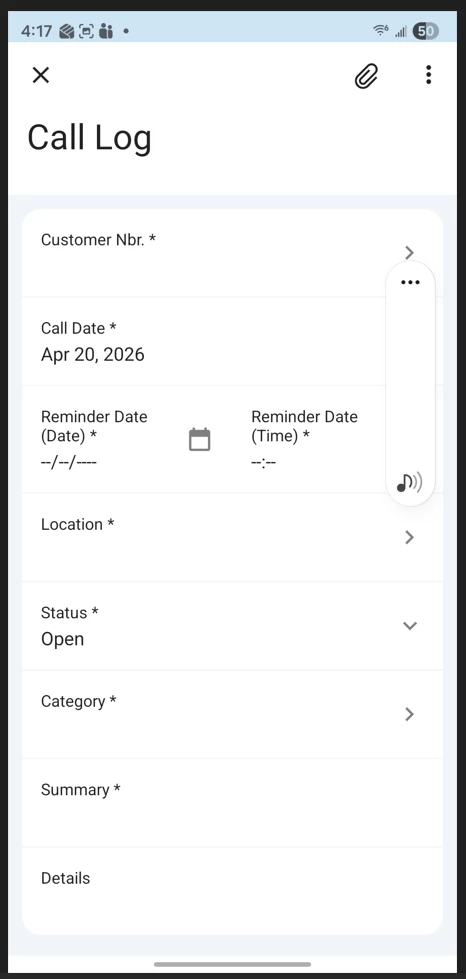
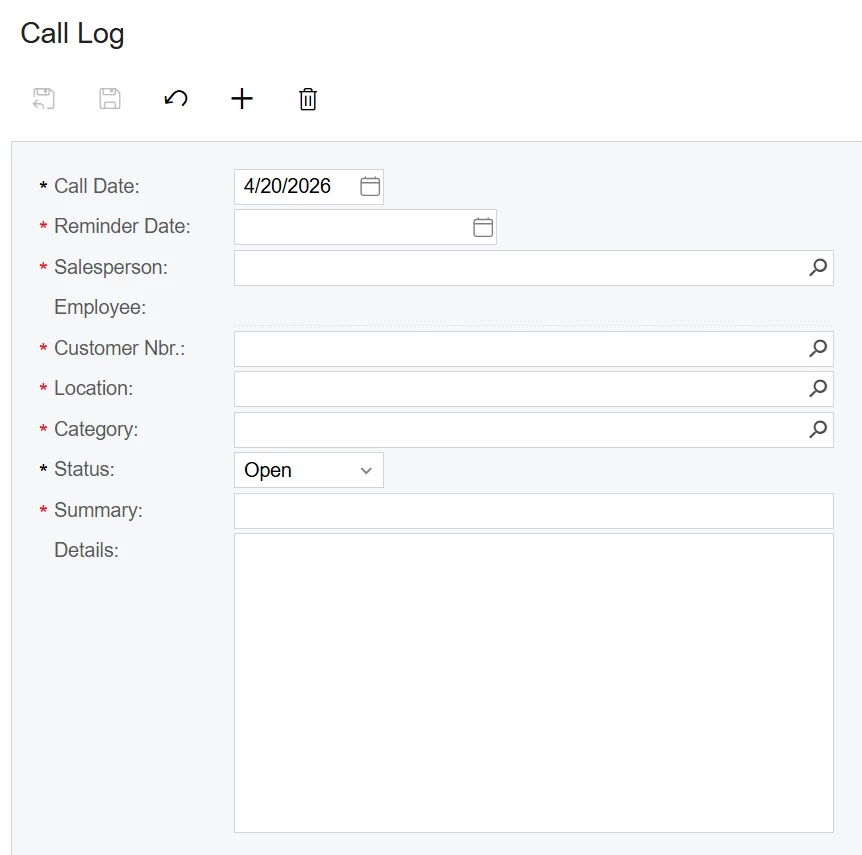
This is the screen on the site:
This is the code for the Mobile App.
add screen IC301010 {
  Add container "ICSCallLogView" {
    fieldsToShow = 10
    containerActionsToExpand = 4
    add layout "CustomerRow" {
      displayName = "Customer"
      layout = "Inline"
    add field "CustomerNbr"
    }
    add field "CallDate"
    add layout "ReminderDateTimeRow" {
    displayName = "Reminder"
      layout = "Inline"
      add field "ReminderDateDate"
      add field "ReminderDateTime"
    }

    add field "Location"
    add field "Status"
    add field "Category"
    add field "Summary"
    add field "Details"
    add recordAction"Save" {
      displayName = "Save"
    }
    add containerAction"Cancel" {
      displayName = "Cancel"
        behavior = Cancel
    }

    add containerAction "Insert" {
      behavior = Create
    }

 add recordAction "Delete" {
      icon = "system://Trash"
      behavior = Delete
    }
    }
  }
Can either of these be done?

