


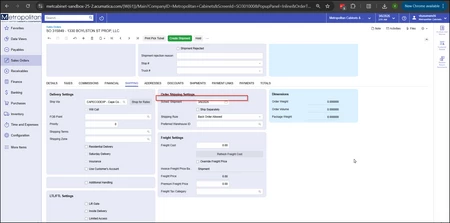
Hello Acumatica team,
How can the missing text in the Shipping tab be added in the Modern UI using a screen extension?
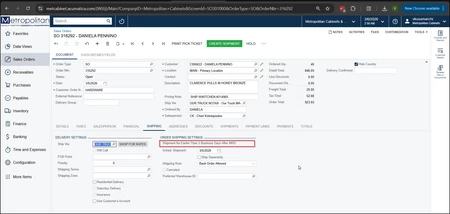
Hello Acumatica team,
How can the missing text in the Shipping tab be added in the Modern UI using a screen extension?
Best answer by arpine08
Hello mboddepalli10,
Here is my suggestion for adding a custom label to the Shipping tab on the Sales Orders screen in the Modern UI:
HTML:
<template>
    <style>
        .myclass label {
            background-color: #FFF0F0 !important;
            color: #D32F2F !important;
        }
    </style>
    <field before="#fsOrderSettings-Shipping [name='ShipDate']">
        <field name="FakeField" replace-content unbound>
            <qp-label id="myLabel" caption="Note: Specialized Handling Requirements for this Shipment." class="myclass">
            </qp-label>
        </field>
    </field>
</template>
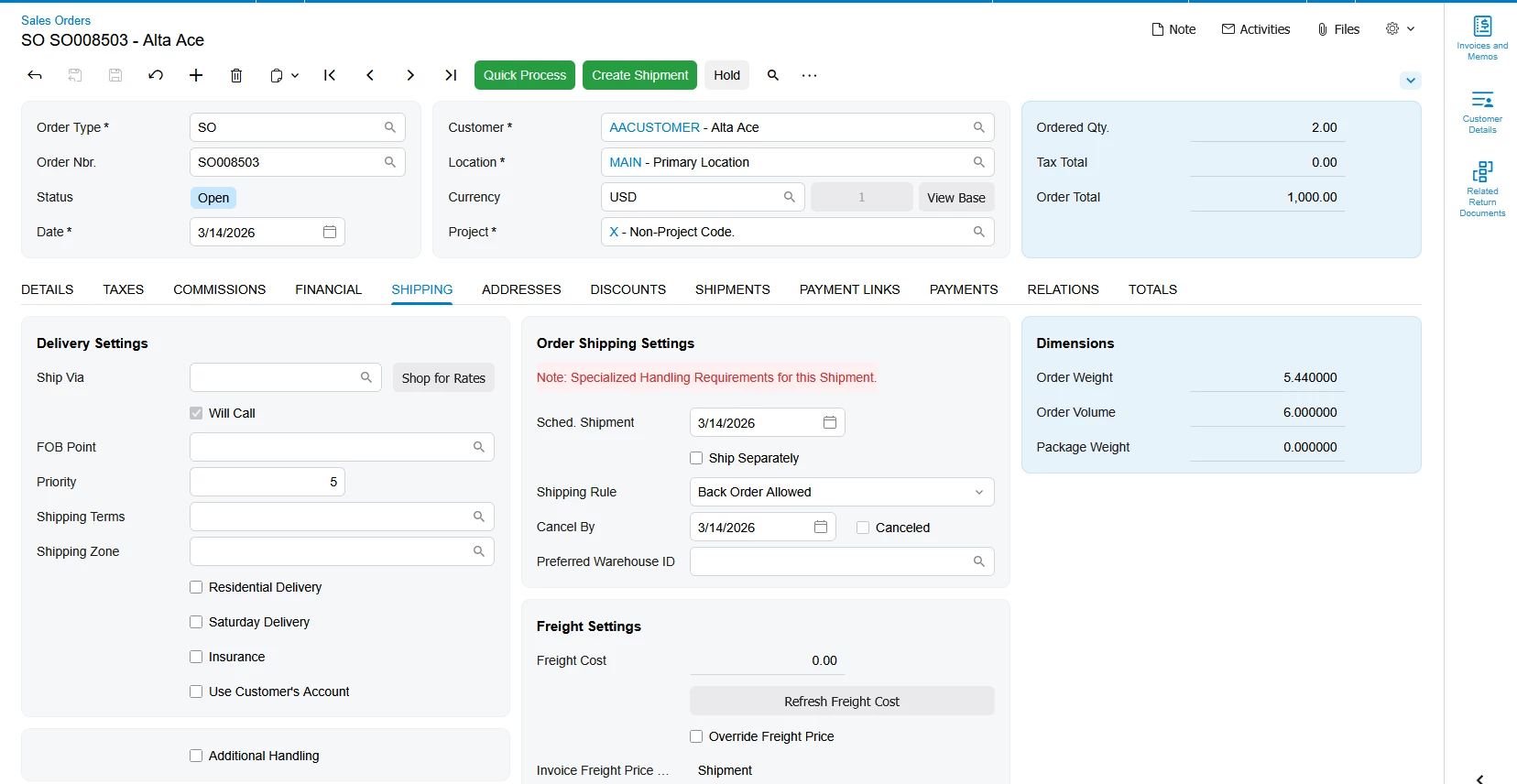
Result:
Enter your E-mail address. We'll send you an e-mail with instructions to reset your password.






