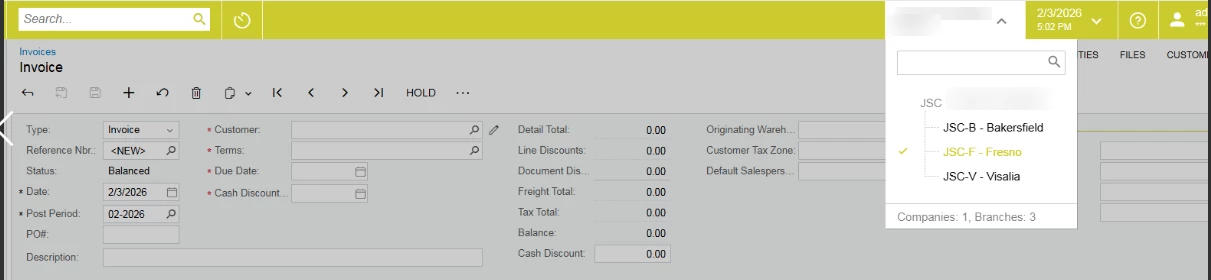
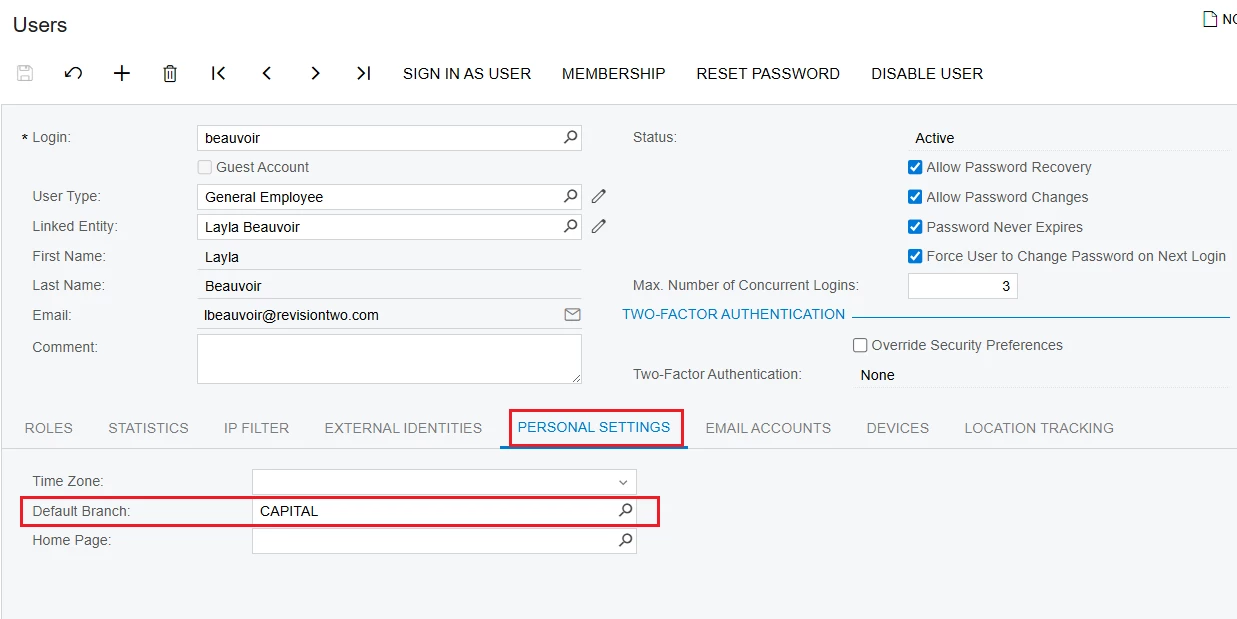
@nhatnghetinh Thank you for your answer. I want to do it without user restrictions for specific reasons. With a default branch assigned, the user can switch between branches, which does not work for me.
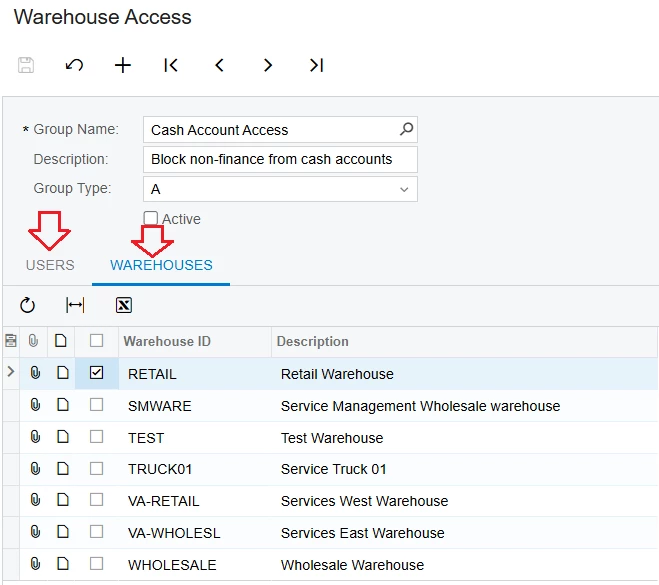
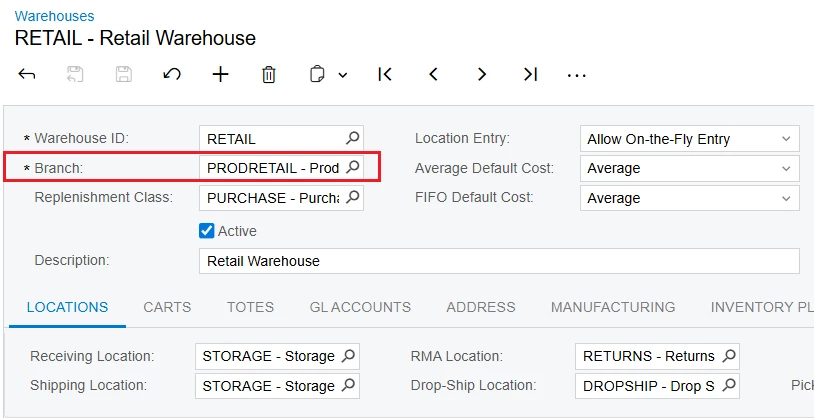
1/. Because each Warehouse in Acumatica is tied to a Branch, you can use "Warehouse Access" screen to restrict users from accessing Branches through the Warehouse.
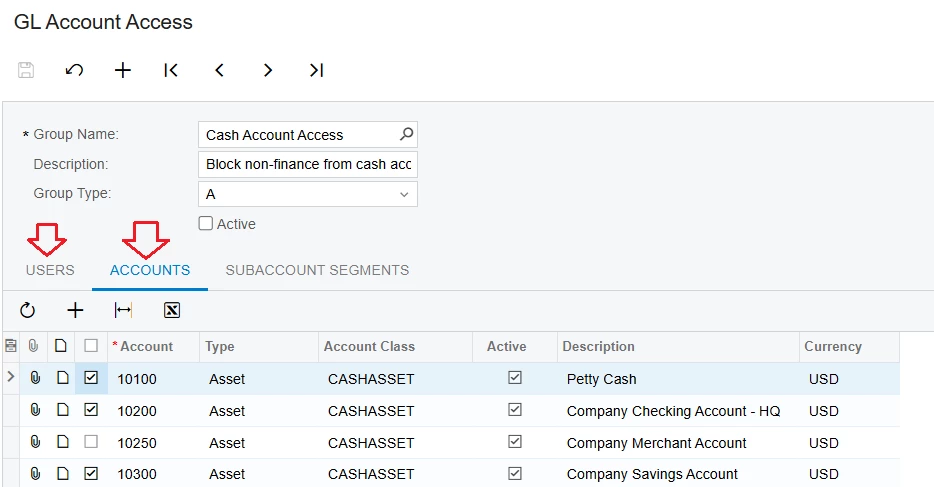
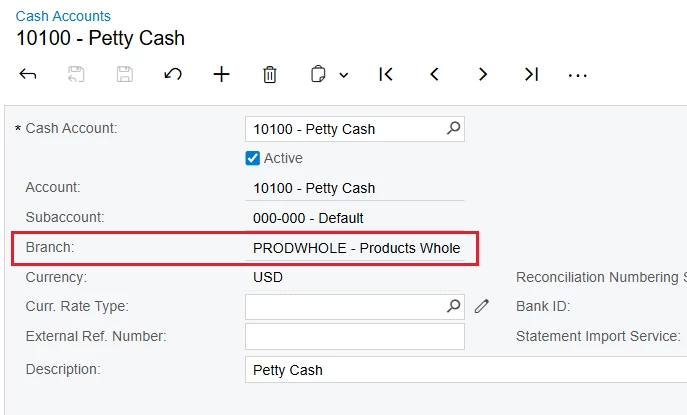
2/. And because each Cash Account in Acumatica is required to be linked to a Branch, you can use the "GL Account Access" feature to restrict users from accessing Branches through Cash Accounts.
3/. You can also restrict users from accessing Customer, Vendor, and Inventory from restricted Branches using the "Customer Access," "Vendor Access," or “Inventory Item Access” screens.
@nhatnghetinh This is the reason: I don’t want to use restrictions. If I restrict it by branch, I won’t be able to select warehouses or cash accounts from other branches. I want each user to have only one branch, but still be able to select all warehouses.
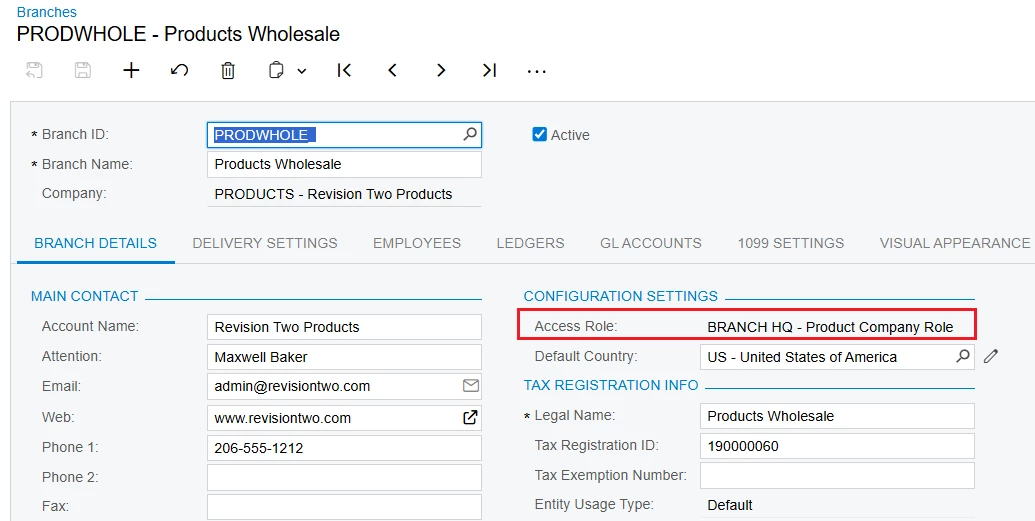
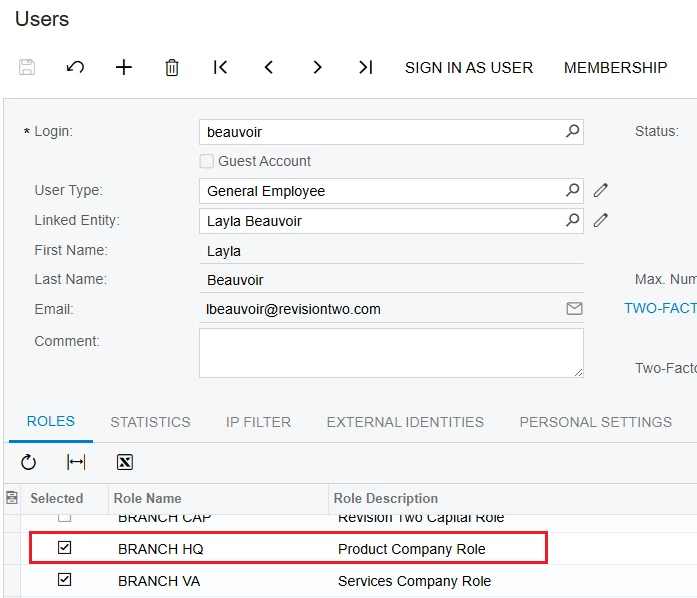
@mos11 This can be achieved by mapping the user account to specific branches. You can either revoke permissions for other branches or explicitly grant access only to the required branches