

Solved

How can I add an image to a grid column in the Modern UI? (version 25.200.0248)

  • January 14, 2026
  • 2 replies
  • 100 views

Forum|alt.badge.img

Hello everyone.

I’m asking if someone can help me with this issue.

I have a Processing screen where I have grid column that display an image based on a URL. The column type is Icon and the DisplayMode is set to Value. In the Classic UI, this works perfectly, but when I switch to the Modern UI, an error message appears while the screen is loading. (External URL has been specified. Parameter name: url)

I searched for a solution, but I couldn’t find any way to add an image to a grid column in the Modern UI. It seems that only the <qp-image-uploader> tag can be used, and only inside a form.
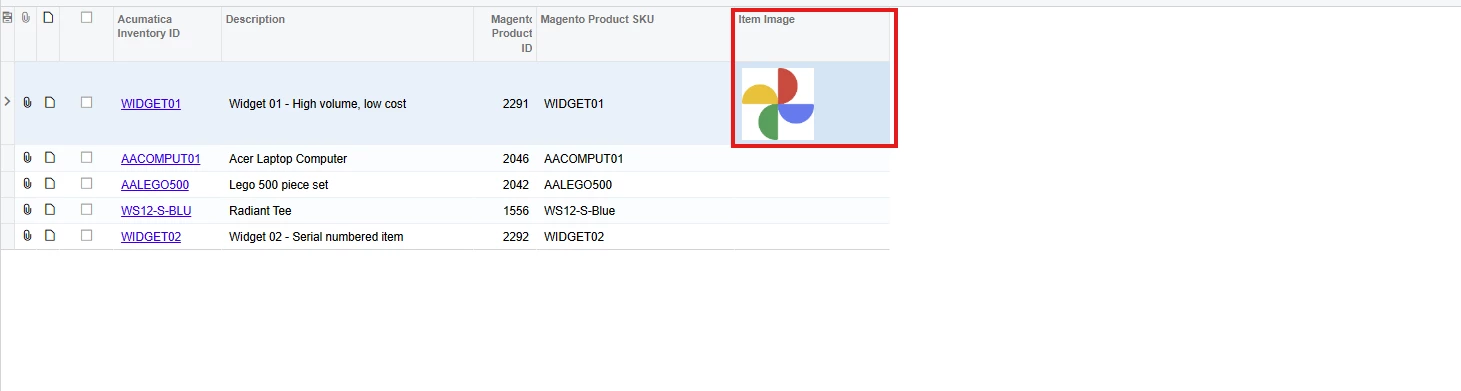



When I change the ItemImageURL with  the Acumatica stock item image URL, the screen opens, but the image is still not displayed
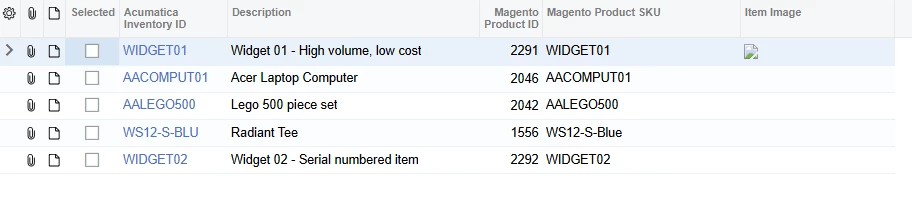
 

Can someone help me with this issue?
Thanks in advance.
Best answer by arpine08

Hello Vard86


Based on this StackOverflow discussion:

Show image uploaded from Files on grid Acumatica

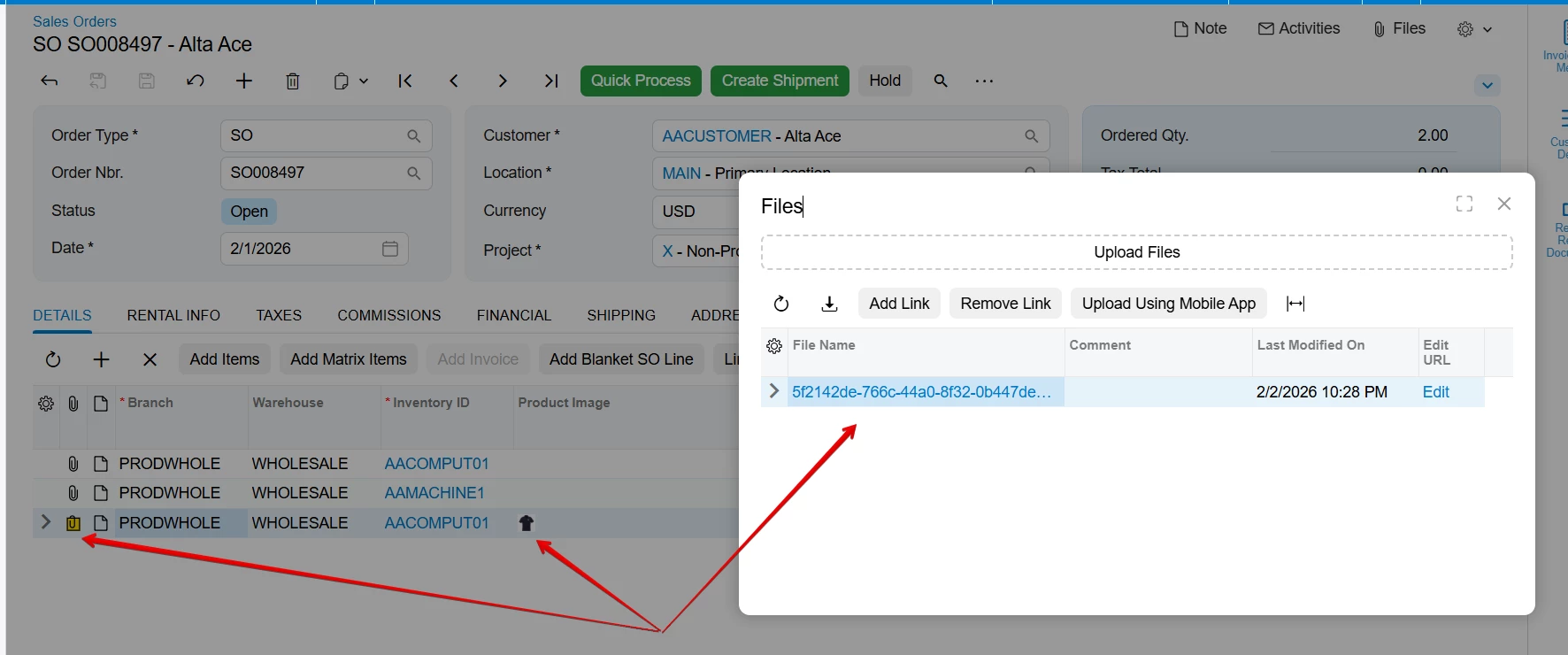
you can bypass security restrictions by using Acumatica’s Standard Files handling. By saving the image using UploadFileMaintenance, the system treats it as a local resource. This ensures the image renders correctly in the grid without triggering external URL validation errors.


Here is the grid column declaration from my .ts file:


Hope this helps!


2 replies

arpine08
Jr Varsity I
Forum|alt.badge.img+1
  • Jr Varsity I
  • Answer
  • February 3, 2026

Hello Vard86


Based on this StackOverflow discussion:

Show image uploaded from Files on grid Acumatica

you can bypass security restrictions by using Acumatica’s Standard Files handling. By saving the image using UploadFileMaintenance, the system treats it as a local resource. This ensures the image renders correctly in the grid without triggering external URL validation errors.


Here is the grid column declaration from my .ts file:


Hope this helps!


Forum|alt.badge.img
  • Author
  • Varsity I
  • February 3, 2026

@arpine08 Thank you!

I will try to add the image in this way so that it is displayed in the Modern UI.


Regards,
Vard

