Hello everyone.
I’m asking if someone can help me with this issue.
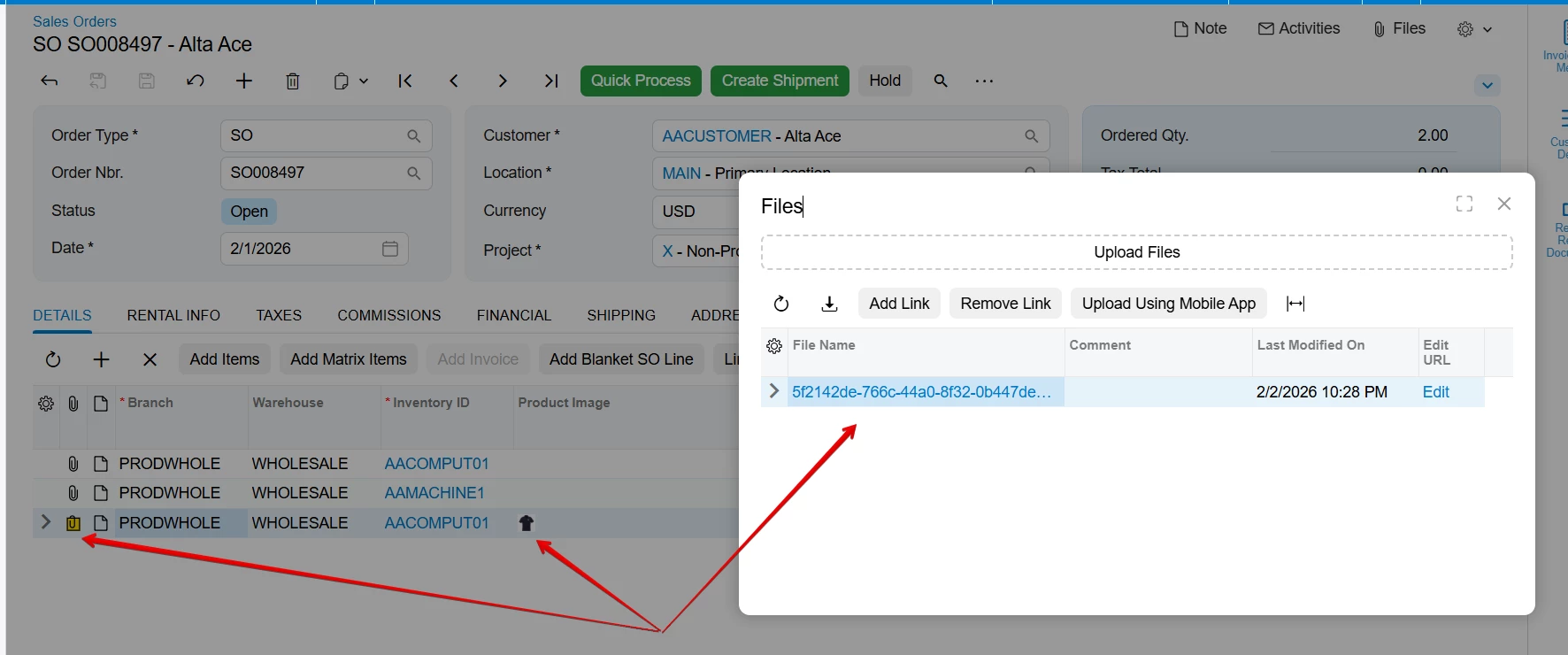
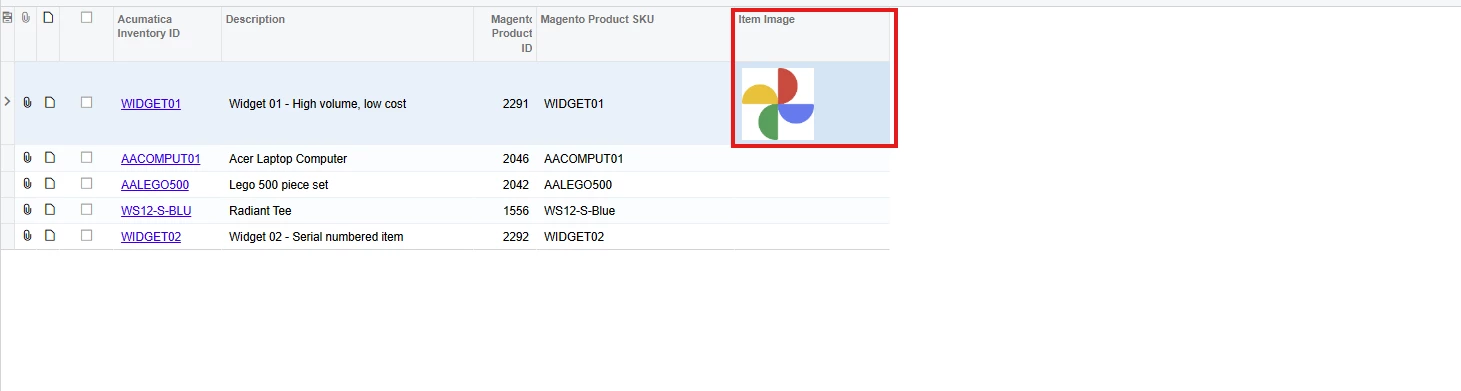
I have a Processing screen where I have grid column that display an image based on a URL. The column type is Icon and the DisplayMode is set to Value. In the Classic UI, this works perfectly, but when I switch to the Modern UI, an error message appears while the screen is loading. (External URL has been specified. Parameter name: url)
I searched for a solution, but I couldn’t find any way to add an image to a grid column in the Modern UI. It seems that only the <qp-image-uploader> tag can be used, and only inside a form.

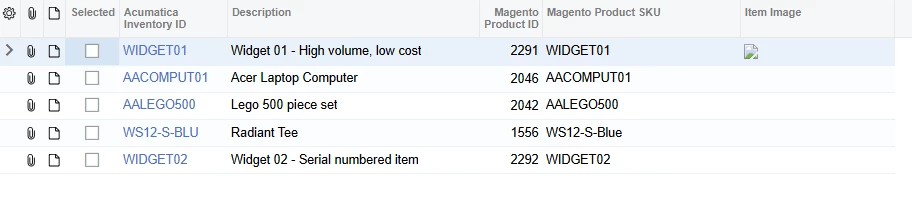
When I change the ItemImageURL with the Acumatica stock item image URL, the screen opens, but the image is still not displayed
Can someone help me with this issue?
Thanks in advance.