




This might seem like a duplicate topic, but I tried the things in this previous topic to no avail:
When I click the Plus to add a new record, the entry screen opens, but it is not the actual entry screen. It opens a read only screen that shows the last record returned by the GI, AND it is not even formatted like the entry screen.
If I select a record to edit, it DOES open my custom screen and it allows me to edit.
In the web site, when you open the GI and click add, it works fine.
Here are some screen shots of the GI:
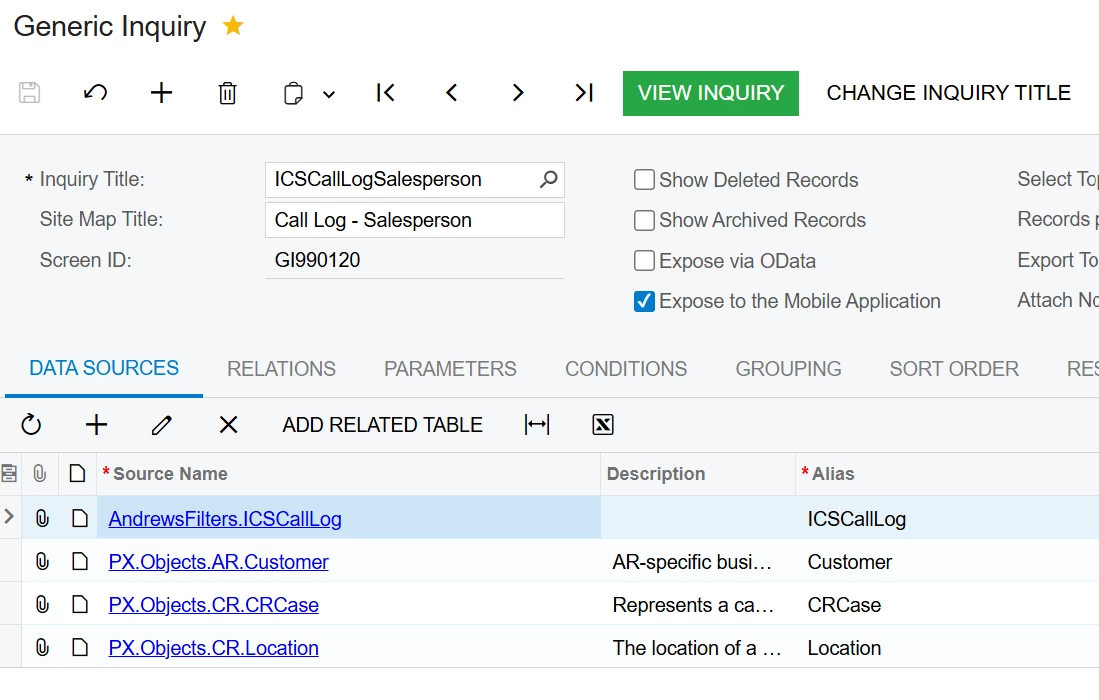
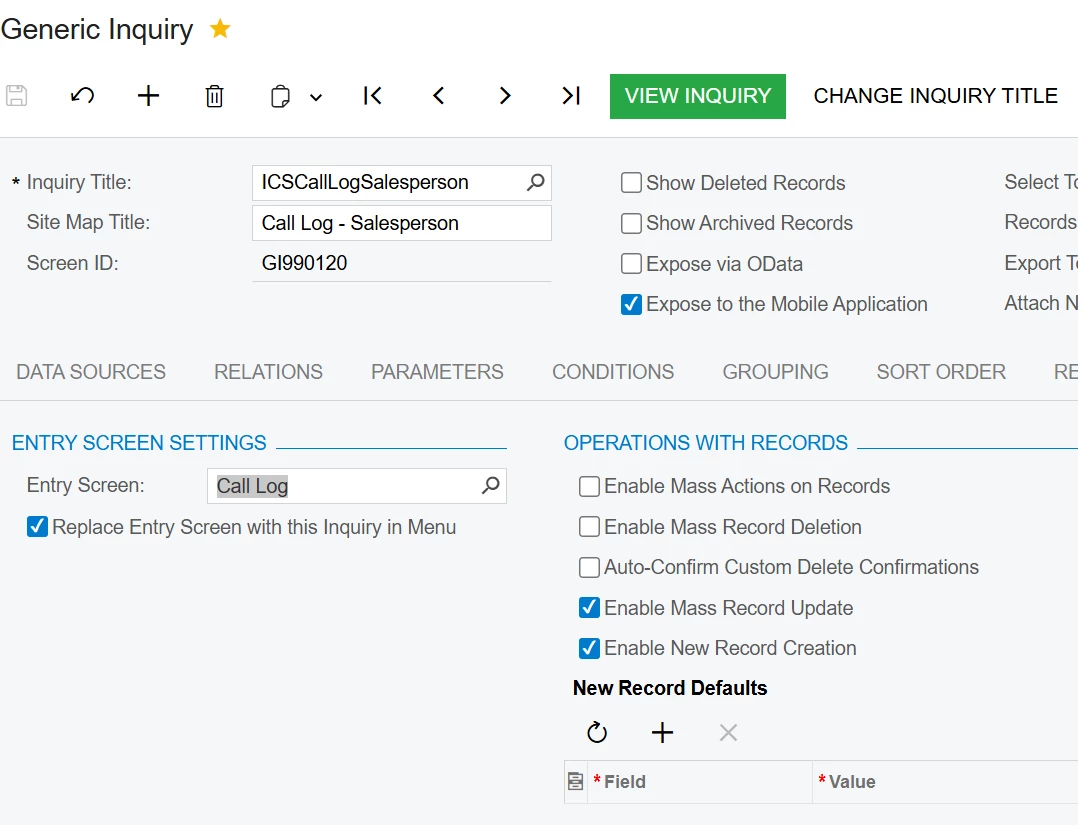
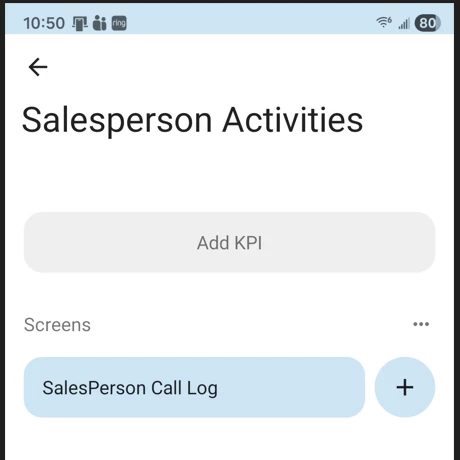
Clicking Plus shows this:
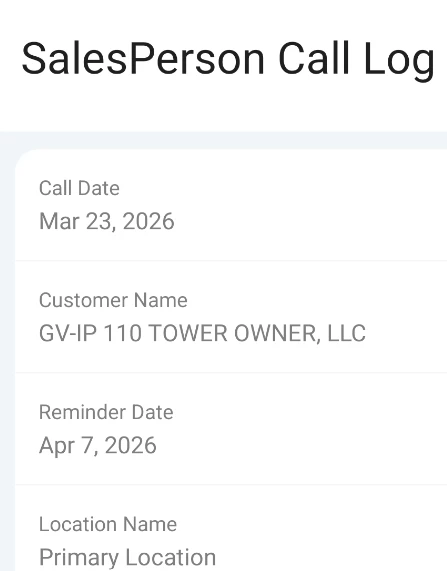
Tapping an existing item shows this:
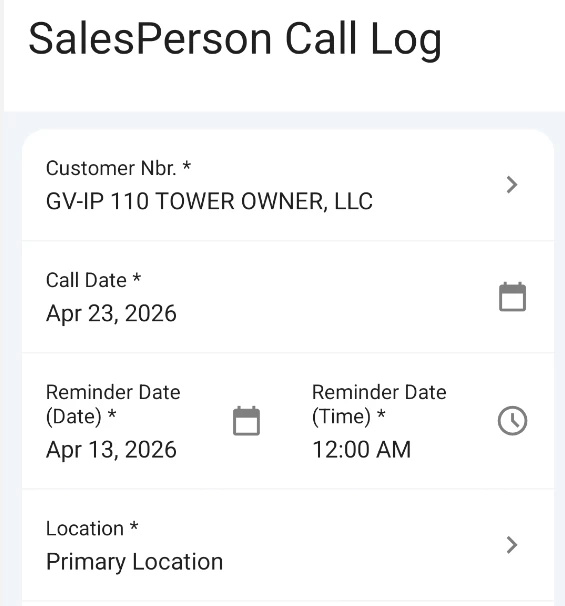
This is the Mobile App code:
add screen GI990120 {
  type = SimpleScreen
  add container "Result" {
    fieldsToShow = 7
    containerActionsToExpand = 3
    add field "CallDate"
    add field "CustomerName"
    add field "ReminderDate"
    add field "LocationName"
    add field "Status"
    add field "Category"
    add field "Summary"


    add containerAction "insert" {
      behavior = Create
    }
    add containerAction "editDetail" {
      behavior = Open
      redirect = True
    }

    add recordAction "delete" {
      icon = "system://Trash"
      behavior = Delete
    }
  }
}
update sitemap {
  add item "GI990120" {
  displayName = "SalesPerson Call Log"
  visible = True
  }
}

update sitemap {
  add item "IC301010" {
  displayName = "SalesPerson Call Log"
  visible = False
  }
}
I’m probably missing something simple, but I cannot figure it out.

