Solved

Generic Inquiry Automation Schedule

  • October 16, 2025
  • 4 replies
  • 96 views

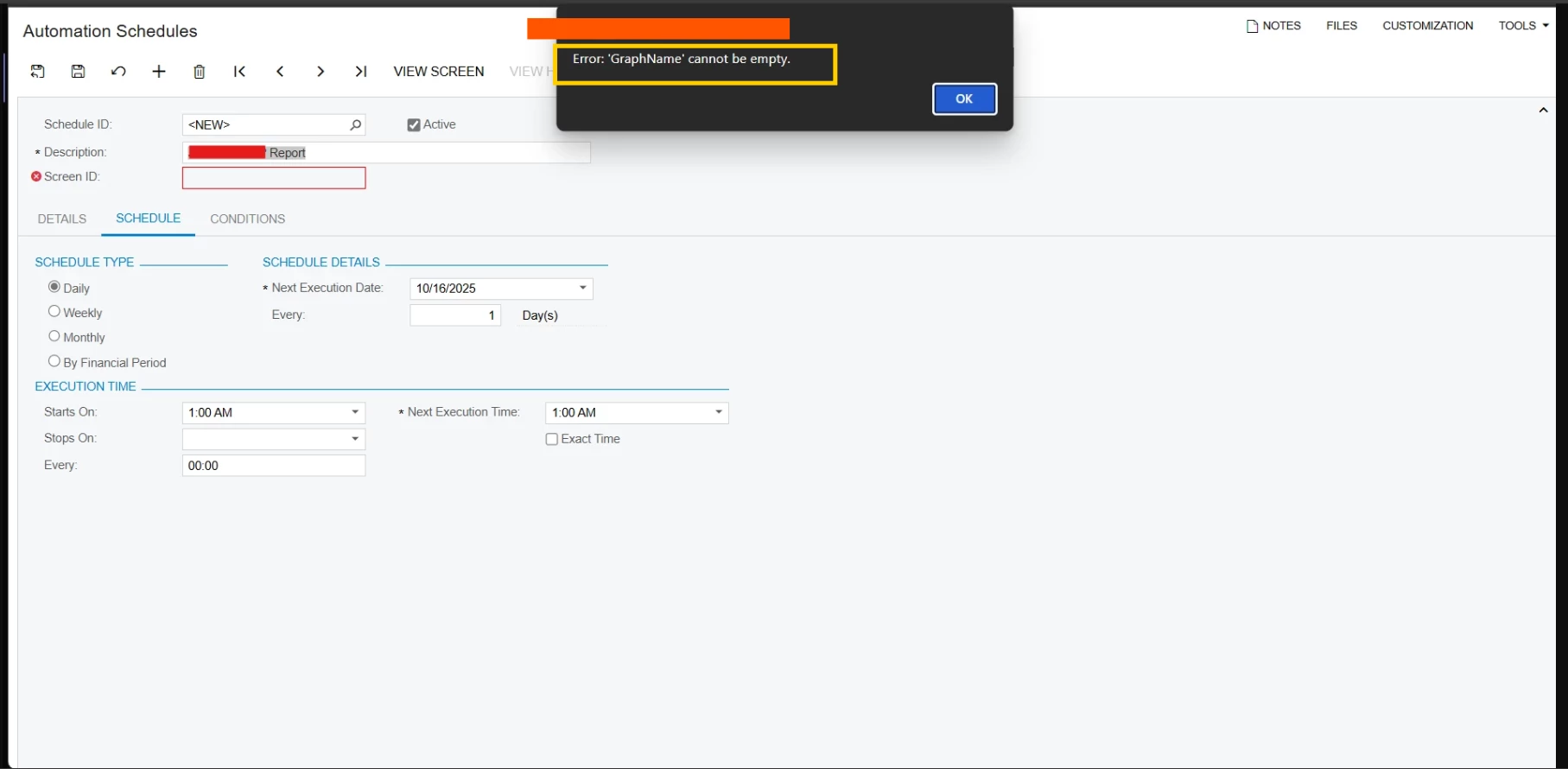
I have been trying to create Automation Schedules for the Generic Inquiry

But I am getting the error of

  1. “Graph Name can not be empty”.


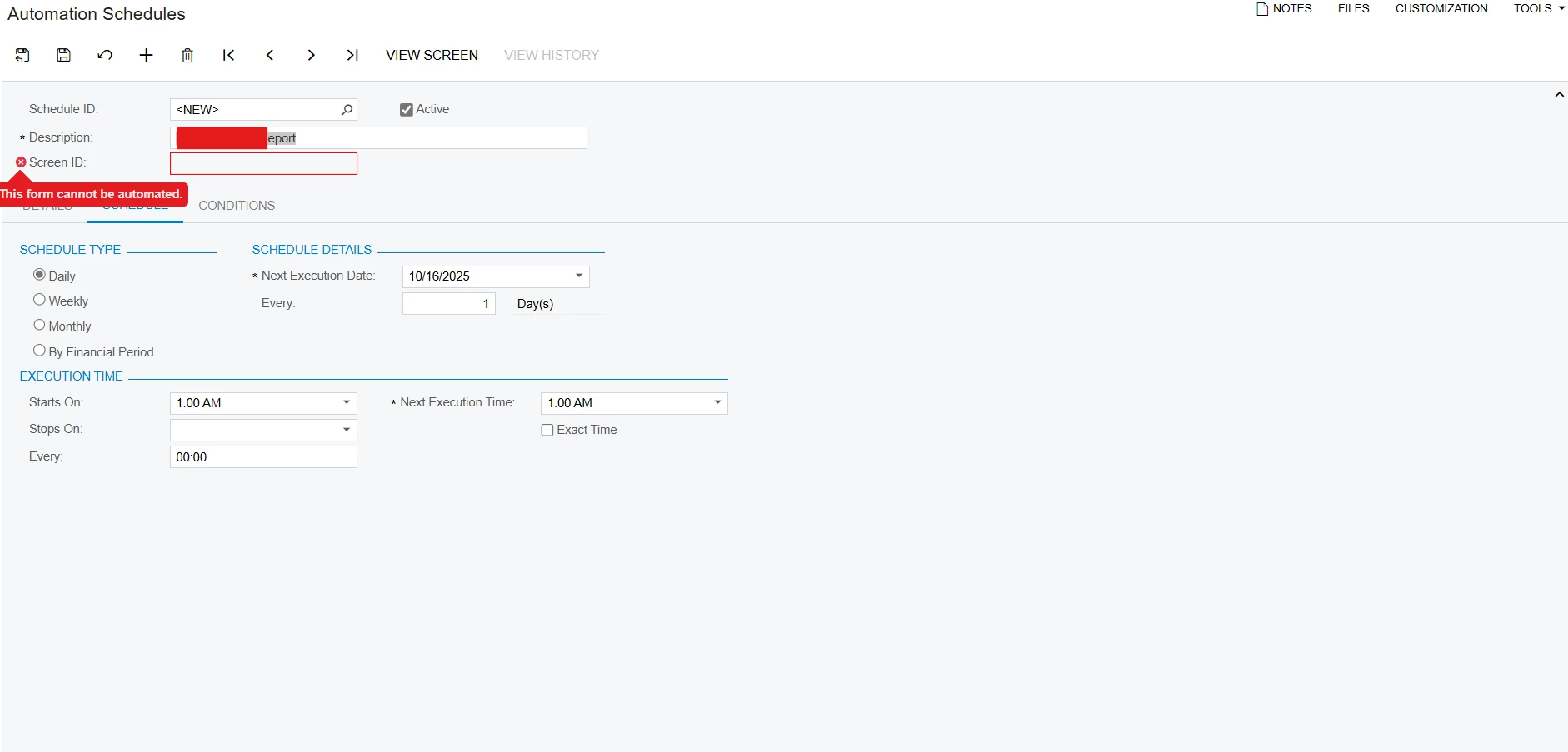
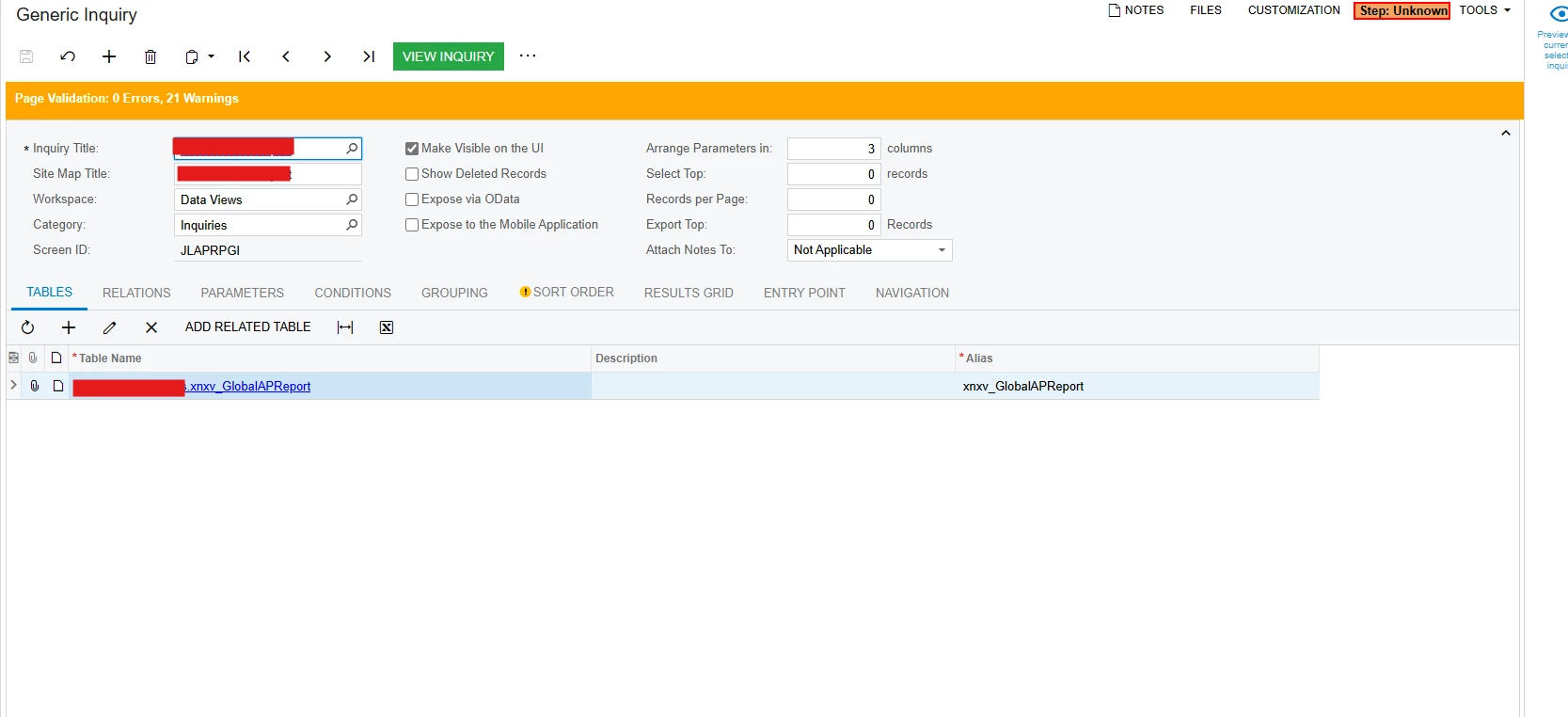
  2. This screen can not be automated, although the screenID was not empty while saving
 

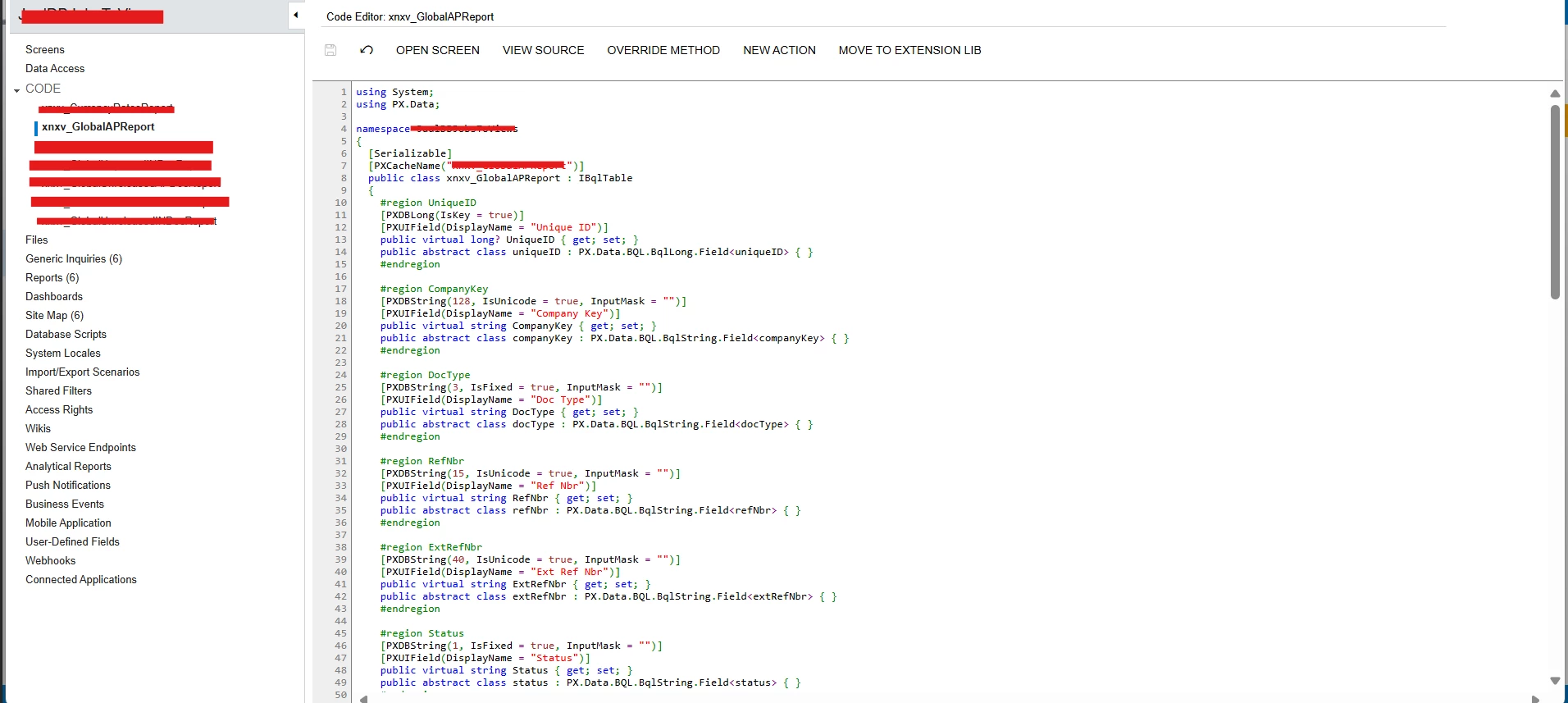
Generic Inquiry is created from the Customization Project, where Custom DAC is created from “View”(xnxv_GlobalAPReport) in SQL
 

Best answer by bwhite49

Some ideas...

  1. Make sure you have full access right to the GI. If you don’t have full access rights, sometimes that can cause weird issues. When you view the GI, do you see the screenID or 000000? If 0000000, then you don’t have permissions to the GI.
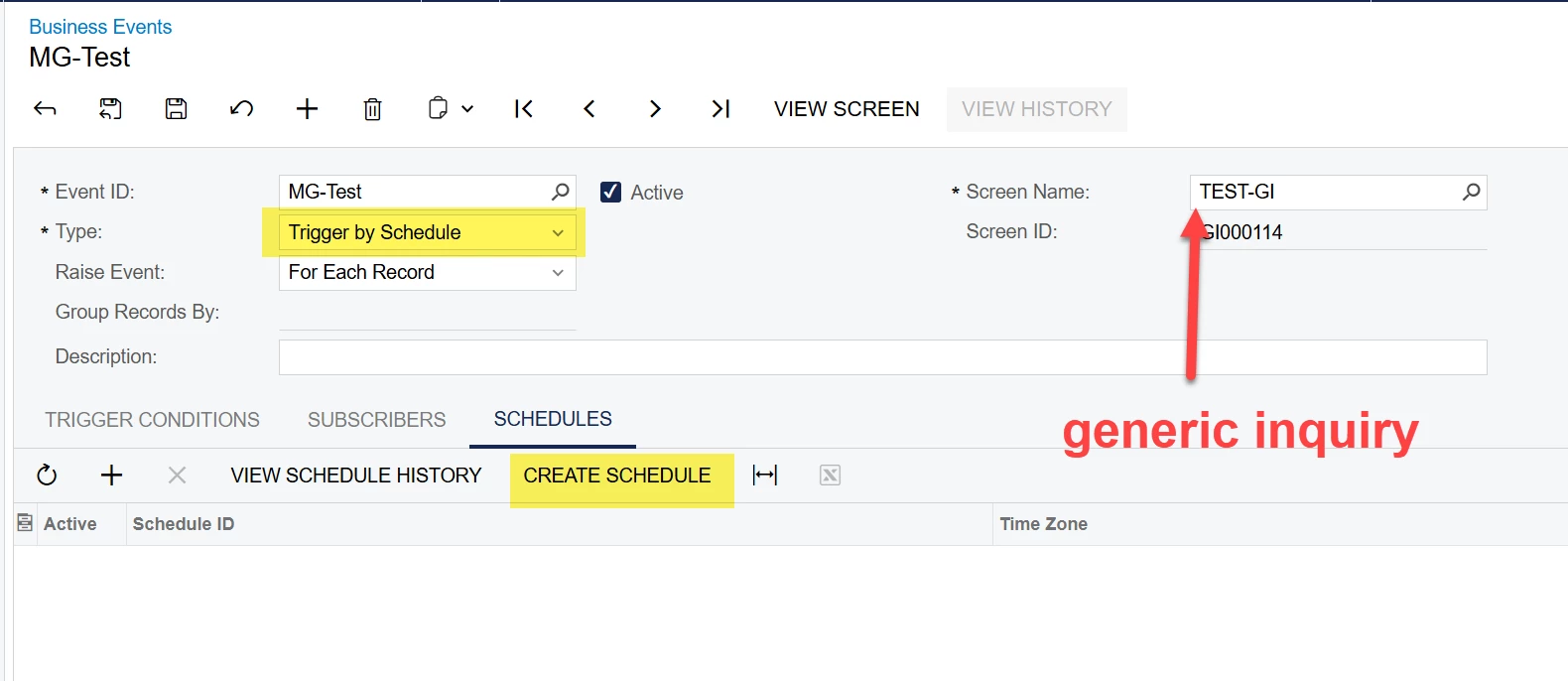
  2. Did you create both the subscriber and the automation schedule FROM the business event? You can’t create the automation schedule and subscriber away from the business event. Use the buttons on the business events screen to create both of these things.

4 replies

bwhite49
Captain II
Forum|alt.badge.img+12
  • Captain II
  • October 16, 2025

You can only create a GI automation schedule through a business event. Whatever you are trying to do through the schedule (action execution, import scenario, email) needs to be set as a subscriber.


  • Author
  • Freshman I
  • October 17, 2025

Hi ​@bwhite49 ,
Thank you so much for replying…
Yes, I was trying to create Schedule through Business Event still I am getting the same error.


bwhite49
Captain II
Forum|alt.badge.img+12
  • Captain II
  • Answer
  • October 17, 2025

Some ideas...

  1. Make sure you have full access right to the GI. If you don’t have full access rights, sometimes that can cause weird issues. When you view the GI, do you see the screenID or 000000? If 0000000, then you don’t have permissions to the GI.
  2. Did you create both the subscriber and the automation schedule FROM the business event? You can’t create the automation schedule and subscriber away from the business event. Use the buttons on the business events screen to create both of these things.

Manikanta Dhulipudi
Captain II
Forum|alt.badge.img+16

@anupusefulbi Please review the Below Business events for automation schedulers to send a notification for errors using Business events