I have a custom field called UsrAlternateIDs which is added to the InventoryItem DAC. It is used as a separate way to search for IDs while using a selector on certain screens. This is how it is added to a screen as an example:
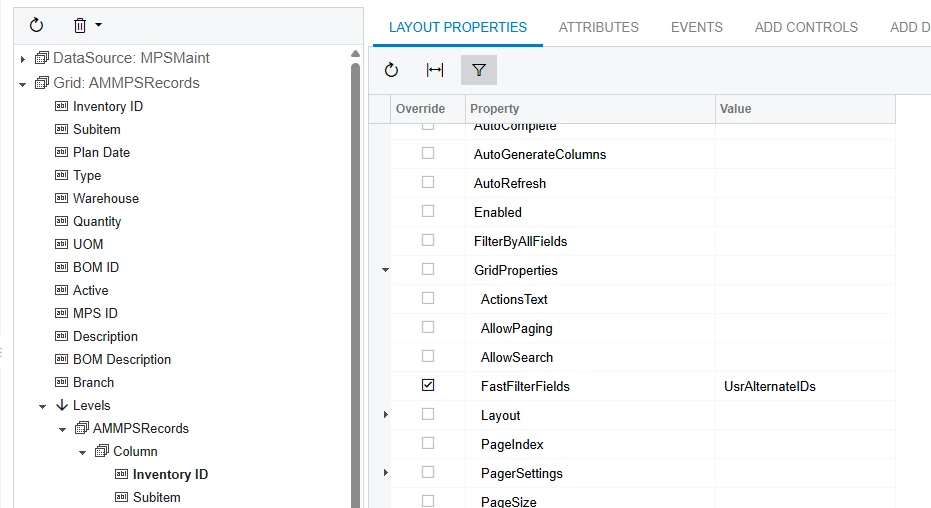
This is done because I would like when the user types in in the selector it will also filter on this custom field. It’s already added to the selector grid and if you click on the selector’s magnifying glass it filters as I would like (this works both in the Classic and Modern UI):
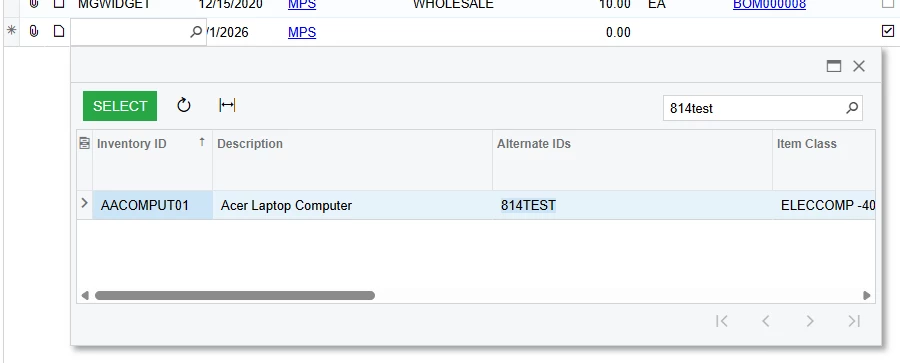
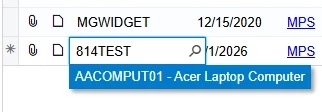
I would like to do the same filter without the user having to click on the magnifying glass to filter the item like it does on the Classic UI:
In the Modern UI I can get the selector to work if you click on the magnifying glass:
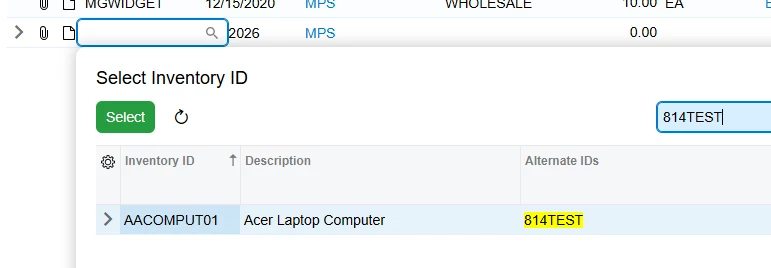
But it doesn’t if you just search without opening the selector’s grid:
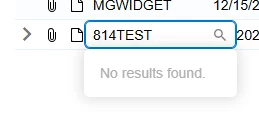
This is what I’ve tried to do which doesn’t seem to do much. Does anyone have any thoughts on how to best update this Classic UI functionality to Modern UI? Or should I do this a different way?
import {
  PXFieldState,
  PXFieldOptions,
  updateDecorator,
  controlConfig,
  fieldConfig,
  GridFastFilterVisibility
} from "client-controls";
import { AM201000, AMMPSRecord } from "src/screens/AM/AM201000/AM201000";

export interface AM201000_RelatedItemsExtraPages extends AM201000 {}
export class AM201000_RelatedItemsExtraPages {}

export interface AM201000_AMMPSRecord_RelatedItemsExtraPages extends AMMPSRecord {}
export class AM201000_AMMPSRecord_RelatedItemsExtraPages {
  @updateDecorator("fieldConfig", "controlConfig", { fastFilterFields: ["UsrAlternateIDs"] })
  InventoryID: PXFieldState<PXFieldOptions.CommitChanges>;
}