Answer

Different report templates over multiple companies within a single tenant

  • May 22, 2024
  • 3 replies
  • 84 views

Forum|alt.badge.img+1

There is a need to maintain separate report templates based on the relevant company. So how can separate report templates corresponding to the multiple companies inside a single tenant be maintained?   

Best answer by Manikanta Dhulipudi

Hi @malinthawarnakulasooriya08 


Please create a new workflow action and attach the same report. Hardcode the email template in the report.

Now when the user clicks on a Duplicate print invoice (different action), it will pull the message content from the report and send it to the customer.

But considering that the above screenshot has many companies, please prefer using the email template.
 

3 replies

Manikanta Dhulipudi
Captain II
Forum|alt.badge.img+15

Hi @malinthawarnakulasooriya08 

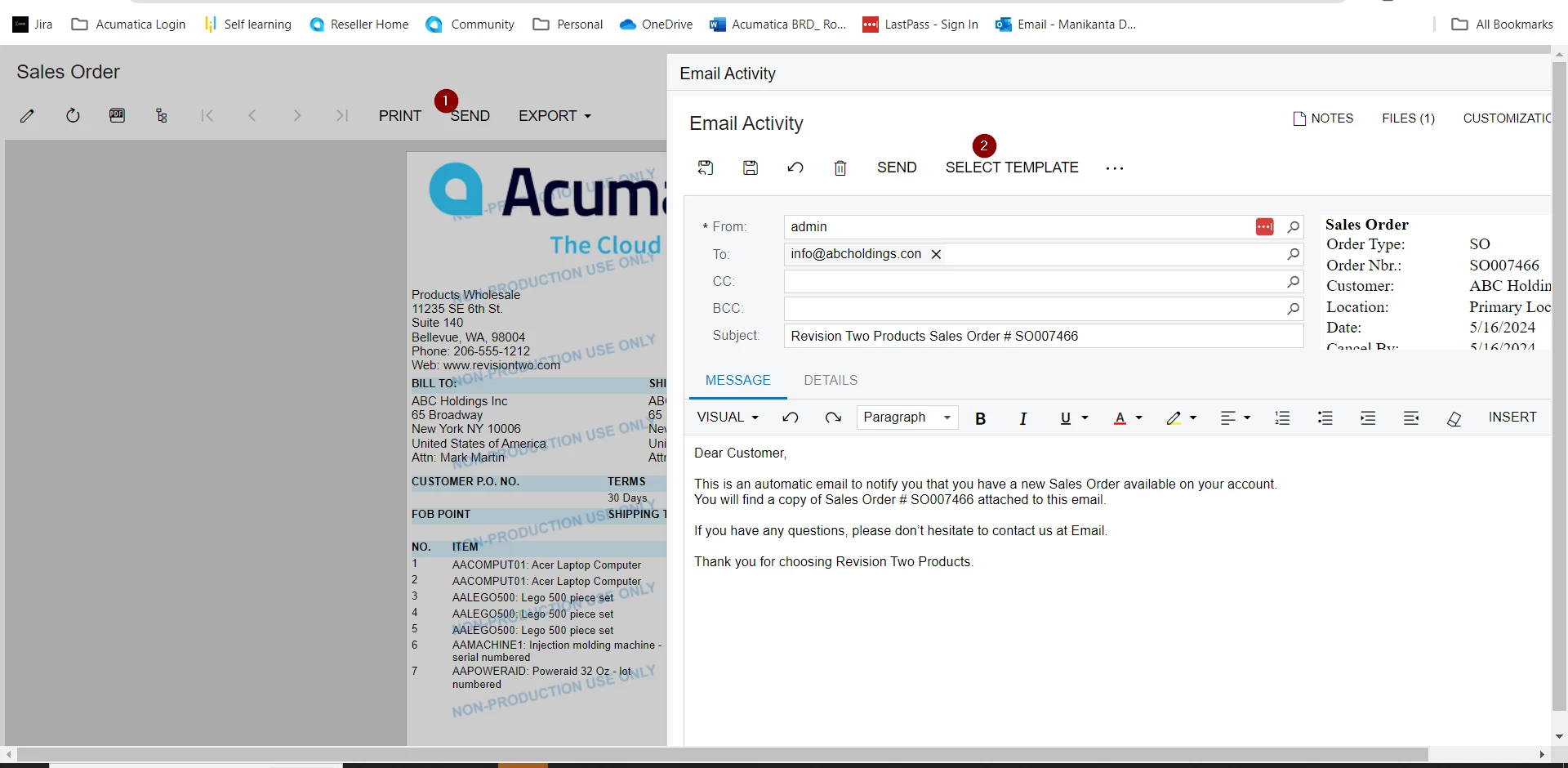
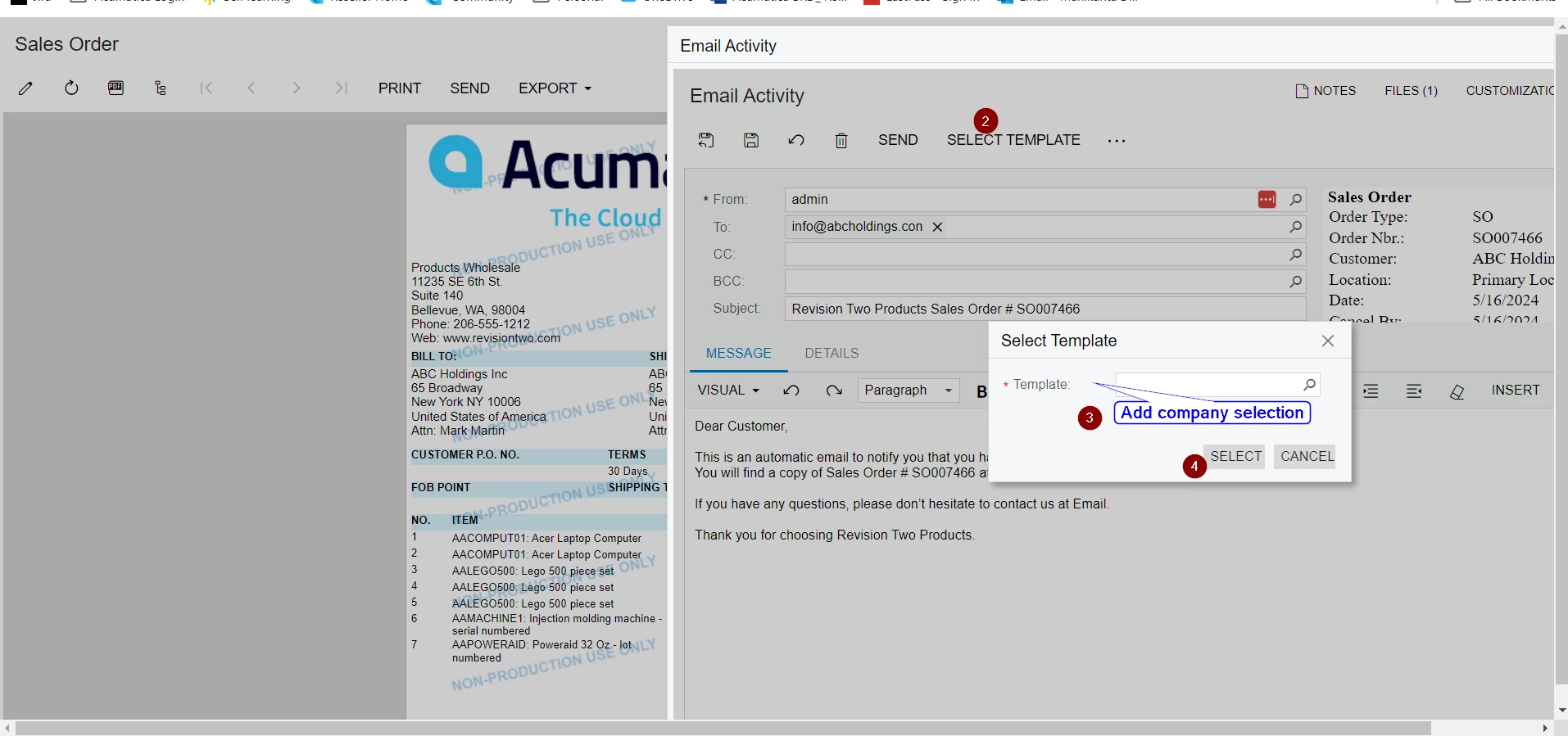
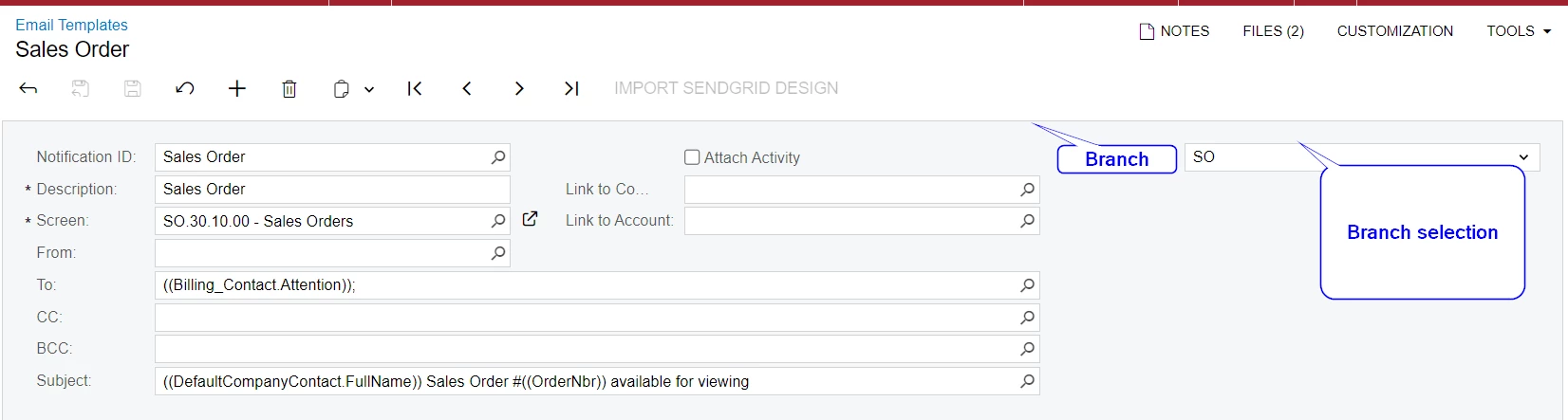
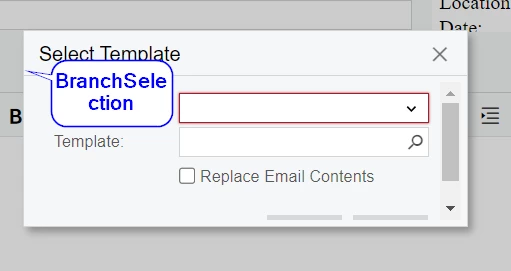
You can create a customization and add a field ‘ Branch”  in the Notification template.

user will define the mpany's name.

Either you can customization the below screen to bring the template based on the company selection.


Forum|alt.badge.img+1

Thank you @Manikanta Dhulipudi for your valuable response. The requirement is to execute the relevant specific report template that is identical to the selected company. Please check the below screeneshots.

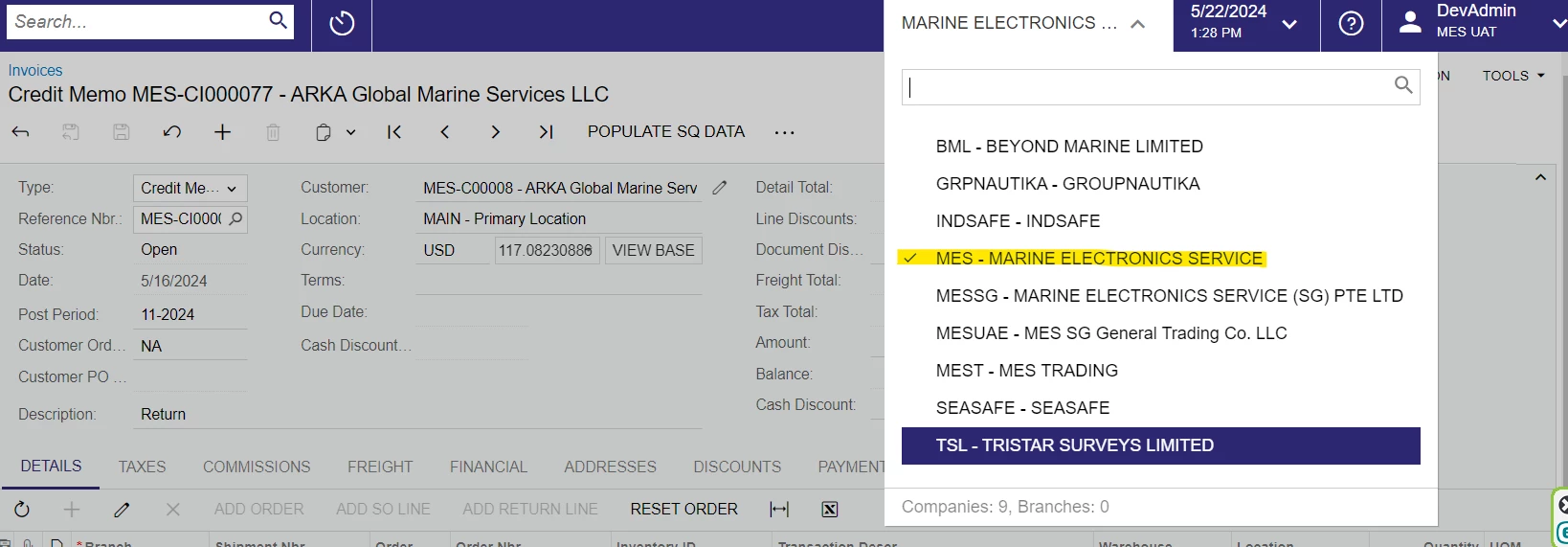
List Of Companies


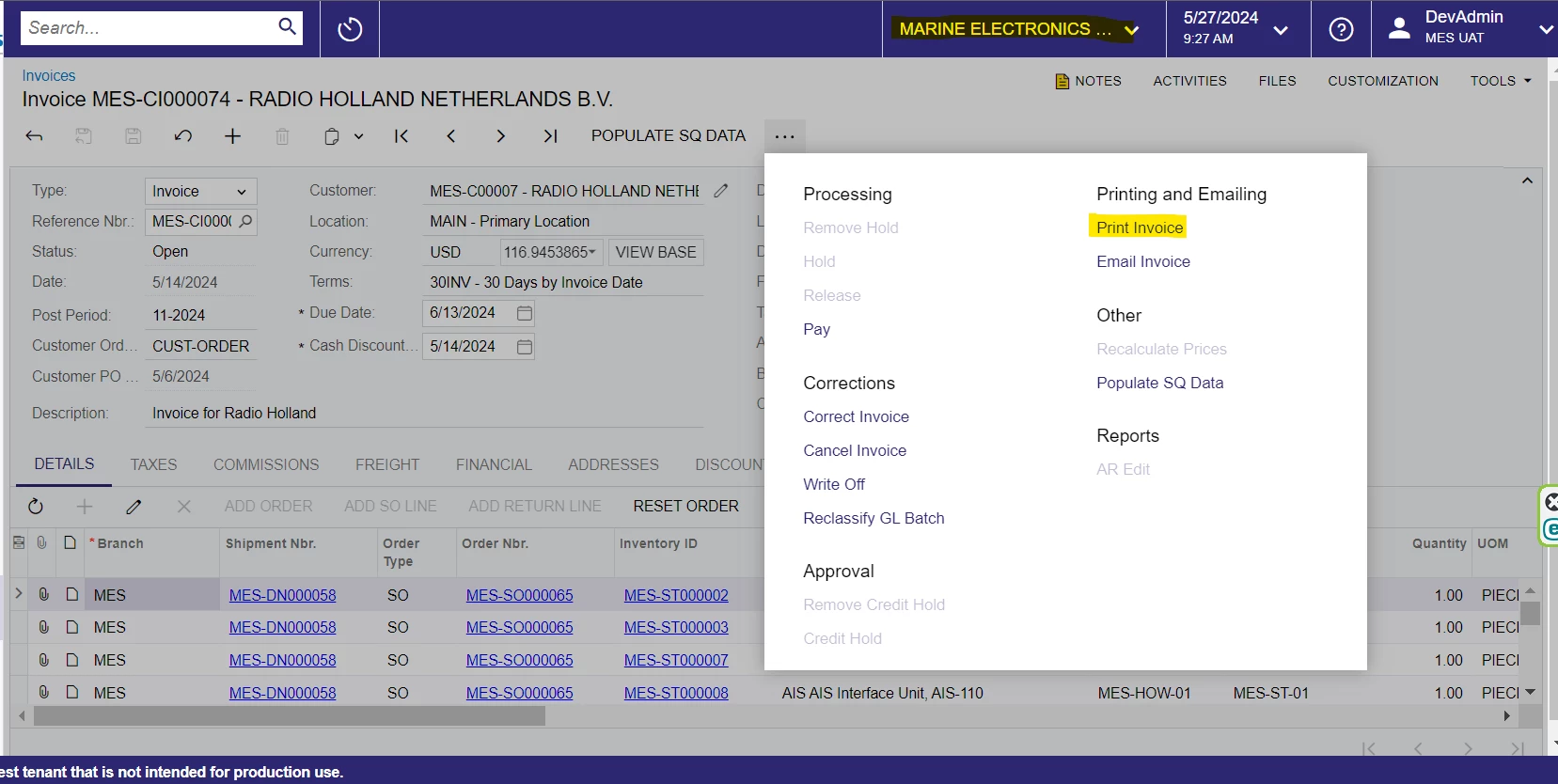
As in the above 2nd screenshot when clicking the “Print Invoice”, the Sales Invoice Report Template specific to this selected company(MARINE ELECTRONICS..)should be executed. So I think that the suggested approach seems slightly different from this, am I correct ? Can you please tell me, is there a workaround to achieve this?


Manikanta Dhulipudi
Captain II
Forum|alt.badge.img+15

Hi @malinthawarnakulasooriya08 


Please create a new workflow action and attach the same report. Hardcode the email template in the report.

Now when the user clicks on a Duplicate print invoice (different action), it will pull the message content from the report and send it to the customer.

But considering that the above screenshot has many companies, please prefer using the email template.