Solved

Cannot add a parameter to a GI

  • March 23, 2026
  • 5 replies
  • 40 views

Joe Schmucker
Captain II
Forum|alt.badge.img+3

I created a GI that pulls data from a custom table.  The GI is working perfectly.  I want to add a filter to the GI so that I can use the filter in the Mobile App.  The GI is working in the Mobile App.

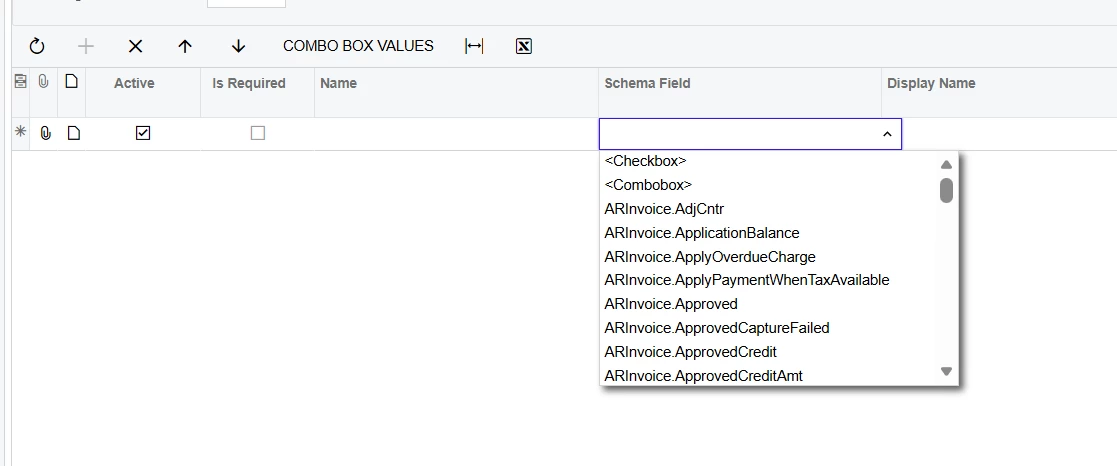
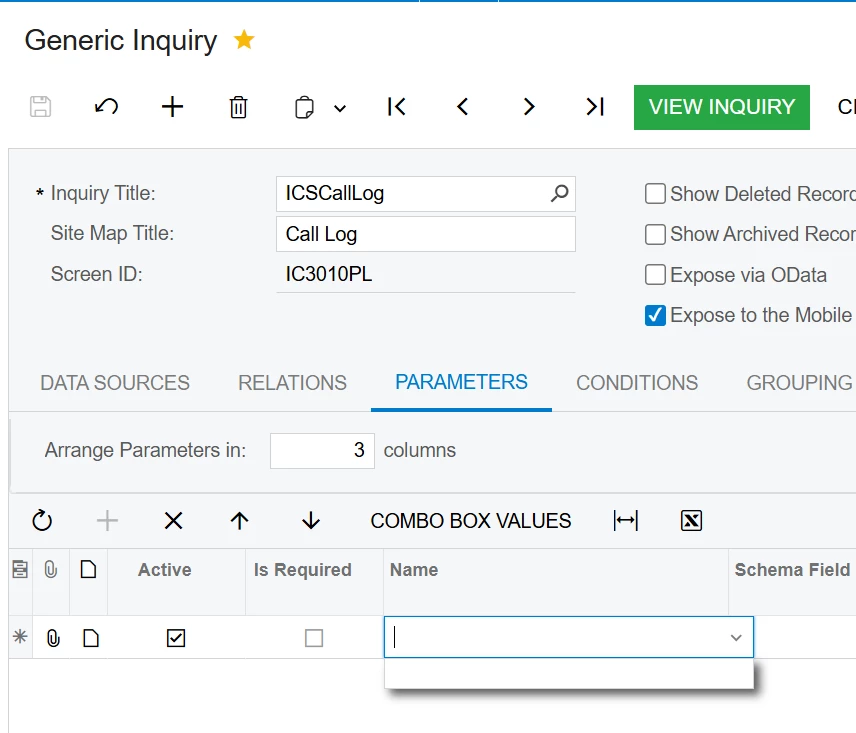
When I go to the Parameters tab in the GI, there are no fields available to select:
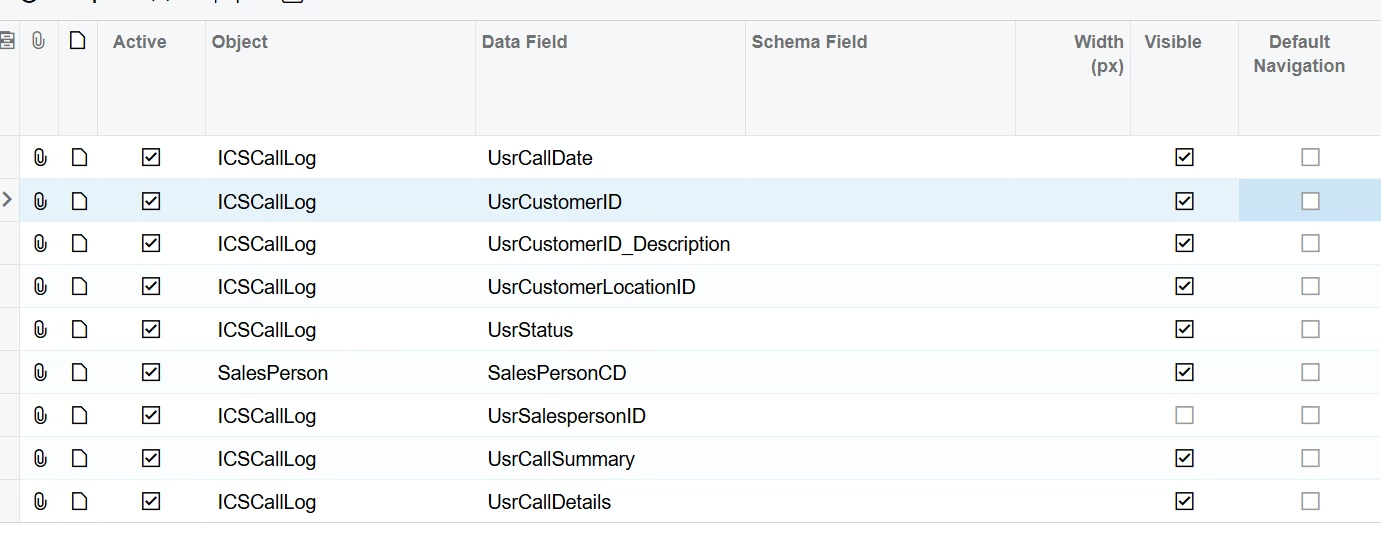
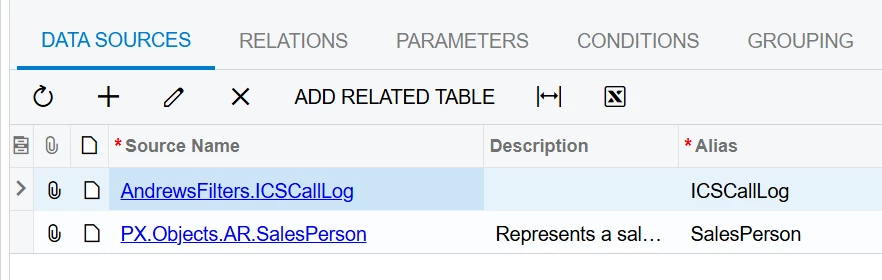
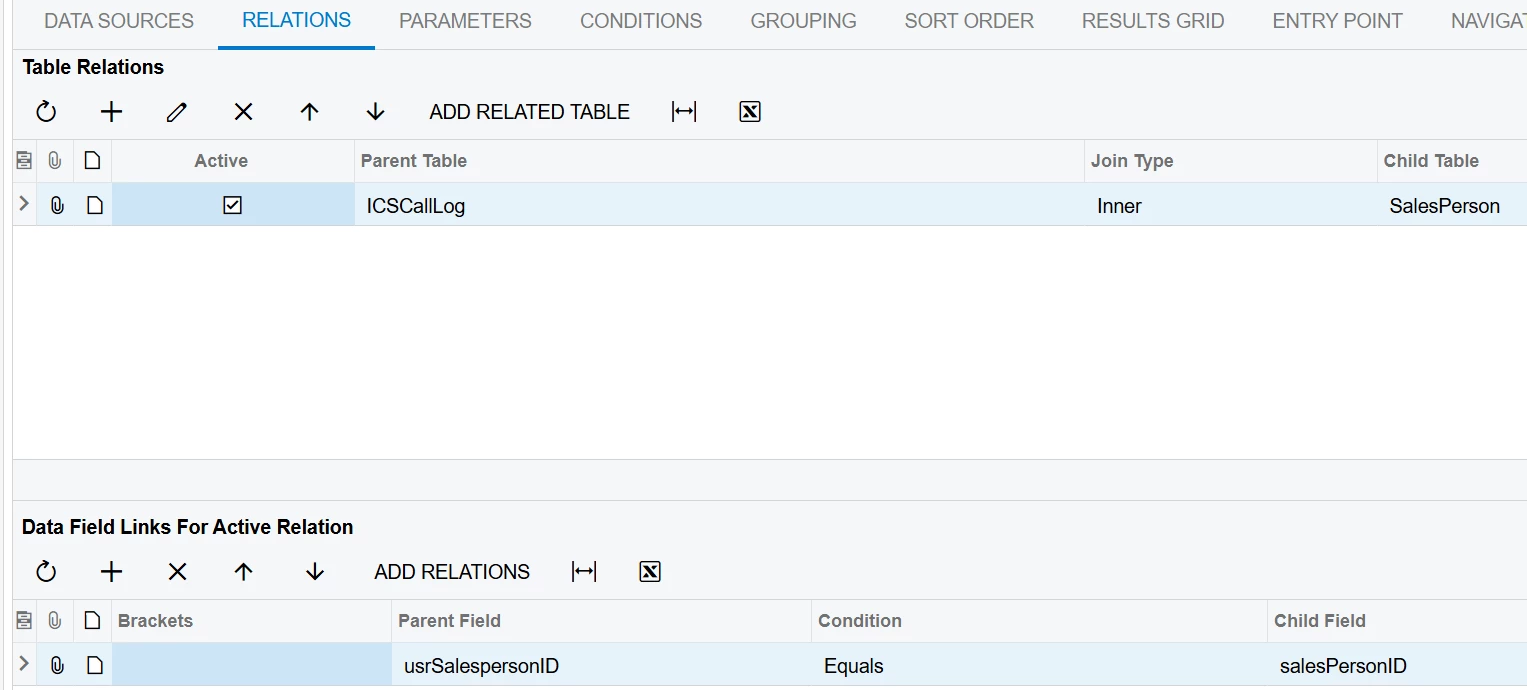
Here are some print screens of the GI in case anything looks like it is missing:
 

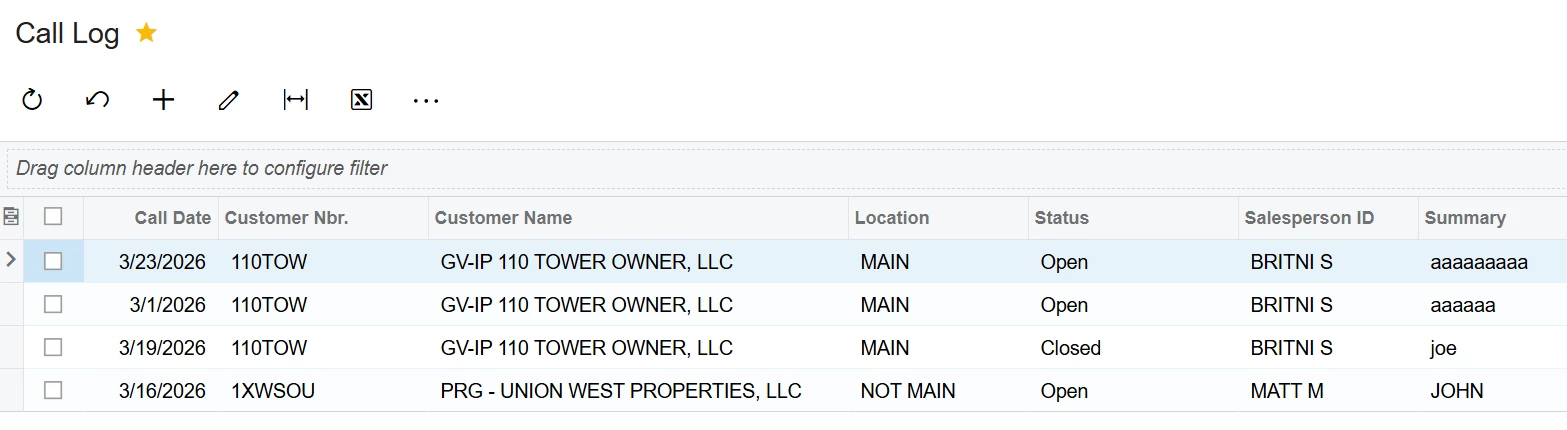
This is the result of viewing the GI:
 

I don’t do GI’s often, so I don’t know what is wrong.

Best answer by bwhite49

In the GI conditions add this. Replace AcctCD with your field


5 replies

nickcerri32
Pro I
Forum|alt.badge.img+7

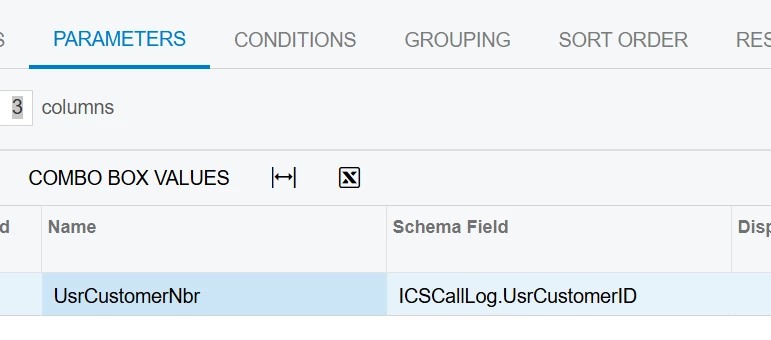
@Joe Schmucker The Name field you’re referencing is user defined.  It’s the schema field that gets its values from the tables you’ve provided.  The Name field might be something like “ProjectName”, the schema field might be “PMProject.ContractCD” and the Display name might be “Project” to go along with that example.


Joe Schmucker
Captain II
Forum|alt.badge.img+3
  • Author
  • Captain II
  • March 23, 2026

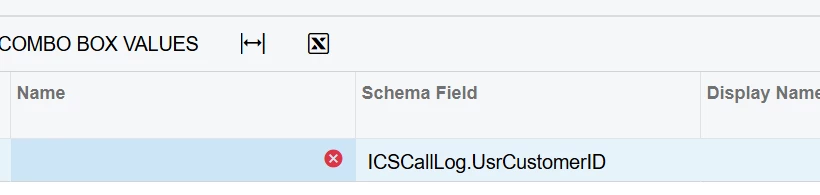
I selected the customer number field and tried to save.  I get an error that Name cannot be empty.  After selecting the Schema field, there still is nothing in the Name drop down.


bwhite49
Captain II
Forum|alt.badge.img+12
  • Captain II
  • March 23, 2026

The name field can’t have any spaces. It’s a unique ID that you need to define as Nick mentions. So name should = “CustomerID” not “Customer ID.” “Customer ID” should be the display name.


Joe Schmucker
Captain II
Forum|alt.badge.img+3
  • Author
  • Captain II
  • March 23, 2026

There are no fields to select in the Name column drop down.  I just typed in UsrCustomerID and it let me save it.  I though it had to be available in the drop down list.

Now I just have to figure out how to allow the results grid to show everything UNLESS there is a value in the parameter condition.

Condition


The filter works great now.  Any tips on how to not filter records unless there is a value in the parameter field?


bwhite49
Captain II
Forum|alt.badge.img+12
  • Captain II
  • Answer
  • March 23, 2026

In the GI conditions add this. Replace AcctCD with your field