Solved

Can anyone use AcuMate to validate Modern UI files?

  • October 8, 2026
  • 3 replies
  • 67 views
  • Translate All

Forum|alt.badge.img

Hello,


Can anyone use AcuMate to validate Modern UI files?

I’m trying to use AcuMate with Modern UI files and wanted to check whether anyone in the community has successfully used it for validate html and ts files.

I have AcuMate extension installed and enabled in VS Code 

Acumatica version 26R2

My current configuration is:

  • acuMate.backendUrl: http://localhost
  • acuMate.login: admin
  • acuMate.password: 123
  • acuMate.tenant: empty(if single tenant)
  • acuMate.useCache: true
  • acuMate.useBackend: true
  • acuMate.usePrettier: true
  • acuMate.clearUsages: true

Has anyone successfully used AcuMate to validate Modern UI files? If so, could you share your configuration or any additional steps required?

Thank you

Srinivas Kota.
Best answer by Srinivas Kota

Hi,

After spending a few hours troubleshooting, I finally found the solution!

I’m sharing the steps below in case they help anyone face the same issue.

Steps to follow:

Step 1: Open Visual Code

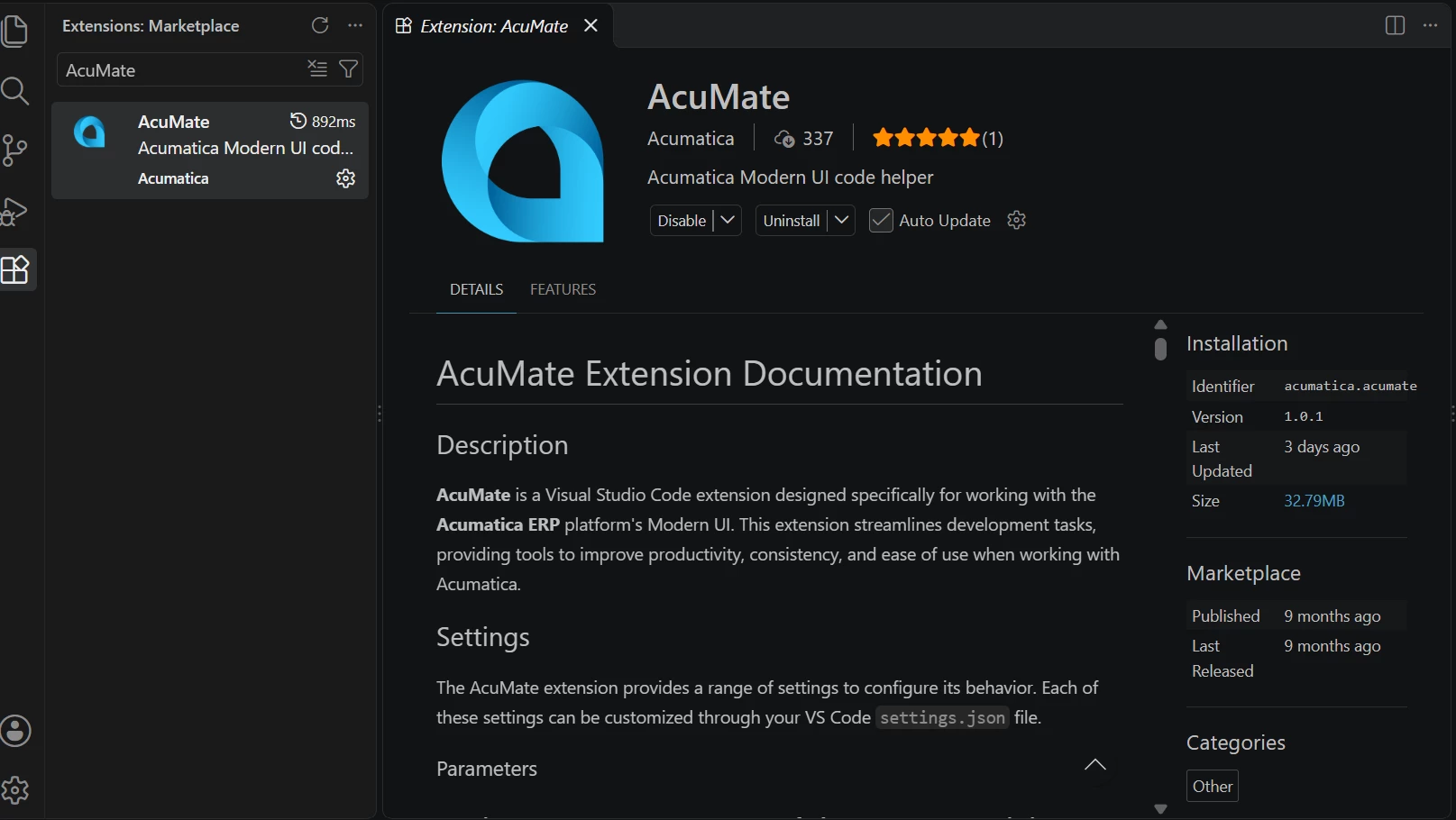
Step 2: Settings-->Extensions then type and search AcuMate then install it and enable.
 

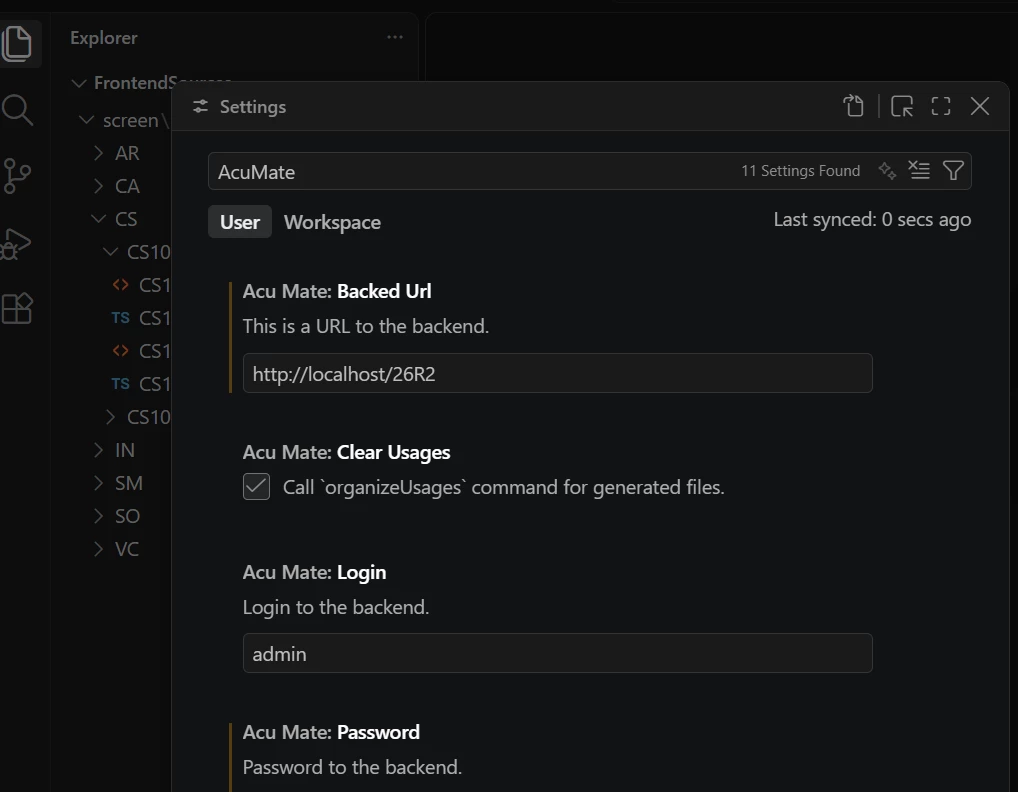
Step 3: Go to settings, type AcuMate then enter Acumatica instance url, username and password for both User and Workspace tabs. 
 

Step 4: go to OutPut then select AcuMate check for authentication is it fails, if it is fails there is issue with your configuration else 

go for AcuMate Validation and select it.


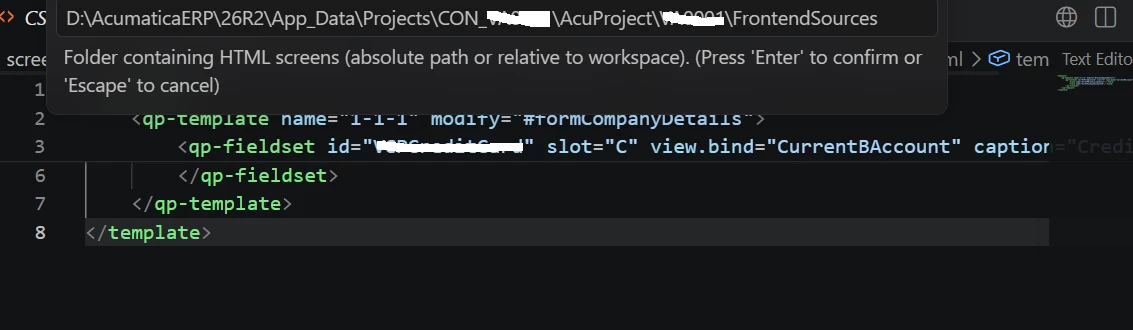
Step 5: Make sure open your solution from git FrontedSources folder but not from site FrontedSources


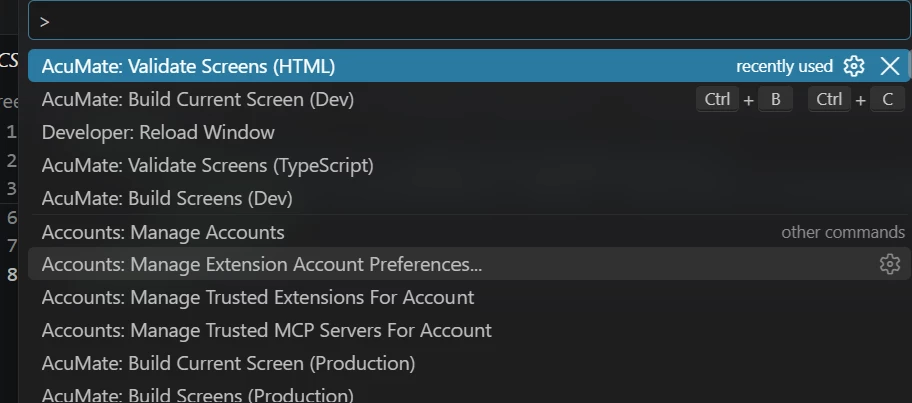
Step 6: do shipt+ctrl+P


then do enter you can see all the html and ts AcuMate Validated files with warnings and errors.

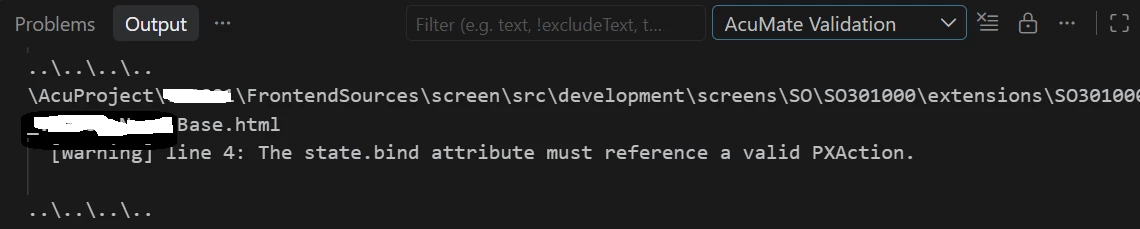
At end you can see all modernui errors and warnings like below


​@Brian Stevens Thank you for your help.
 

Thank You

Srinivas Kota

View original

3 replies

Forum|alt.badge.img
  • Author
  • Jr Varsity II
  • Answer
  • October 12, 2026

Hi,

After spending a few hours troubleshooting, I finally found the solution!

I’m sharing the steps below in case they help anyone face the same issue.

Steps to follow:

Step 1: Open Visual Code

Step 2: Settings-->Extensions then type and search AcuMate then install it and enable.
 

Step 3: Go to settings, type AcuMate then enter Acumatica instance url, username and password for both User and Workspace tabs. 
 

Step 4: go to OutPut then select AcuMate check for authentication is it fails, if it is fails there is issue with your configuration else 

go for AcuMate Validation and select it.


Step 5: Make sure open your solution from git FrontedSources folder but not from site FrontedSources


Step 6: do shipt+ctrl+P


then do enter you can see all the html and ts AcuMate Validated files with warnings and errors.

At end you can see all modernui errors and warnings like below


​@Brian Stevens Thank you for your help.
 

Thank You

Srinivas Kota

Translate

Forum|alt.badge.img
  • Jr Varsity III
  • October 13, 2026

​@Srinivas Kota 

Yes, I have also deployed it few days ago but error or warnings only with HTML but not with TS files.

Have you got any ?


Translate

Forum|alt.badge.img

​@Srinivas Kota 

Yes, I have also deployed it few days ago but error or warnings only with HTML but not with TS files.

Have you got any ?


Hi ​@ssarda48 
No I did not get, my side also same 

not getting warnings or errors with TS files, see below screenshot. AcuMate validated 30 files and not reported any errors or warnings!.


Translate