



Answer

Apple Mobile Application Error

  • December 5, 2024
  • 3 replies
  • 132 views

DrewNisley
Pro I
Forum|alt.badge.img+3

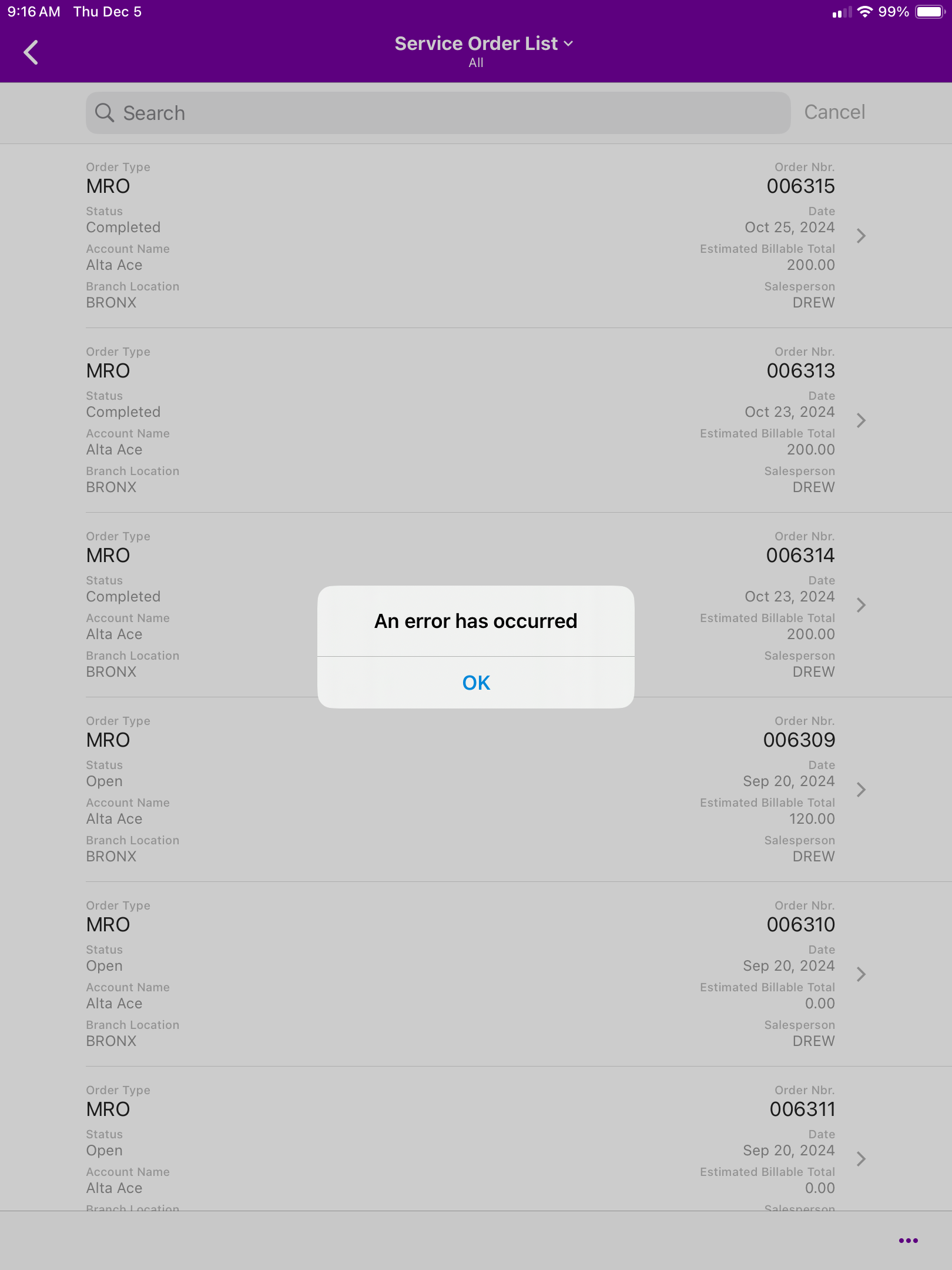
I recently added service orders to the mobile application so that our employees can view and edit service orders from their phone/mobile device. It is added and working great for everyone that does not have an apple phone. They can view the list, but when they try to click on one, it spins for a bit and then says that an error occurred as shown below. This is a screenshot from our sandbox company, but it does it for both the sandbox company and the main system. When on android, it opens up the service order without any issues. Has anyone had this kind of problem before? Is it an error with apple or is there something I need to change with my code?

 

Best answer by DrewNisley

Just in case anyone ever runs into this issue, it turned out to be a problem in my layout syntax. For the layout, I specified “InLine” instead of “Inline.” Most of the time, it will correct it to the correct capitalization, but it didn’t for whatever reason this time.

Also strangely, it didn’t affect Android applications at all, they functioned as normal. Seems like some wizardry to me.

3 replies

mvolshteyn
Acumatica Moderator
Forum|alt.badge.img+3
  • Technical Account Manager in the ISV Team
  • December 11, 2024

@DrewNisley , it seems to require additional details and troubleshooting. I suggest to create a development support case with Aciumatica


DrewNisley
Pro I
Forum|alt.badge.img+3
  • Author
  • Pro I
  • Answer
  • June 12, 2025

Just in case anyone ever runs into this issue, it turned out to be a problem in my layout syntax. For the layout, I specified “InLine” instead of “Inline.” Most of the time, it will correct it to the correct capitalization, but it didn’t for whatever reason this time.

Also strangely, it didn’t affect Android applications at all, they functioned as normal. Seems like some wizardry to me.


Chris Hackett
Community Manager
Forum|alt.badge.img
  • Acumatica Community Manager
  • June 12, 2025

Thank you for sharing your solution with the community ​@DrewNisley!

