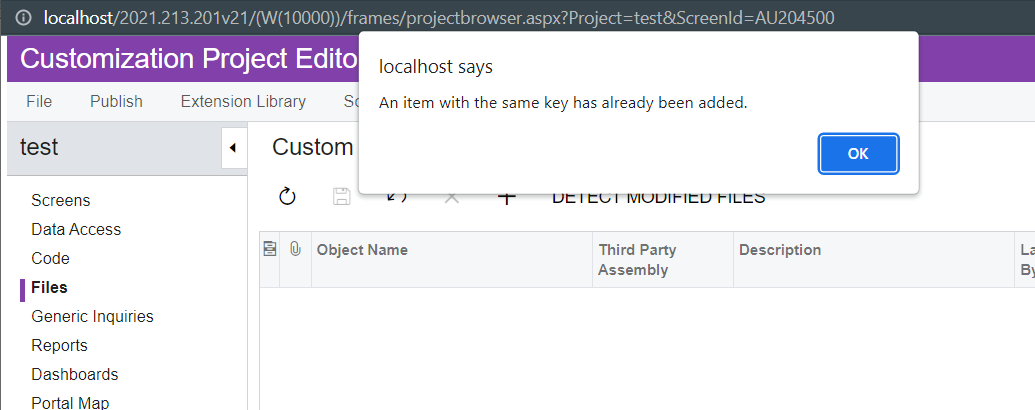
Does anyone know where the key comes from or is inserted when adding a new file?
I am trying to include a new file to a new installed instance(I have no customizations), but still the error is shown. Also I checked the profiler and it is not trying to insert anything, just querying a few tables.
Thanks
Best answer by Yuriy Zaletskyy
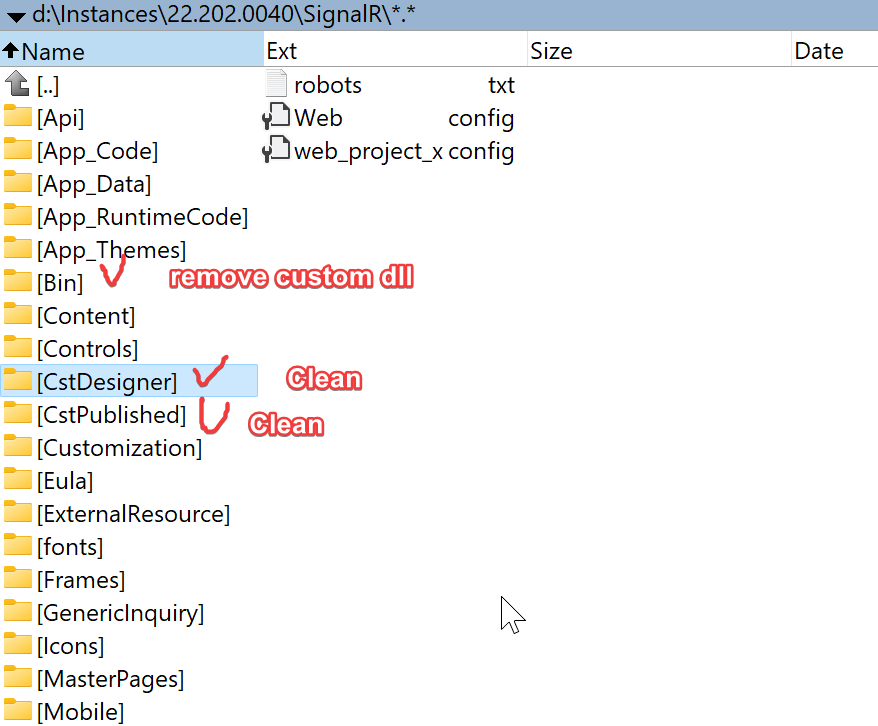
If unpublish all doesn’t help, try suggestions below:
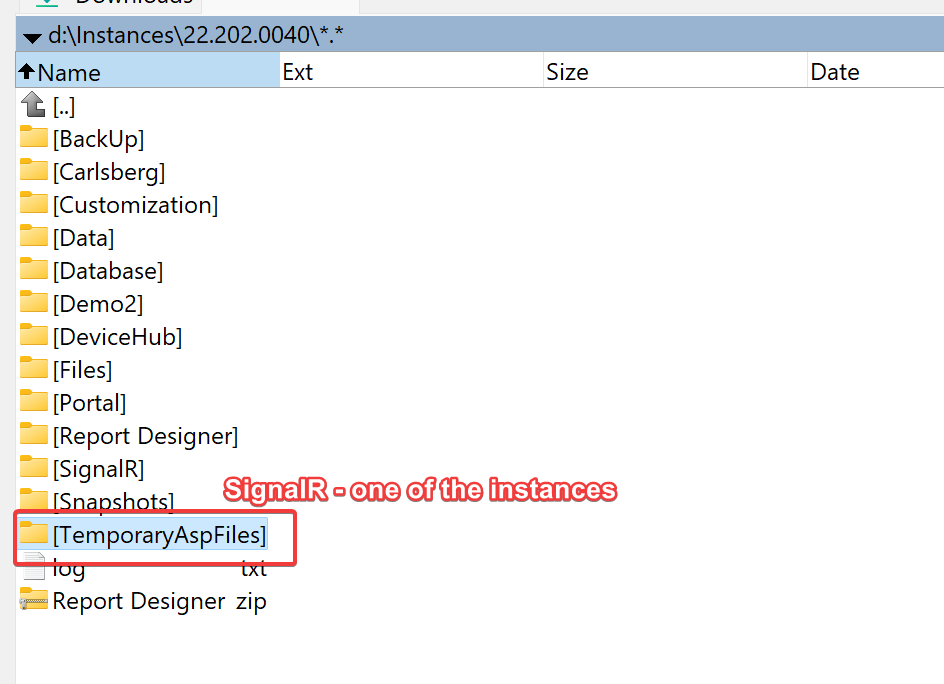
Clean folder TemporaryAspFiles ( as usually located in the same folder, where you’ve installed Acumatica ). Below goes a screenshot:
Clean folder App_RuntimeCode, including removal of folder.runtime file
Can you confirm the version of Acumatica? I found something similar in forum 7244 where it is mentioned that upgraded to 21R2 directly have issue so we need to first install 21R1 and upgrade the same to 21R2
On my side, the issue was the following: two customization projects were installed on the instance , one of the Implementation team and one of the Integration team.
Both customization projects were creating custom fields on the same screen. Therefore, both projects contained custom fields with the same ID (for example, CstPXCheckBox1).
The solution: I’ve modified the ID of the field with a custom value (Open the project, then File → Edit project XML, search for the duplicate ID value, then replace the value with `ed+YourCustomFieldName)