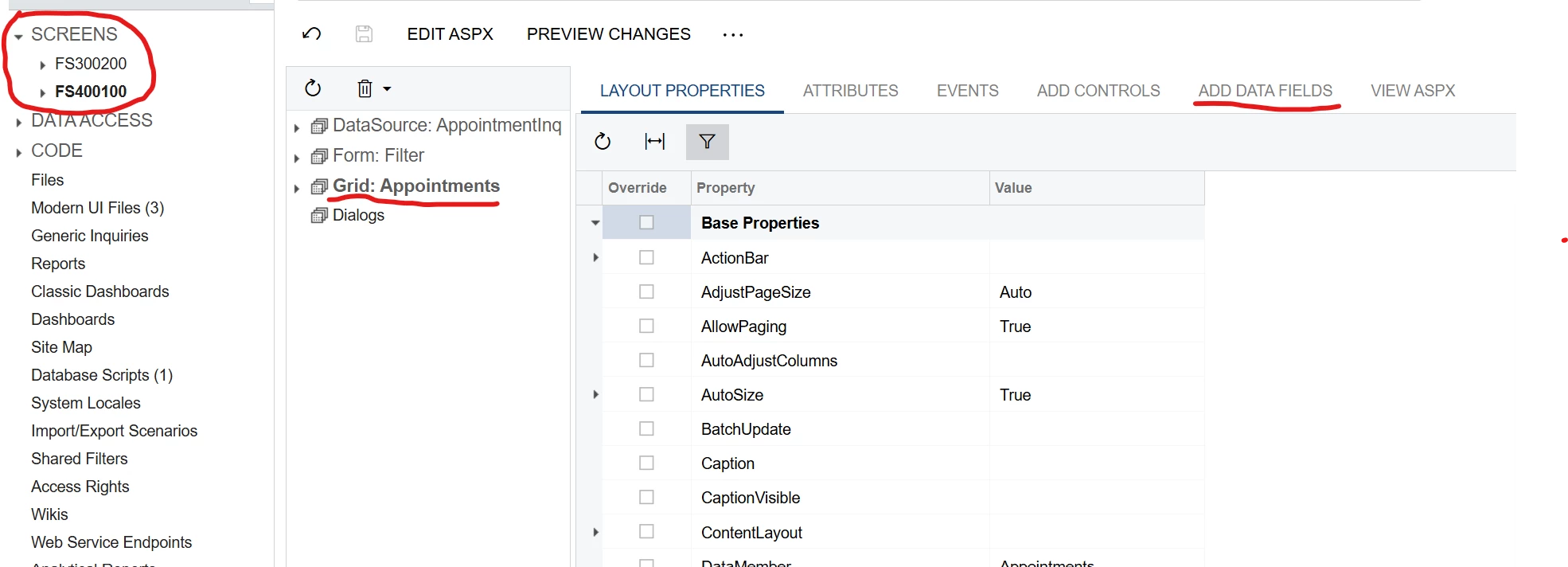
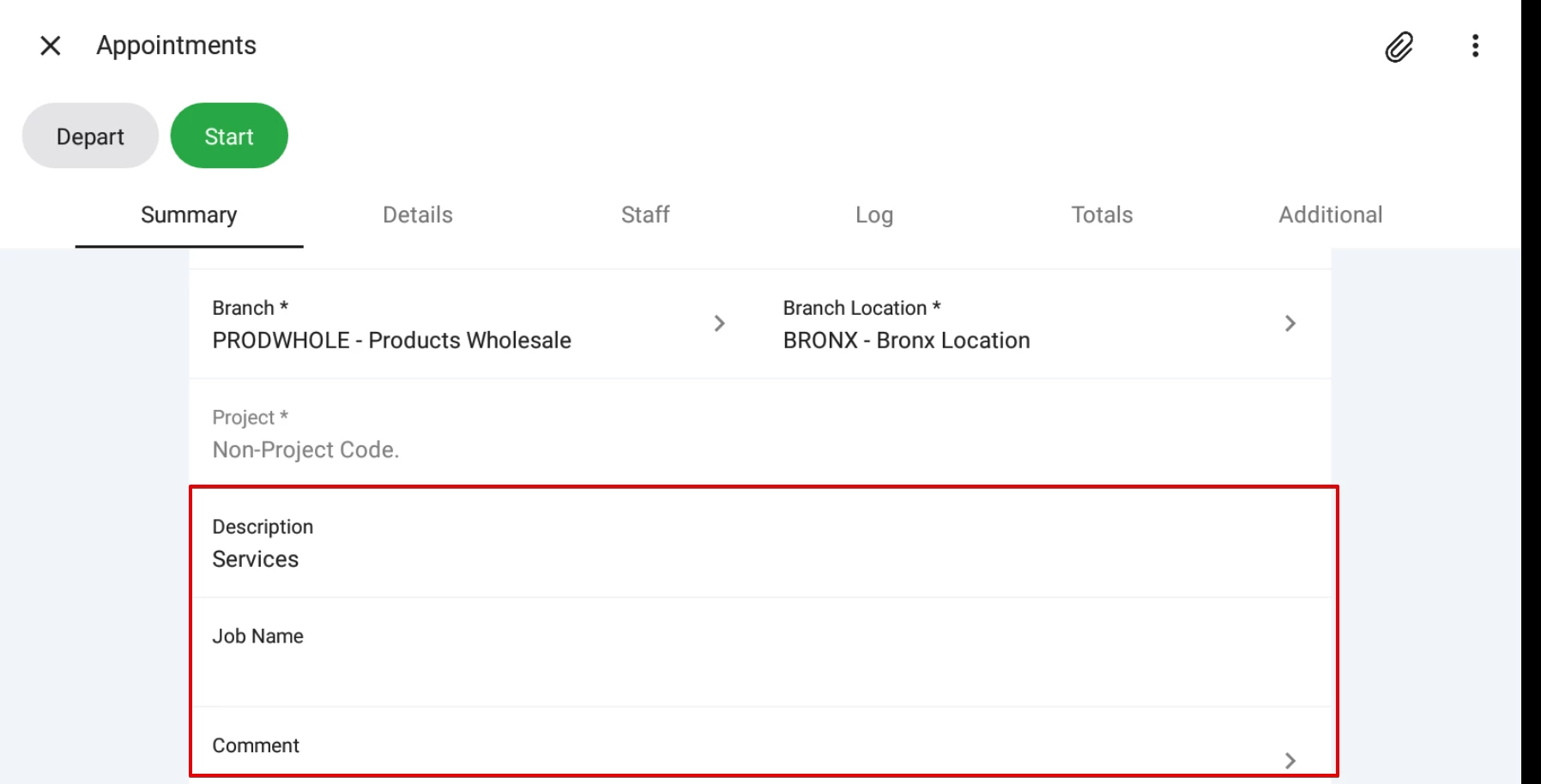
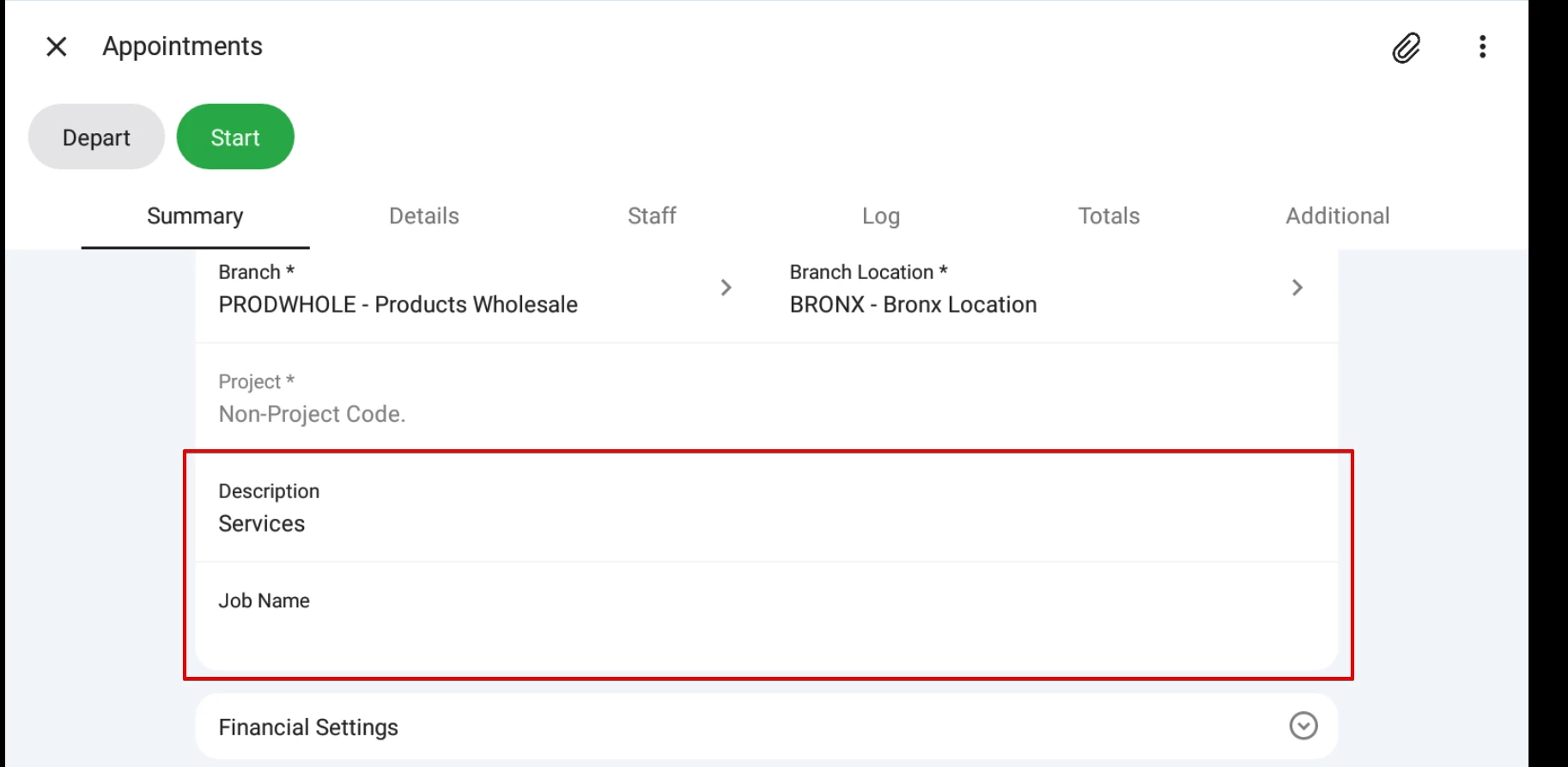
I’m trying to add a custom field in the mobile app to the Appointment Details screen, and I have not been having any success. I am able to add and remove existing fields, but the custom field will not appear. It is in the Web Service → Service description and its value is displaying in the field on the FS300200 web page.
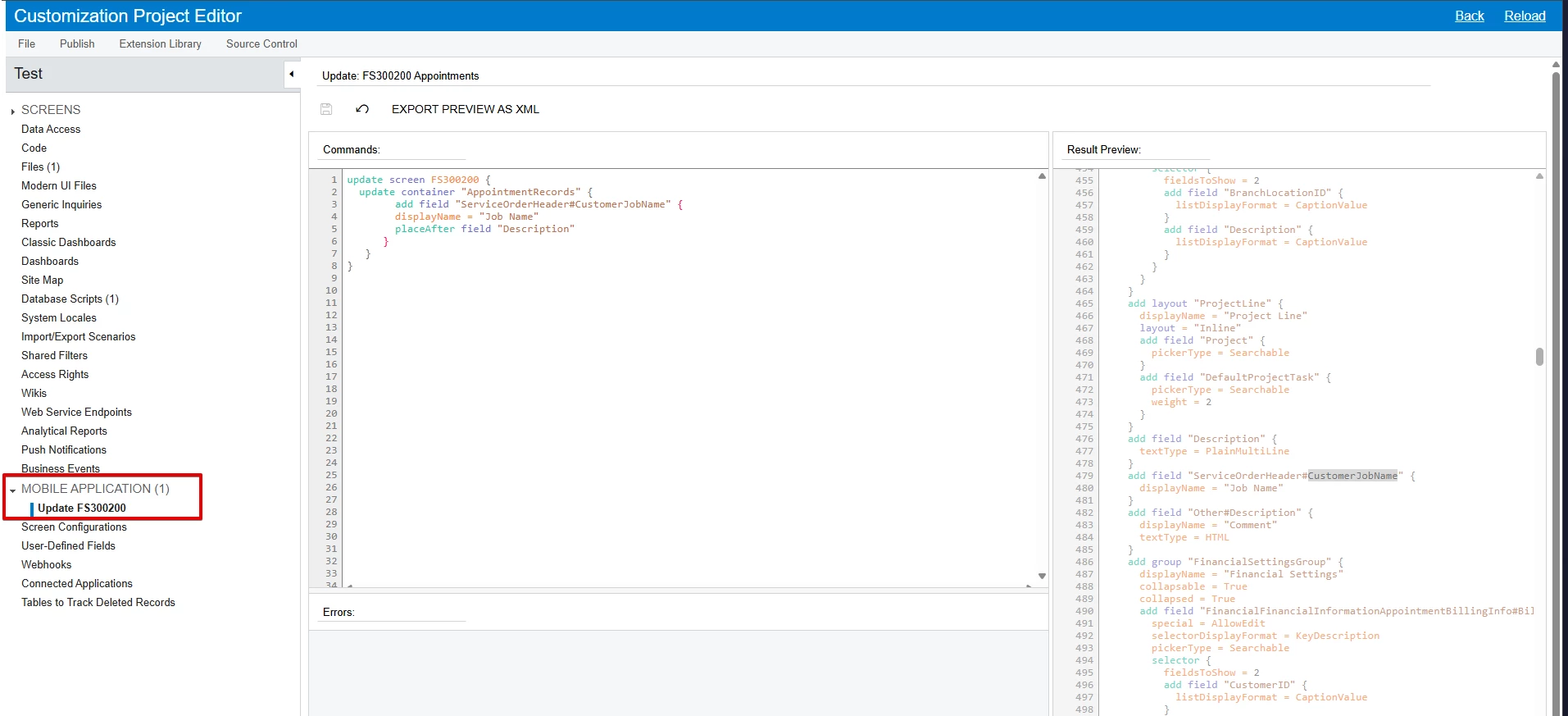
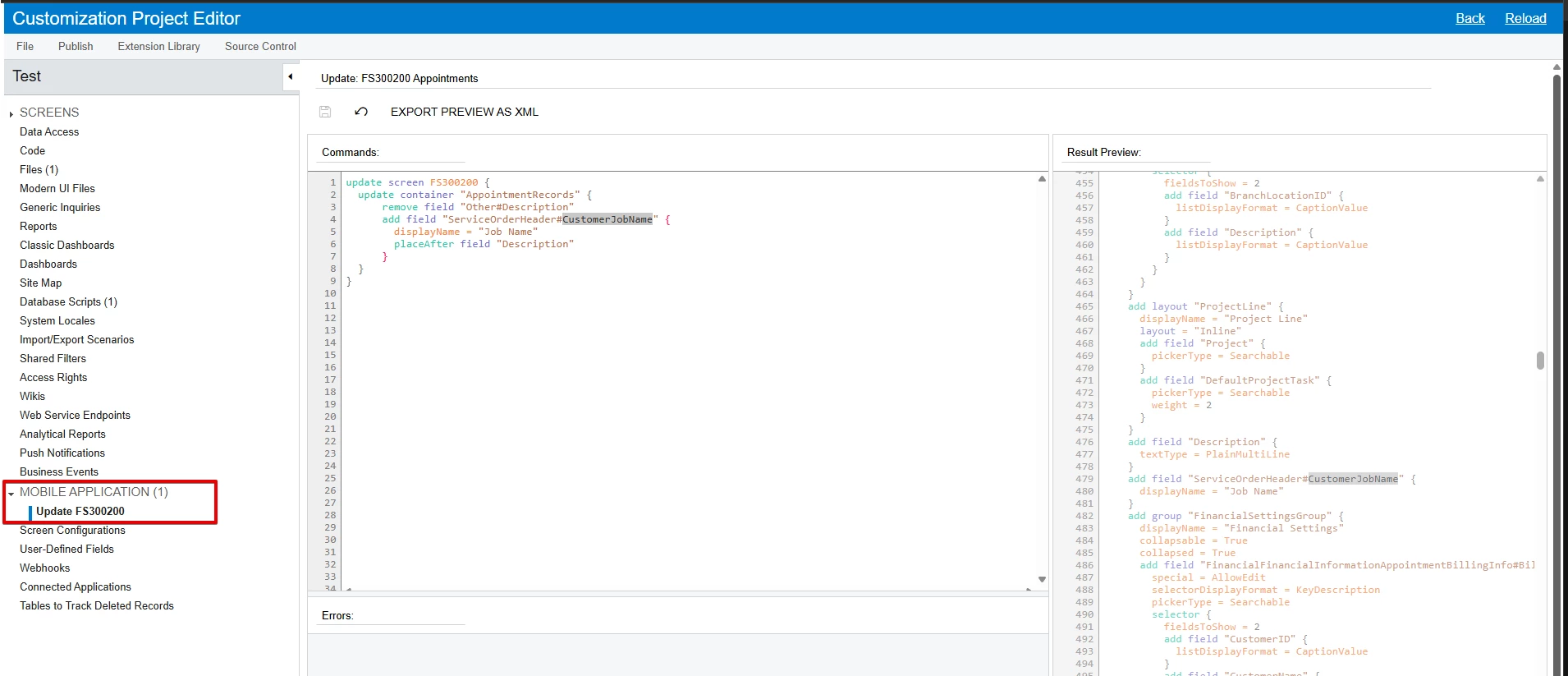
This is how I have been attempting to add it. I’ve been using the remove command to verify the mobile app is reading my latest update, so I’ve tried it without that as well.
update screen FS300200 {
update container "AppointmentRecords" {
remove field "Other#Description"
add field "ServiceOrderHeader#CustomerJobName" {
displayName = "Job Name"
placeAfter field "Description"
}
}
}
This is the field in the FSServiceOrder DAC extension:
public sealed class FSServiceOrderExt : PXCacheExtension<PX.Objects.FS.FSServiceOrder>
{
#region CustomerJobName
[PXDBString(100, IsUnicode = true)]
[PXUIField(DisplayName = "Customer Job Name", Visible = true)]
public string UsrCustomerJobName { get; set; }
public abstract class usrCustomerJobName : BqlString.Field<usrCustomerJobName> { }
#endregion
}
If anyone has any other suggestions for me, I would appreciate it.