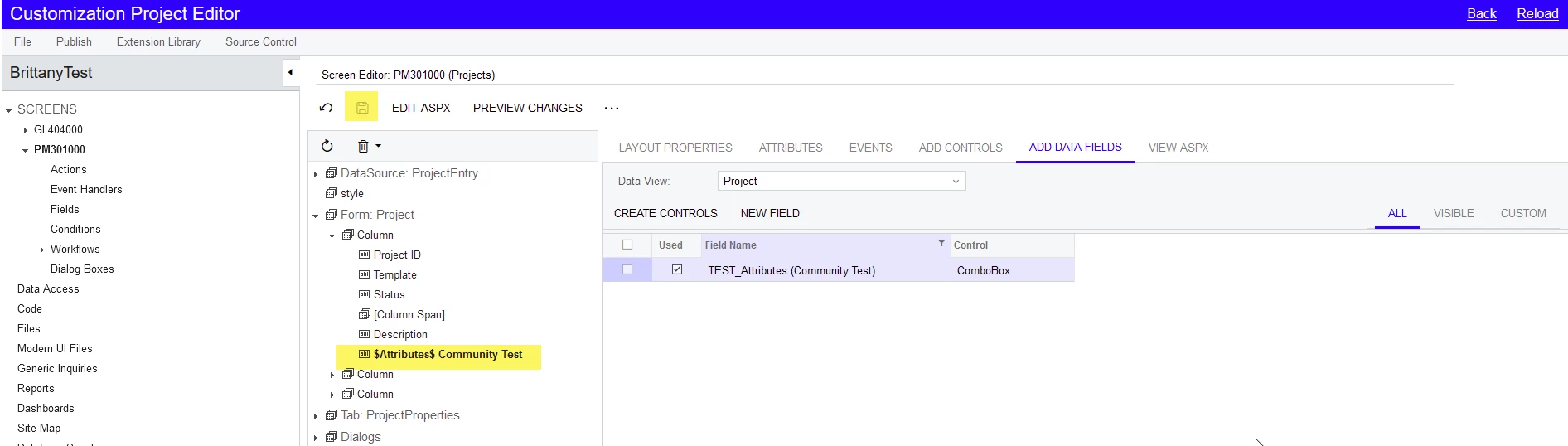
I have an attribute that we created a while back and until recently users were fine with having to go to the Attributes tab on the contacts screen to see the attribute and its value. I now have a request that seems simple enough, which is to make it so the attribute shows up at the top of the Contact screen right under Status. The attribute in question is a combo box attribute with some values that the user can select from. I open the customization project for the screen in question (302000) and go to the Add Data Fields and I can see the Attribute field in question under that All section. is isn’t visible in the Visible or Custom views. Not if that is significant or not.
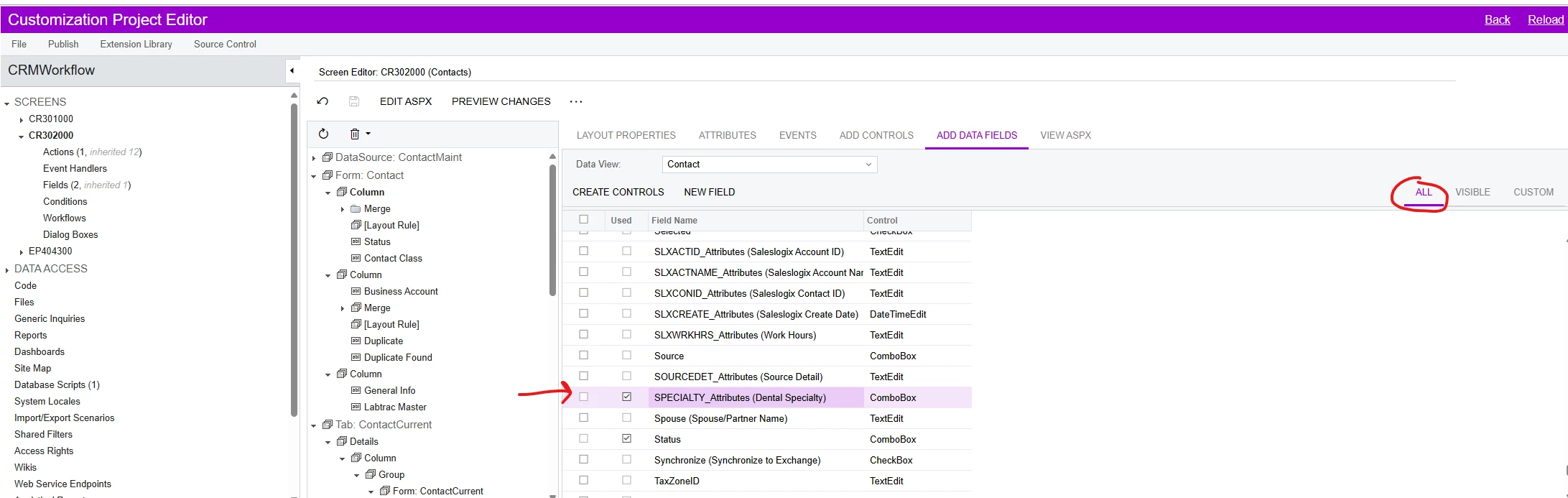
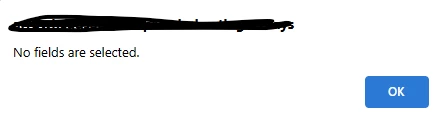
When I highlight the field and click the Create Controls button I get an error that says “No fields are selected” which is preventing me from adding it to the Form Column.
Not sure if I am trying to do something that isn’t supported but it seems like a simple enough type of customization. I don’t even need to be able to have users use the combo box feature I really just need the value of this particular attribute to show up on the main Contact screen. Any help on this particular question would be greatly appreciated.