


Hi everyone,
I’m trying to customize the Acumatica UI by adding a custom icon to the top header area (the element with id navBarMaster).
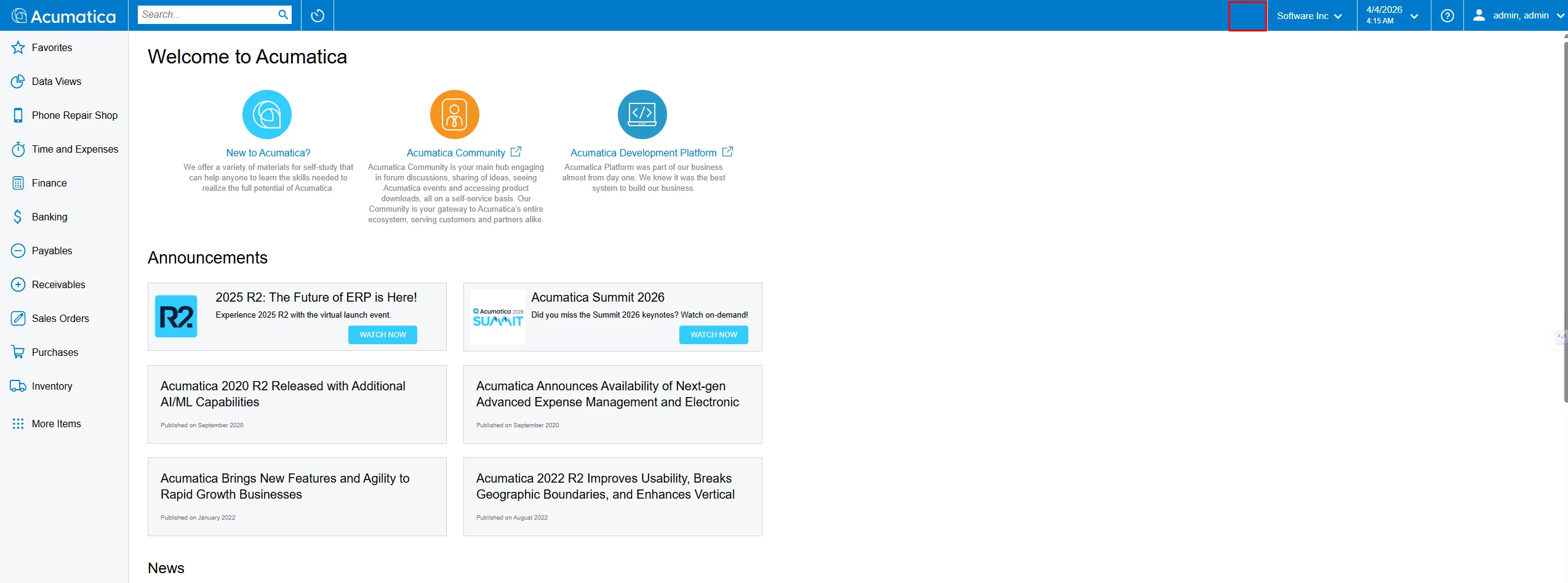
My goal:
- Add a new icon/button in the header (similar to notification/user icons)
- When clicking the icon → trigger an action (e.g., show a dropdown or popup list of items)
What I’ve explored so far:
- Injecting JavaScript via MasterPages (e.g.,
FormDetail.master) → works but not safe for deployment - Looking for a solution using Customization Project (C# / Graph / PXPage) instead of modifying core files
Questions:
- Is there a supported way to extend the header (
navBarMaster) via Customization Project? - Can this be done purely with C# (Graph/Page customization), or is JavaScript required?
- Are there any recommended patterns for adding global UI elements (like a notification bell)
Any guidance or best practices would be greatly appreciated.Thanks!