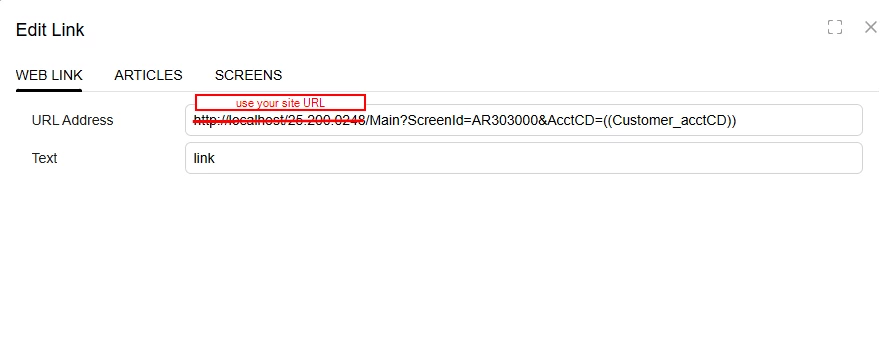
I would like to be able to add the current contact record hyperlink to the email template I am creating.
We are trying to send an internal email with the link for an action in another system.
I cannot find how we can do this.
I would like to be able to add the current contact record hyperlink to the email template I am creating.
We are trying to send an internal email with the link for an action in another system.
I cannot find how we can do this.
Best answer by bcoutermash09
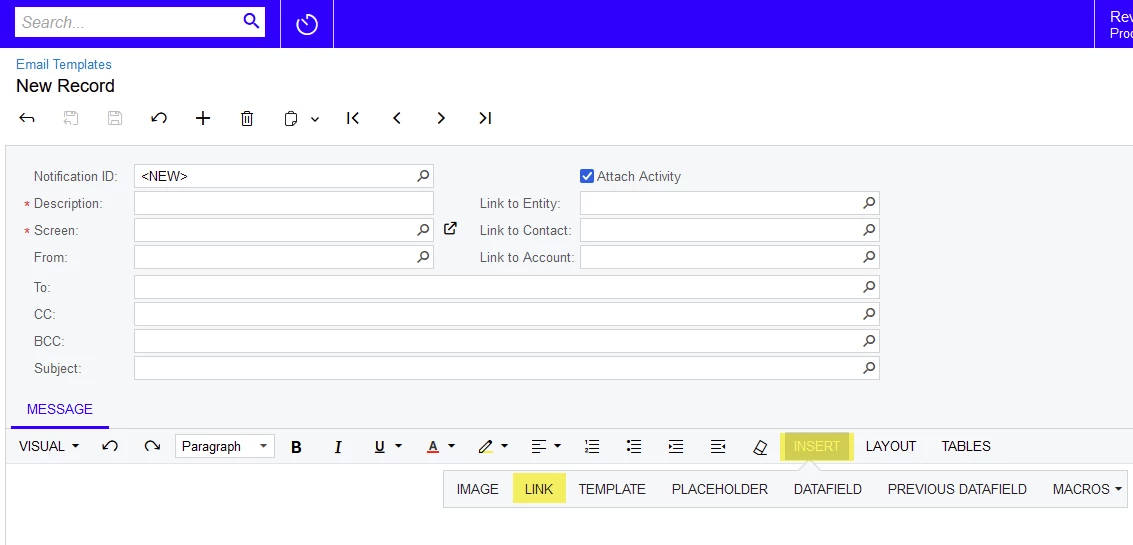
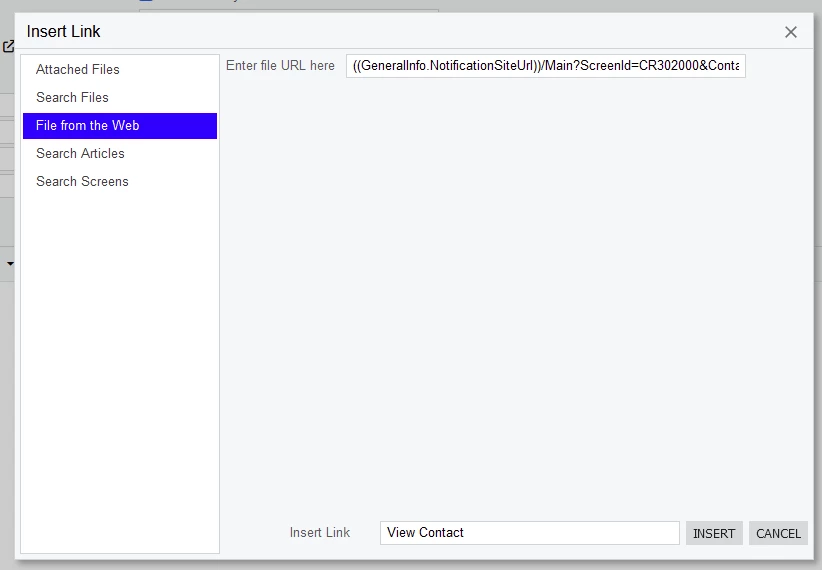
Hi chrissic! If I understand correctly and the request is to add a hyperlink to an Email Template that brings you directly to the Contacts screen for a specific Contact ID, you could click Insert → Link on the Template and use the below URL. Please note that the blue text should be a Data Field from your source screen that contains the Contact ID.
((GeneralInfo.NotificationSiteUrl))/Main?ScreenId=CR302000&ContactID=((REPLACE THIS WITH DATA FIELD FOR CONTACT ID#))
Enter your E-mail address. We'll send you an e-mail with instructions to reset your password.