Solved

E-Mail Activity date in red - what does this mean?

  • July 14, 2023
  • 4 replies
  • 165 views

Hi everyone,

I’ve got a question about the coloring of a field. We’ve sent out e-mails with invoices to customers. The e-mail show up as processed in “All Emails” (CO409070) with no errors. So far so good.

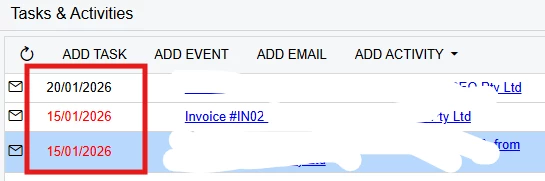
Now we have received some complaints that invoices have not been received. For each complaint  we’ve checked the activities in the invoice (AR301000) and here the date is shown in red. 
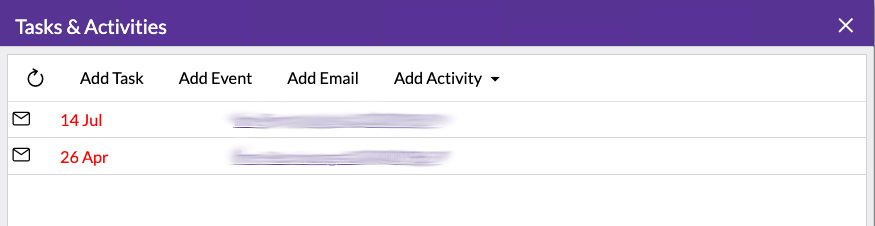
I couldn’t find any information on what this means. Any help or pointing me in the right direction would be much appreciated!

Thanks. 

Best answer by Manikanta Dhulipudi

Hi @nbnex 

This is not an issue, the colour of the date will show in red. I just reviewed in standard Acumatica.


4 replies

Manikanta Dhulipudi
Captain II
Forum|alt.badge.img+16

Hi @nbnex 

This is not an issue, the colour of the date will show in red. I just reviewed in standard Acumatica.


  • Author
  • Freshman I
  • July 14, 2023

@manikantad18 Thanks for checking. That helps.


Forum|alt.badge.img
  • Jr Varsity III
  • January 20, 2026

Hi ​@Manikanta Dhulipudi what is the explanation why some are black and some in red??


tylercyert
Freshman II
  • Freshman II
  • February 5, 2026

This is a UI bug related to how Acumatica aggregates different activity types in the Activities interface. Some activities support due dates (such as tasks), while others do not (such as emails), yet all activity types are displayed together.

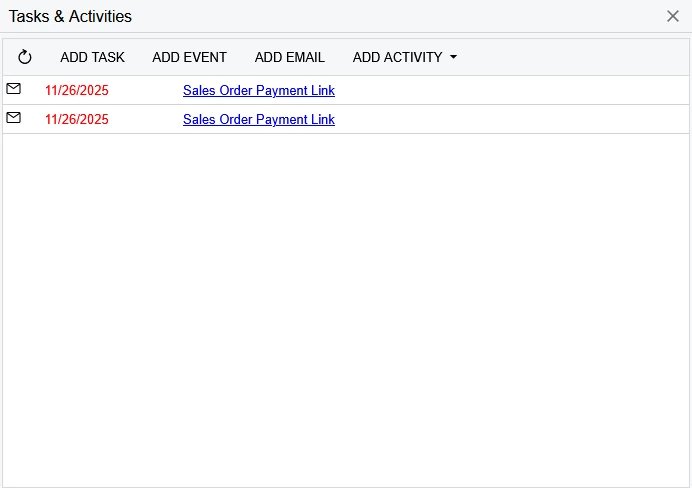
For activities that have a due date, the date field reflects that due date and is shown in red when the due date has been reached or passed without the task being completed. However, email activities do not have due dates. Despite this, Acumatica still displays the activity date in red for emails, even though these items are not actionable and the date represents the activity date—not a due date.

Examples:

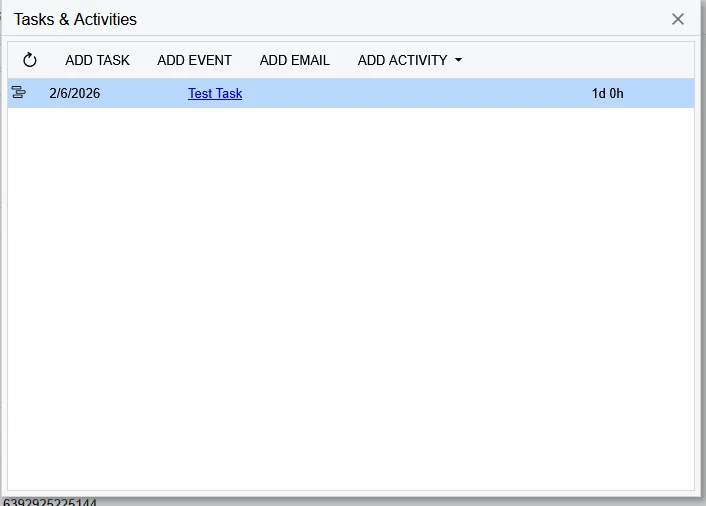
  • “On Track” task: Due date is later than today (2/5/2026)


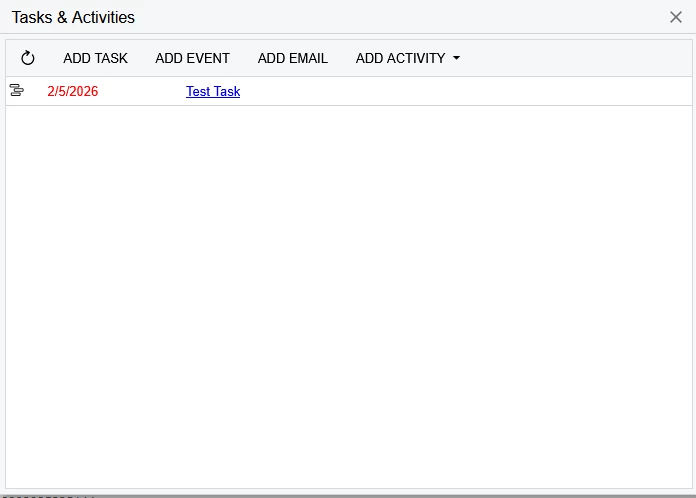
  • “Overdue / At Risk” task: Due date is less than or equal to today (2/5/2026)


  • Activity screen with only email activities: All entries appear in red due to this UI behavior