Answer

Avoid Set as Primary in Sales Quotes

  • August 13, 2025
  • 7 replies
  • 69 views

Forum|alt.badge.img

Hello,

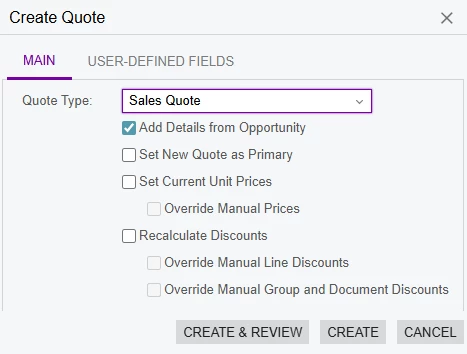
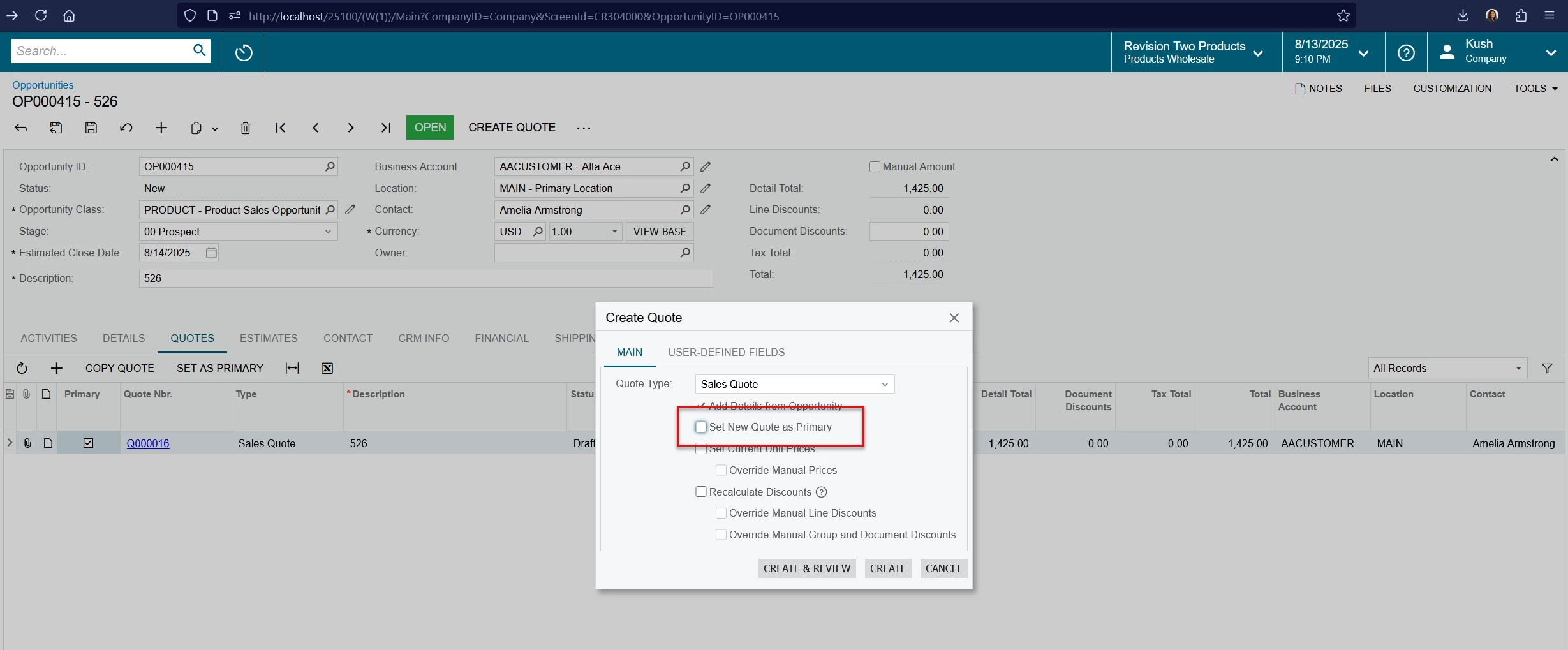
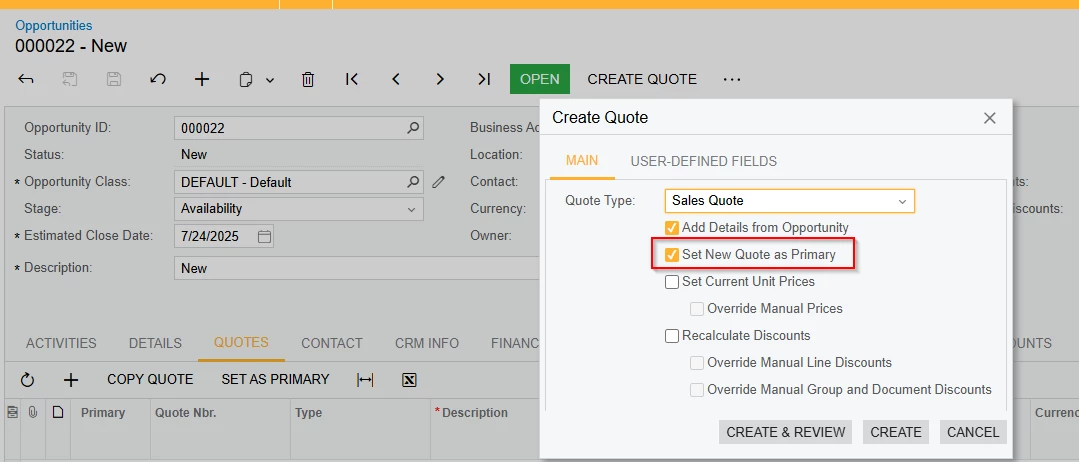
When creating sales quotes from opportunities the window keep the "Set New Quote as Primary” tick box selected by default for all the quotes created.  Is there a way to keep this ticked off for any subsequent quote created after the first quote?
 

Thanks,

Dulanjana
Best answer by DrewNisley

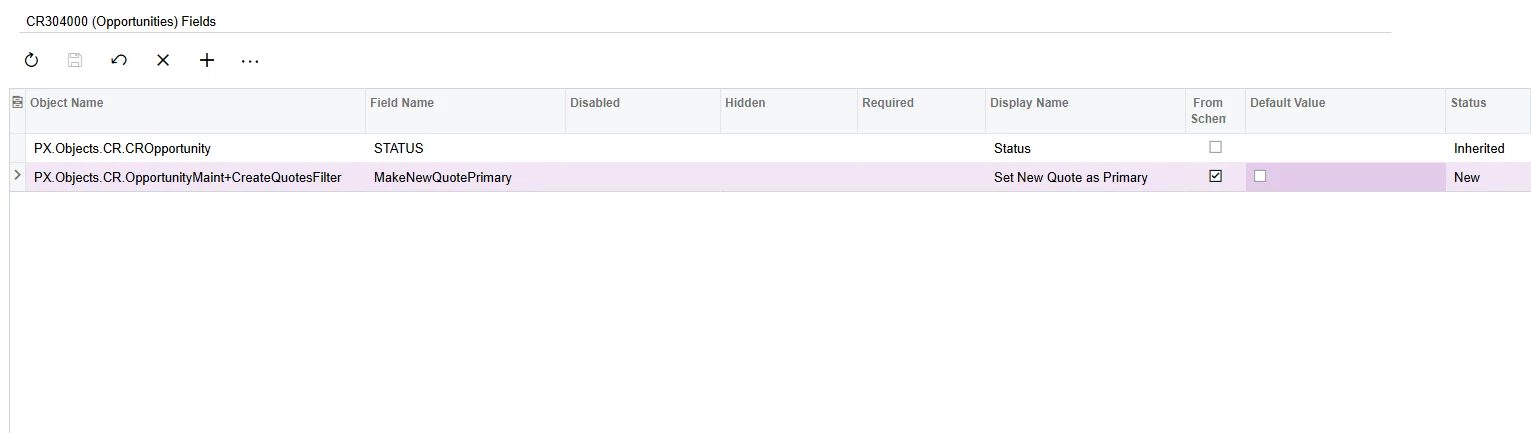
You can do this through a simple customization if you’d like. Just go to the Fields section of the Opportunities screen in a customization project and change the default value to false as shown below.


7 replies

JSpikowski
Jr Varsity II
Forum|alt.badge.img
  • Jr Varsity II
  • August 13, 2025

Does the previous quote lose its primary status?


Forum|alt.badge.img

@JSpikowski  Yes, If we keep the box ticked. it will change the primary tick to the newly created one. 


JSpikowski
Jr Varsity II
Forum|alt.badge.img
  • Jr Varsity II
  • August 13, 2025

Sounds right to me.

Quotes that get turned into orders is old business.


Forum|alt.badge.img

@JSpikowski  Thank you for your input. Will see we have an option to keep the tick unticked by default and create multiple quotes. 


KushaniPerera88
Acumatica Employee
Forum|alt.badge.img+3

Hi ​@dsenevirathne54 

I did some testing in the test environment, Currently we do not have a setting to remove the “set new quote as primary” ticked off for the subsequent quotes created after the primary quote. We can only manually change it 
 

Help article - https://help.acumatica.com/(W(1))/Help?ScreenId=ShowWiki&pageid=5cb49cd5-2be8-4617-9341-958f1c5d6d53


DrewNisley
Pro I
Forum|alt.badge.img+3
  • Pro I
  • Answer
  • August 13, 2025

You can do this through a simple customization if you’d like. Just go to the Fields section of the Opportunities screen in a customization project and change the default value to false as shown below.


Forum|alt.badge.img

Hi ​@KushaniPerera88 , Thank you for your feedback. Yeah I was also not able to find any config for that and yes it cannot be changed unless user change  it while creating the quote.

@DrewNisley Thank you for your input. We decided to move towards the customization.