Answer

How to import Project balances in Acumatica?

  • January 10, 2024
  • 3 replies
  • 335 views

Forum|alt.badge.img

Hello All,
I have been looking out for templates that would help us out to import the project Balances. I would also like to know if importing the Project Balances would mean importing to the Project Transactions screen?


Also how can we import Project AR Invoices?

Thanks in advance.
Best answer by Kandy Beatty

HI @Harry 

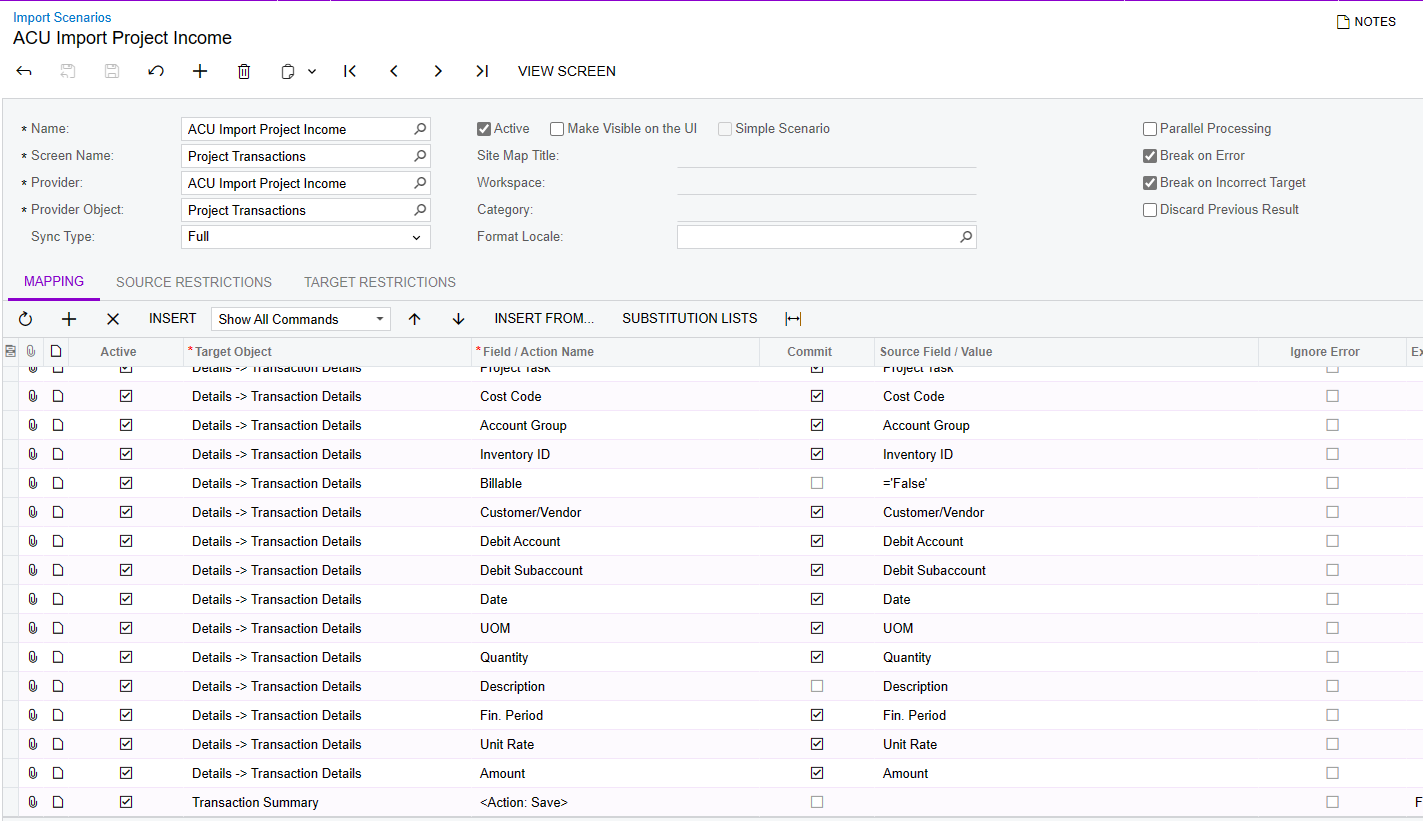
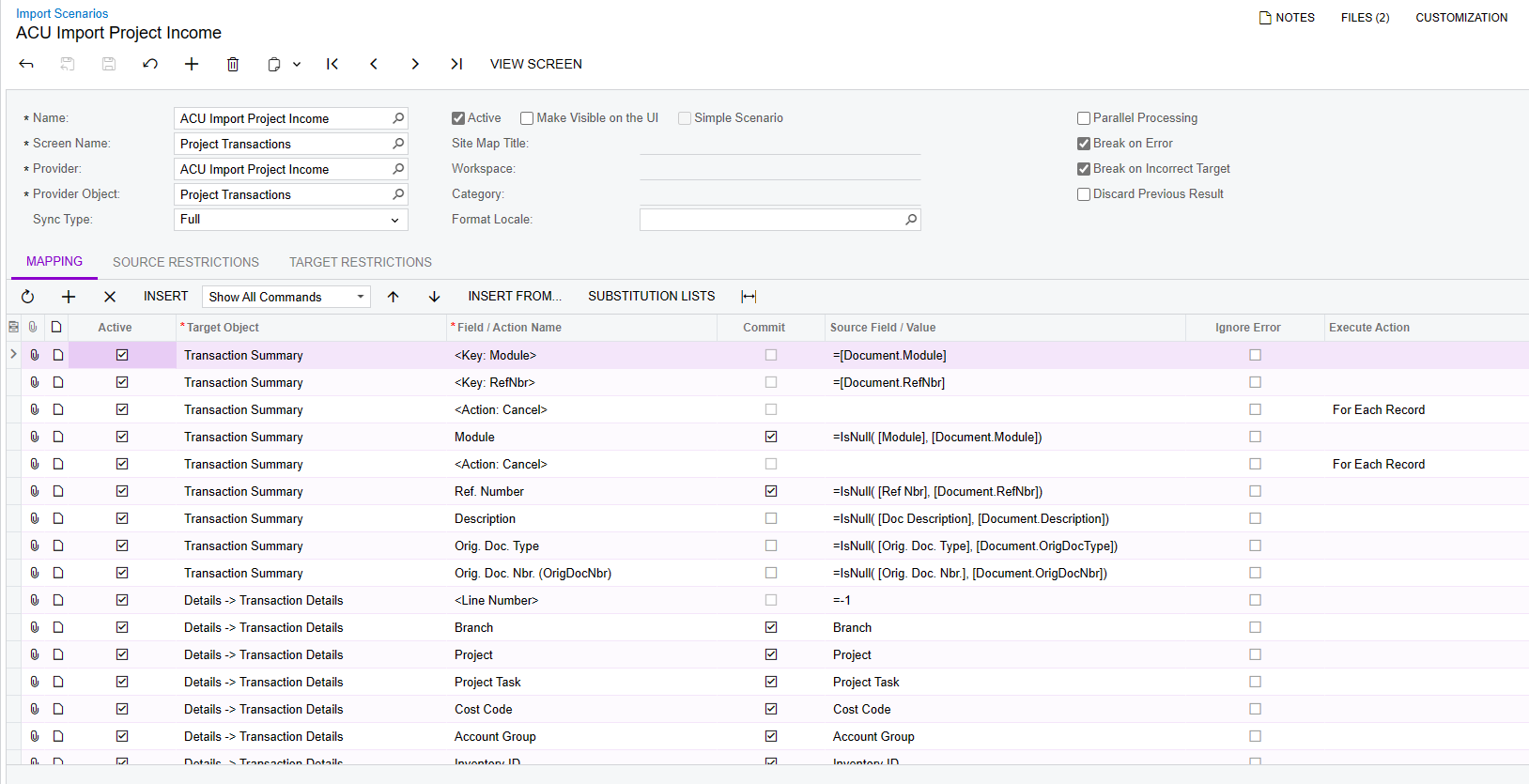
There is an import scenario for Project Income which is project transactions. Have you seen that?


3 replies

Kandy Beatty
Captain II
Forum|alt.badge.img+17
  • Captain II
  • Answer
  • January 10, 2024

HI @Harry 

There is an import scenario for Project Income which is project transactions. Have you seen that?


Laura03
Captain II
Forum|alt.badge.img+19
  • Captain II
  • January 10, 2024

Hello @Harry ,

Yes, Project Income is imported via Project Transactions screen.  Make sure the source data contains negative amounts for project Revenue and positive amounts for project Expenses.  When migrating project to Date actual totals, leave the GL Account and Subaccount fields blank so that migrated Project Balances do not post through to the GL.

For Project AR Invoices - the answer is different if you are using Construction (and need AIA reports/Pay Apps to line up to historical documents) versus using Project Management. We’ll need some details about your implementaiton, to answer part 2 of your question.

Laura


iqraharrison
Captain II
Forum|alt.badge.img+8
  • Captain II
  • January 10, 2024

@Harry depending on what version you are on, you may or may not have access to migration mode for projects, however, i wanted to share the import progress billing balances step by step guide that i found on the portal:

this specifically works for progress billing.  migration became available in 23R1


thanks!