Answer

How to delete Project Task ?

  • November 4, 2025
  • 3 replies
  • 59 views


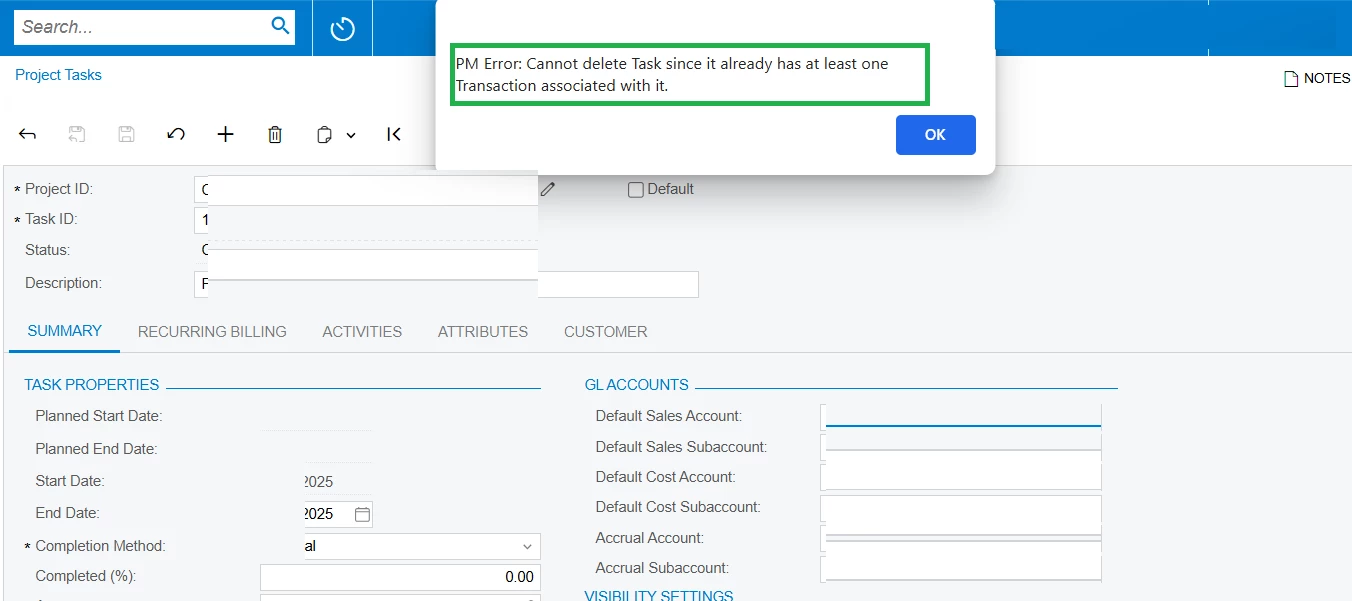
I made the Project Task as Cancelled and tried to delete the Project Task.


But I get the error message " PM Error: Cannot delete Task since it already has at least one Transaction associated with it."


How to find how many transactions exist for this project task and how many of those documents are cancelled or voided and what are those document numbers. Which standard report can show these details specific to a project task ?


Is it possible to delete a project task when there are only voided or cancelled documents only and no active documents ?

Best answer by mdavolt

Saravana,


How to find - Go to your Inquiry project transaction detail and see what transactions are posted to this task.   Put in your project and your task.  


your second question i didnt test, but i suspect if they were posted to the GL, and your entries have a history, ie recorded, reversed, etc you wont be able to delete it.    you could test this by drilling down to the transactions ( per process above and seeing the status/source, ability to delete them from there. 


3 replies

  • Jr Varsity II
  • Answer
  • November 5, 2025

Saravana,


How to find - Go to your Inquiry project transaction detail and see what transactions are posted to this task.   Put in your project and your task.  


your second question i didnt test, but i suspect if they were posted to the GL, and your entries have a history, ie recorded, reversed, etc you wont be able to delete it.    you could test this by drilling down to the transactions ( per process above and seeing the status/source, ability to delete them from there. 


ricoybanez
Jr Varsity III
Forum|alt.badge.img+3
  • Jr Varsity III
  • November 5, 2025

@SaravanaR 

You cannot delete anymore if there are history of posted transactions.


mohammadnawaz51
Jr Varsity I
Forum|alt.badge.img+4

@SaravanaR You can’t delete project task once it is posted.