




Team - one of our customers wants to limit the characters used for Project Tasks. This is simple enough. However, it turns out that the consultant who originally configured this customer somehow (???) added a Task to Project X. To make matters more unnecessarily inconvenient, they used the maximum characters allowed by the segmented key. I can neither open this task (on Project Tasks), delete the tasks using a Mass Update, or Update the Task ID (also using a Mass Update). I’ve also tried renaming the Non-Project Code, but this isn’t helpful either.
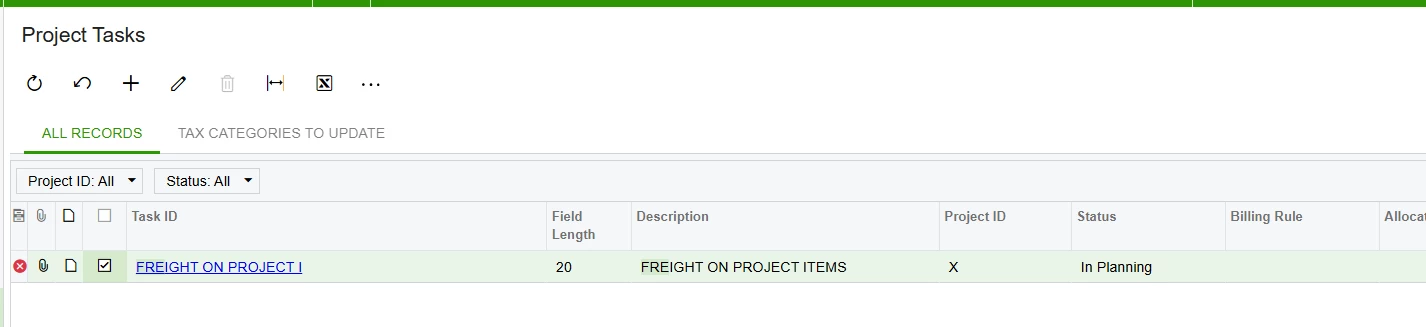
- Is there a way, short of using a customization, that I can access this task to delete it?
- How in the world was this able to be done in the first place?
Thanks in advance!


