Hello everyone!
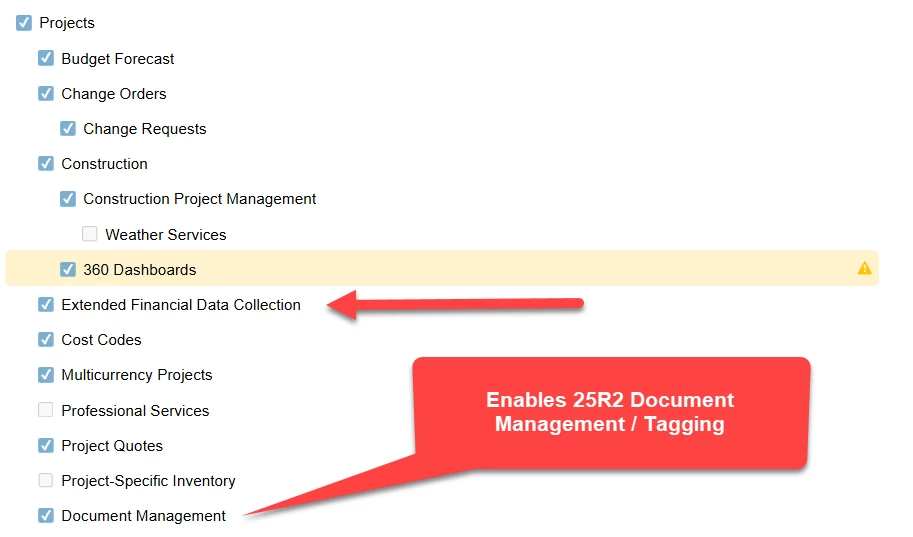
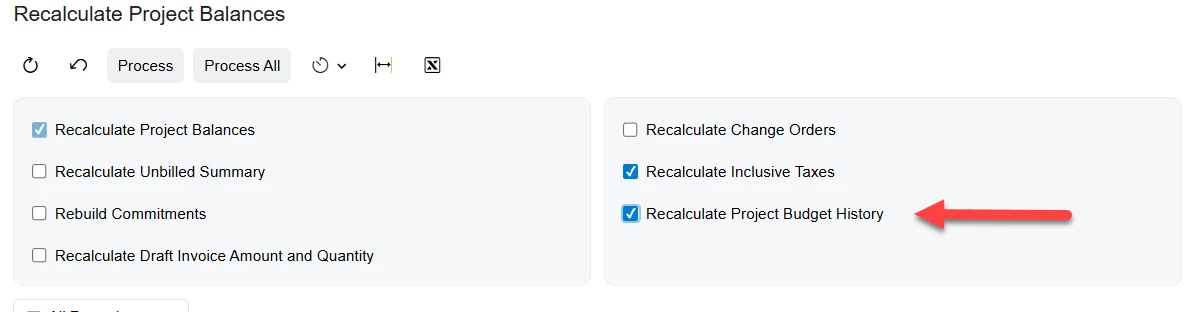
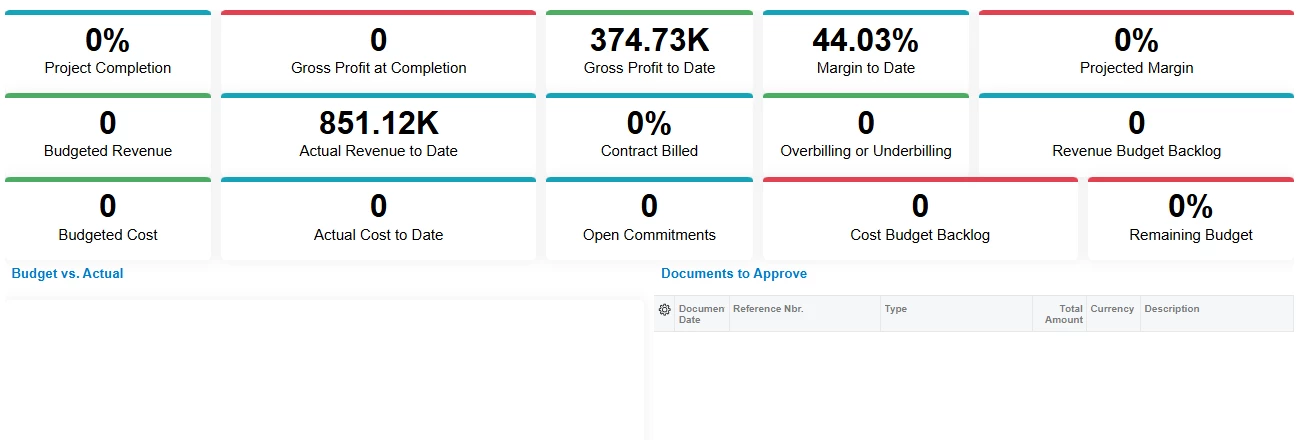
We’re new to 2025R2 and currently testing in our sandbox. Of course being a Construction client and having been to Summit we’re excited about all of the new bells and whistles, most importantly we are looking forward to the Construction 360 Dashboard. Much to our dismay, we ran into a “lot of zeroes” after turning on the Modern UI and trying it out.
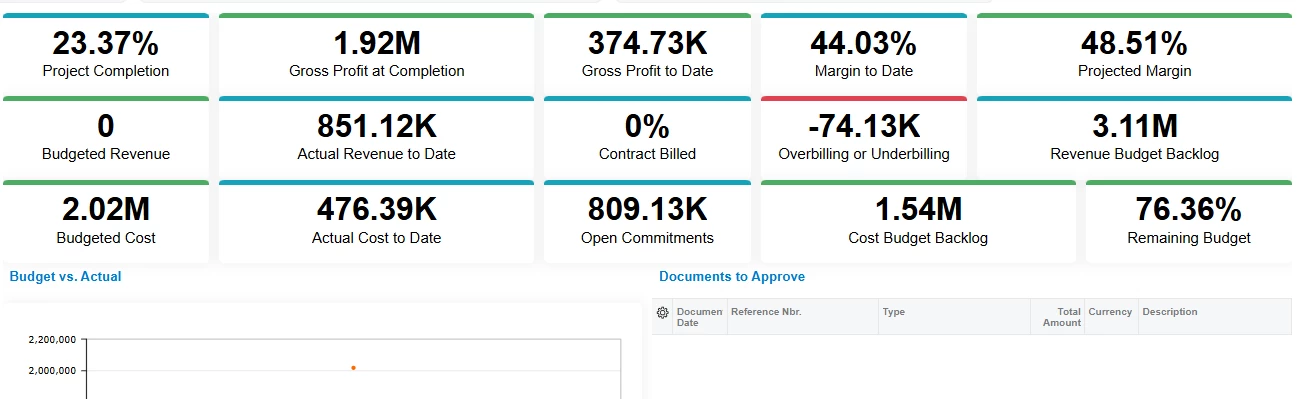
However, we learned that most of the information can be populated through the Cost Projections By Date, and now have 13 out of the 15 columns populated with stats. This of course leads me to a few questions which I hope the community can help with:
- For setup purposes, does every Construction customer have to run the ‘Cost Projections By Date’ report each and every time they want to see updated stats? If that is the case, have you just created a Business Event to run this for all of your projects? (We currently have 43 active projects) And if so, do you run your Business Event to update on a daily, weekly or monthly basis?
- Even after running ‘Cost Projections By Date’, choosing a Project and a Date, not all of the numbers are populated. Is there a separate report that updates Budgeted Revenue and Contract Billed?
We’ll take any pointers or tips, we can’t be the only Construction customer who feels constrained?