@Avishka
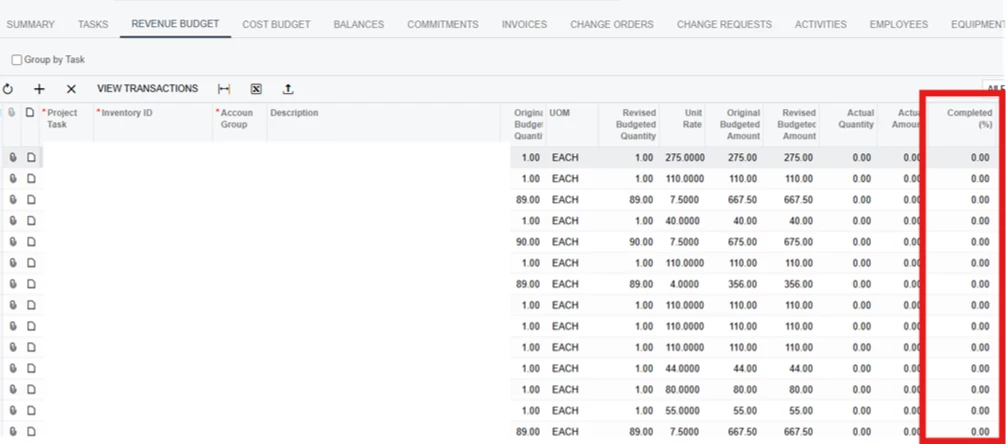
If the Completed (%) value needs to be set to 100 for every applicable Revenue Budget line before running Project Billing, a small customization with an action button can be added to the Project screen.
The action can loop through the Revenue Budget lines and set Completed (%) = 100 for the applicable records in one operation. The user can then proceed with Run Billing as usual.
Below is the sample code:
public class PMProjectEntryExt : PXGraphExtension<ProjectEntry>
{
    public PXAction<PMBudget> SetCompleted100;

    [PXButton(CommitChanges = true)]
    [PXUIField(DisplayName = "Set Completed to 100%")]
    protected virtual IEnumerable setCompleted100(PXAdapter adapter)
    {
        foreach (PMRevenueBudget budget in Base.RevenueBudget.Select())
        {
            if (budget == null) continue;
            budget.CompletedPct = 100m;
            //logic
        }
        return adapter.Get();
    }
}
Hope it helps!