Solved

You have insufficient rights to access the object (PJ661000).

  • July 19, 2023
  • 11 replies
  • 1303 views
  • Translate All

Forum|alt.badge.img

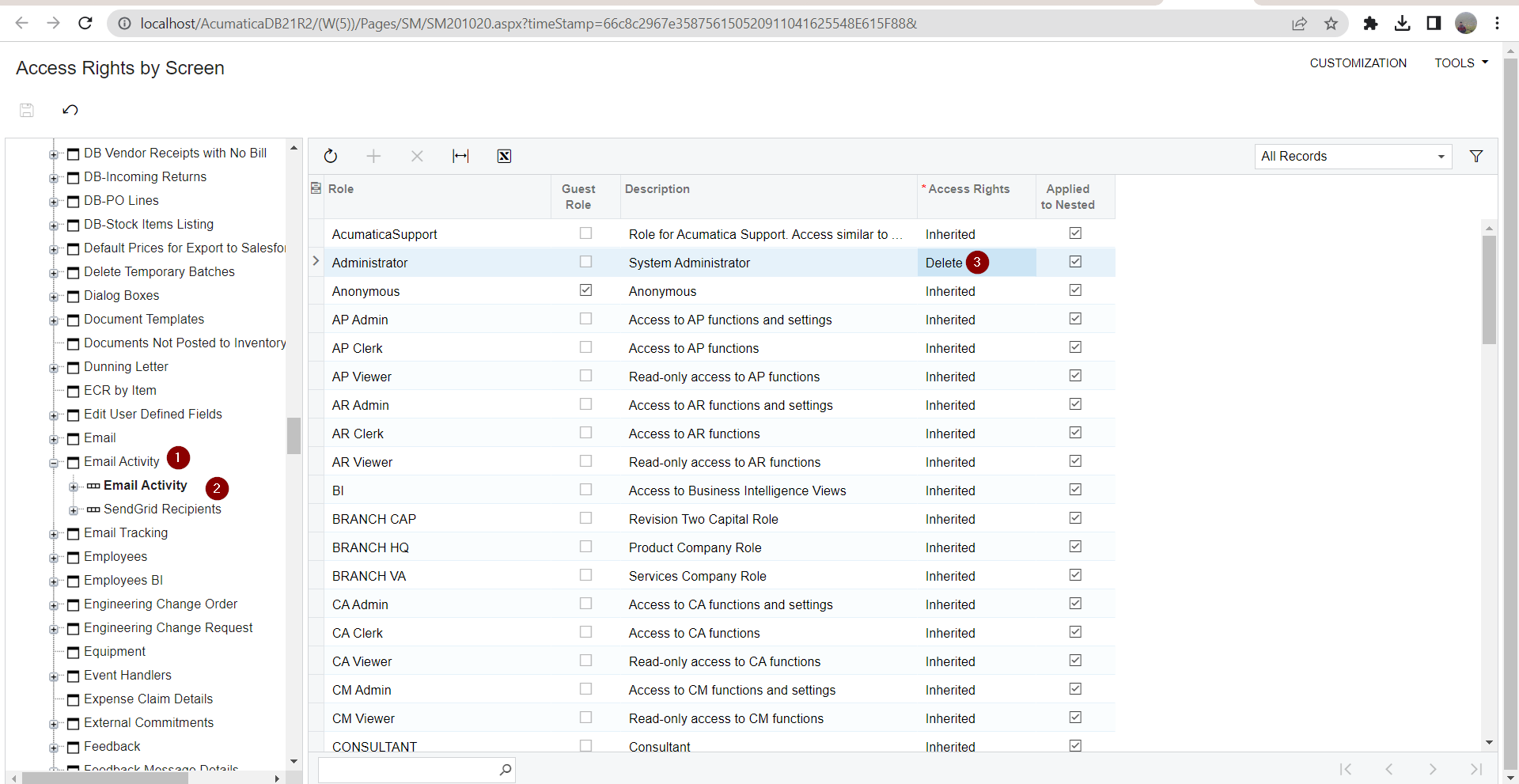
I have a custom user role that is not allowing the users to send emails for RFI’s or Submittals. I have added delete privileges to this role under Hidden->Email Activity but I still get the following error when attempting to send emails. You have insufficient rights to access the object (PJ661000). Is there a way to set object permission by using the object ID?

Best answer by jsieber

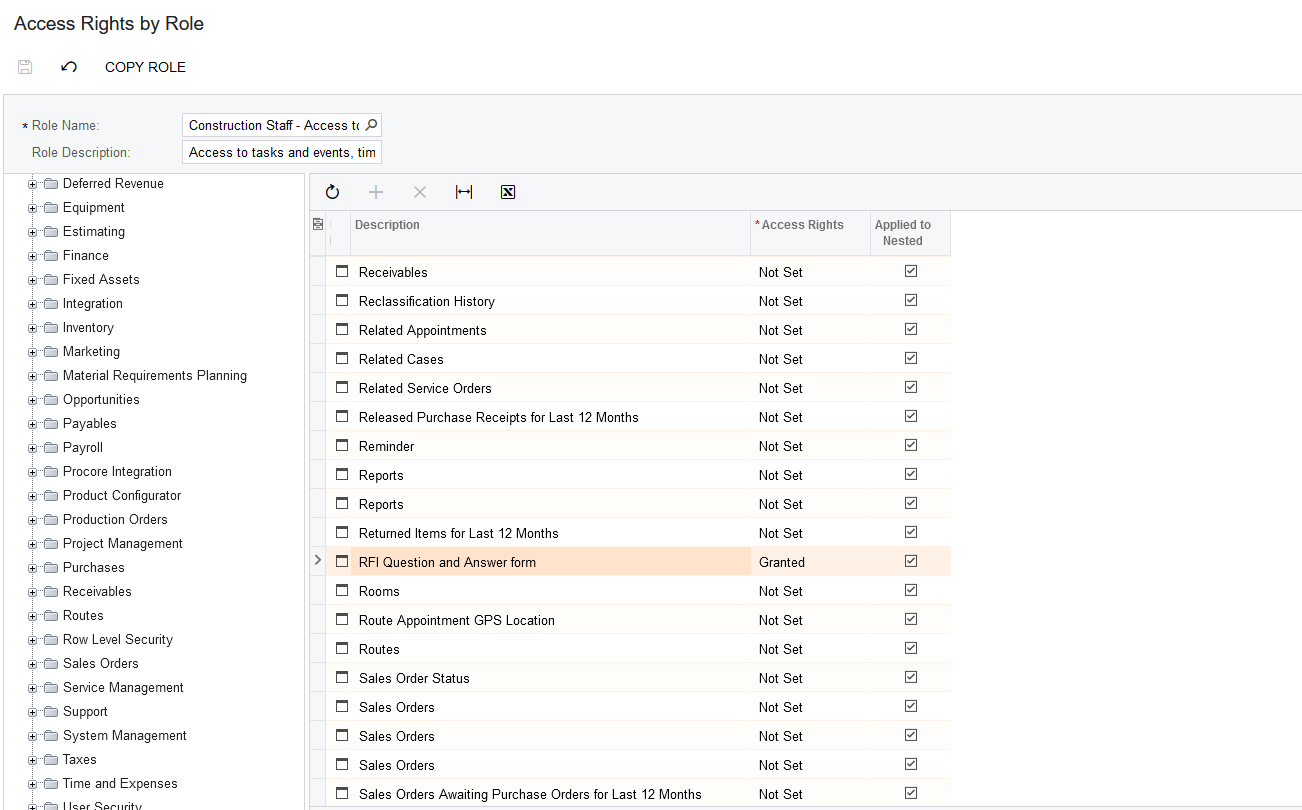
Thanks for the help @AndrewBGL  and @manikantad18 The solution was that I needed to provide granted access to the RFI Wuestions and Answer form.
 

View original

11 replies

AndrewBGL
Pro I
Forum|alt.badge.img


I have a custom user role that is not allowing the users to send emails for RFI’s or Submittals. I have added delete privileges to this role under Hidden->Email Activity but I still get the following error when attempting to send emails. You have insufficient rights to access the object (PJ661000). Is there a way to set object permission by using the object ID?

Hello Jsiber,

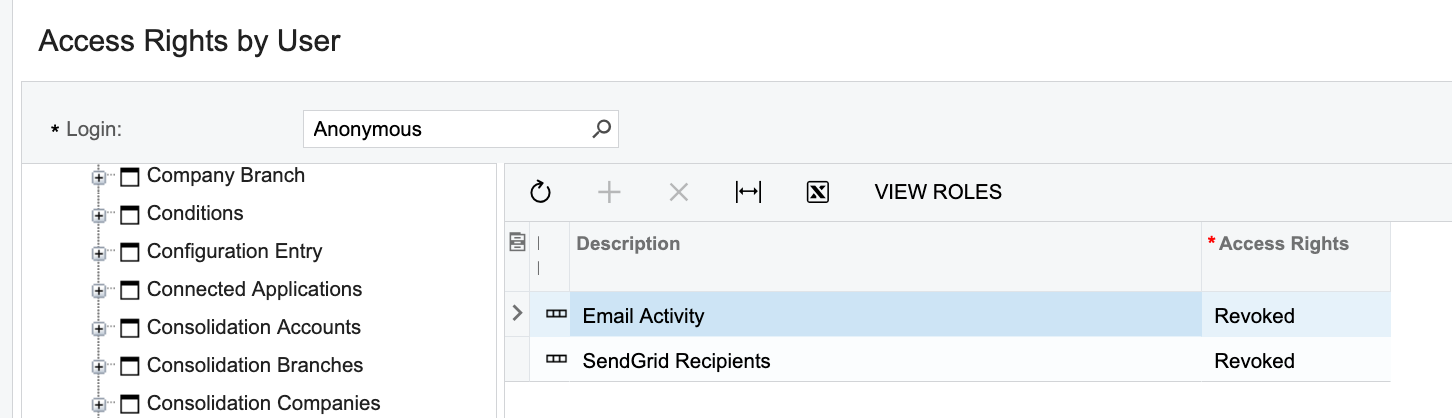
I use the Access rights by user, access rights by screen, and access right by role to determine if there are any conflicts in access rights.

First check the permissions for the customer user account and see which roles you assigned to the user.

If that does not work let us know.


Translate

Forum|alt.badge.img
  • Author
  • Jr Varsity III
  • July 19, 2023

@AndrewBGL I have verified by checking access rights by user, screen, and role that they do not conflict. I’m looking at Email Activity permission specifically. Is there a way to tell what object (PJ661000)  is?

Translate

Manikanta Dhulipudi
Captain II
Forum|alt.badge.img+16

Hi @jsieber Have you setup user rights as below for email activity?


Translate

Forum|alt.badge.img
  • Author
  • Jr Varsity III
  • July 20, 2023

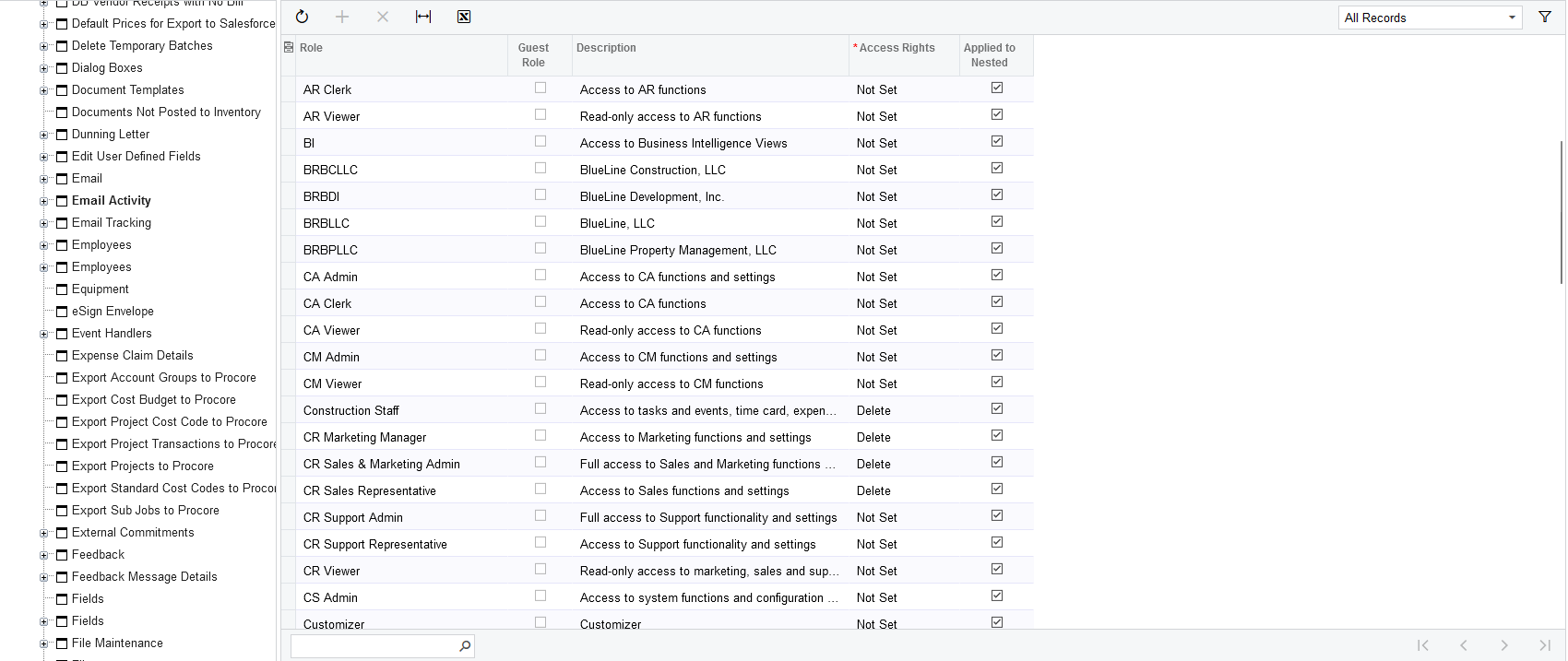
@manikantad18 I do believe I have this set correctly. The role I’m working on is “Construction Staff”.


Translate

Manikanta Dhulipudi
Captain II
Forum|alt.badge.img+16

Hello @jsieber 

Please add more screenshot what you are trying to open and what errors it shows,


Also please see the nodes whether you have node level access also As I shown in screenshot.

Translate

AndrewBGL
Pro I
Forum|alt.badge.img

Hello @jsieber ,

I found a similar issue on augforums.com.

The error message: You have insufficient rights to access the object (PJ661000) was related to the role access rights. To fix the issue a new role was created and granted access rights from the top route. They then revoked permissions that were not needed.


Translate

Forum|alt.badge.img
  • Author
  • Jr Varsity III
  • Answer
  • July 20, 2023

Thanks for the help @AndrewBGL  and @manikantad18 The solution was that I needed to provide granted access to the RFI Wuestions and Answer form.


Translate

Chris Hackett
Community Manager
Forum|alt.badge.img
  • Acumatica Community Manager
  • July 20, 2023

Thank you for sharing our solution with the community @jsieber!

Translate

AndrewBGL
Pro I
Forum|alt.badge.img

@jsieber I am glad you were able to get it figured out.

Translate

  • Freshman II
  • December 6, 2023

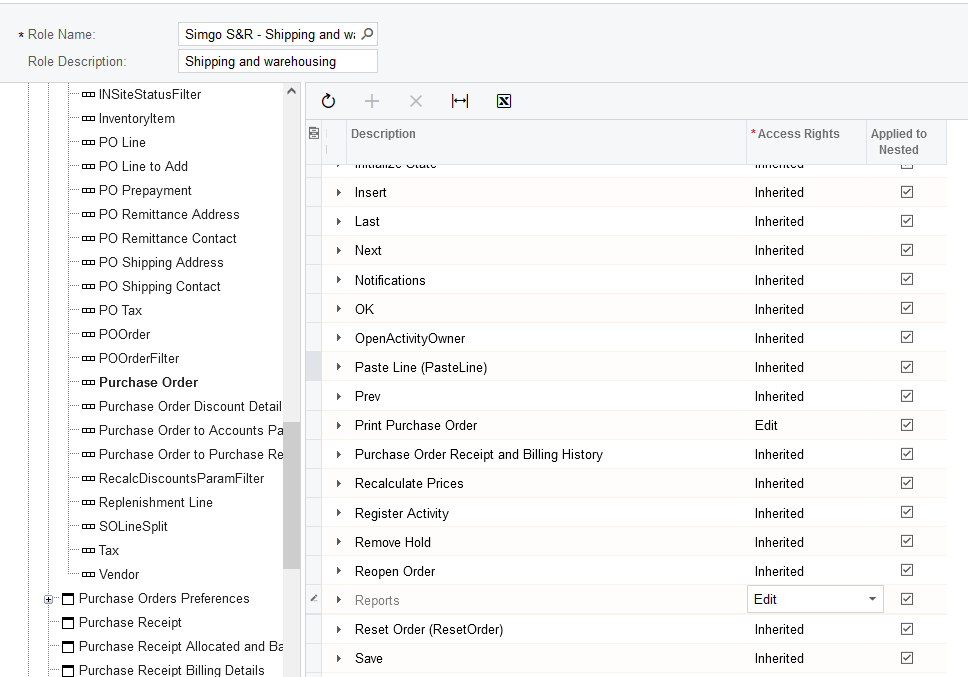
Trying to give access to a user to Print Purchase Orders but am getting error PO641000.

I am doing this through the Access Rights by Role Function. Any help would be great!


Thanks


Translate

  • Freshman I
  • June 16, 2025

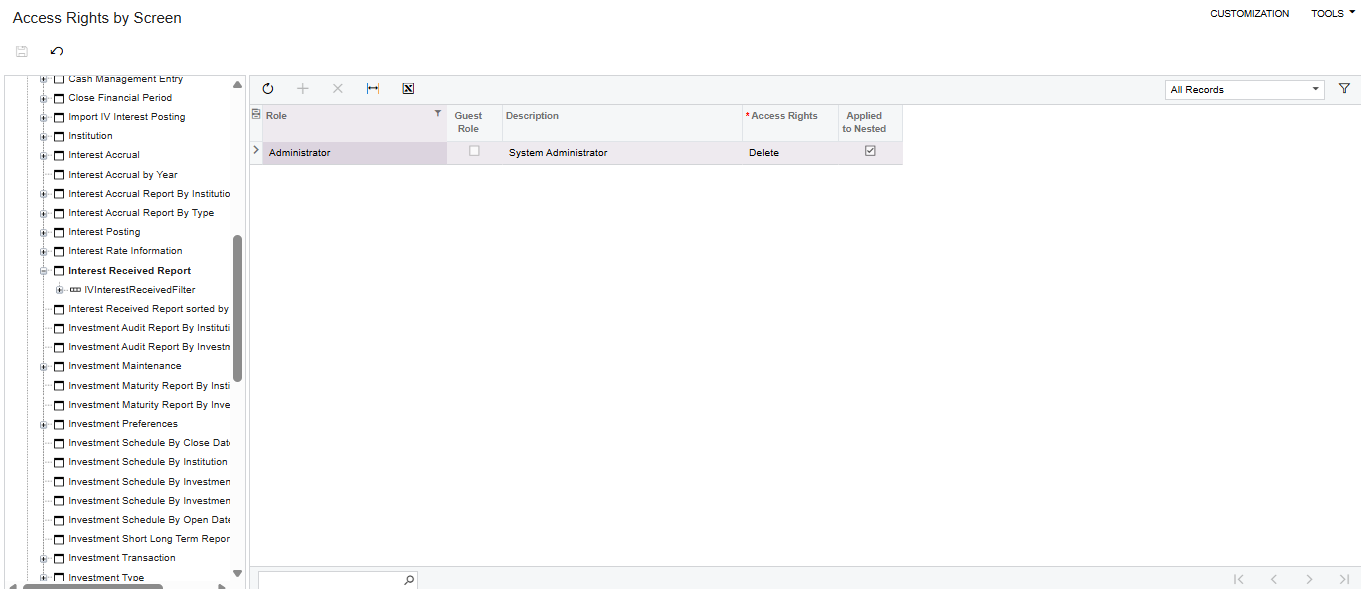
“You have insufficient rights to access the object (IV661000).” i have the same cases as above mentioned. 


while i’m the system administrator, still dont have access to the report, i can filled up all of the report parameter. but upon clicking “RUN” button, that error appeared.


Help me, i got no ideas on how to set it.


Translate