

Question

Unable to access Acumatica remotely

  • Nov 3, 2026 6:14 PM UTC
  • 2 replies
  • 14 views
  • Translate All

Forum|alt.badge.img

hello all,

I have been trying to access Acumatica outside the server but it triggers the below error:
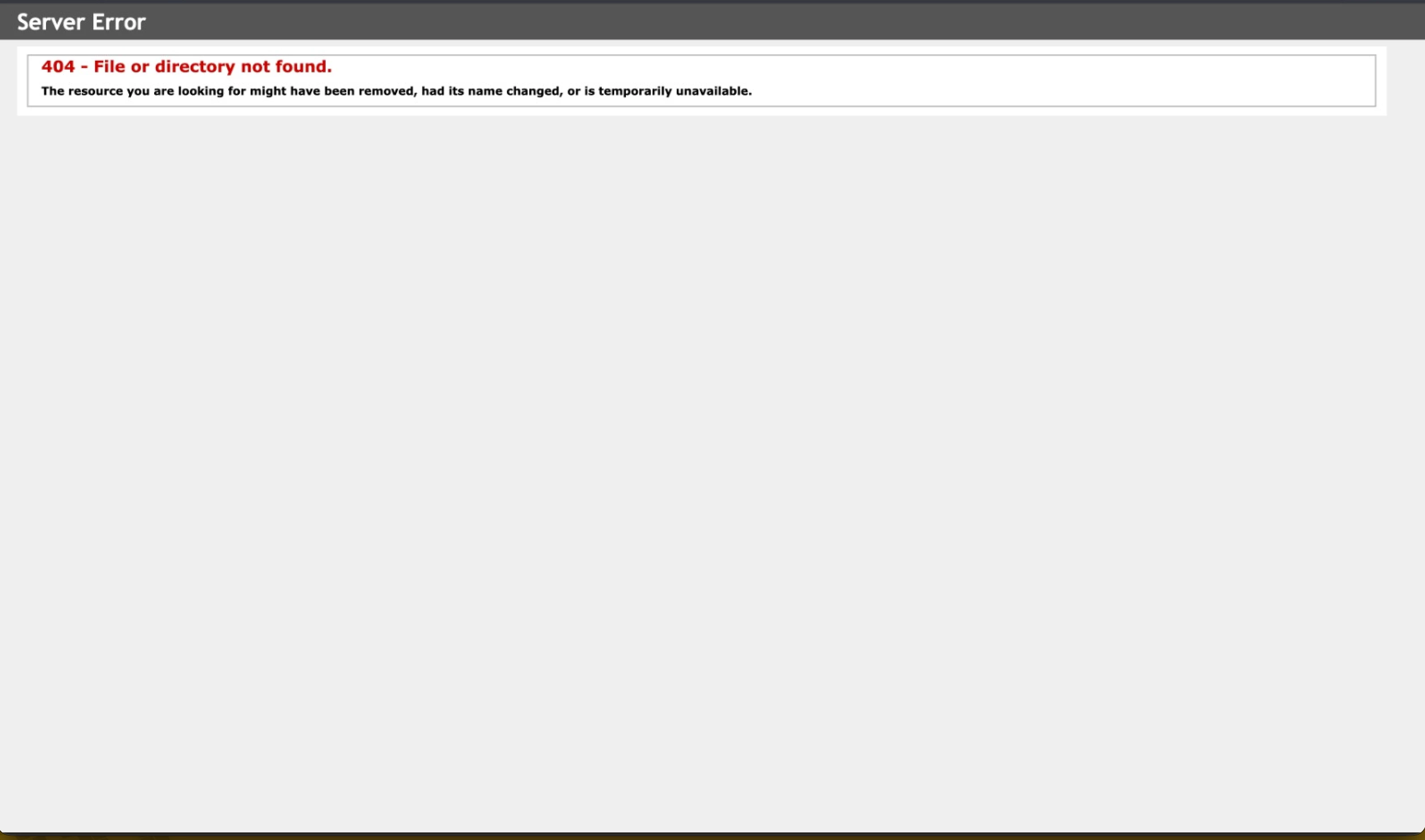

However I’m able to run the same instance on localhost

Can some please help me out in this? The Server guys said since it is being handled by IIS they cant do anything.

2 replies

Forum|alt.badge.img+5
  • Varsity III
  • Nov 3, 2026 6:47 PM UTC

Hi ​@Harry ,

Can you please share the URL tag you’ve been using? Is there any subdomain linked or did you try with the help of IP address of the server?

Translate

Steve Milner
Varsity III
Forum|alt.badge.img+6
  • Varsity III
  • Nov 3, 2026 7:24 PM UTC

@Harry Harshita's question about the URL is the right one, and your screenshot backs it up.

That page is IIS's own generic "404 - File or directory not found," the version it sends to browsers on other computers. So your request is reaching IIS. IIS just can't find anything at the path in the URL.

On the server, the URL that works looks like http://localhost/InstanceName/. From another computer it should be the same URL with only localhost replaced by the server's full name or IP: http://servername/InstanceName/. The part after the slash is the Virtual Directory Name the instance was deployed with. In the Acumatica Configuration Wizard, go to Perform Application Maintenance, select the instance and click Review Instance Info. It shows the Instance URL, Website Name and Virtual Directory Name.

If the URL matches and still returns 404, open http://<server IP>/InstanceName/ in a browser on the server itself. IIS treats that as a local request and shows the detailed error page, which lists the Requested URL and the Physical Path it mapped to. If that path isn't the Acumatica instance folder, look at the site and virtual directory setup in IIS Manager.

IIS runs on that server, so whoever has admin rights there can do both checks with you.

Translate
