Question

Title: How to Remove Trailing Zeros from Numeric Values Globally in Acumatica

  • March 13, 2026
  • 4 replies
  • 53 views

Hi  all,

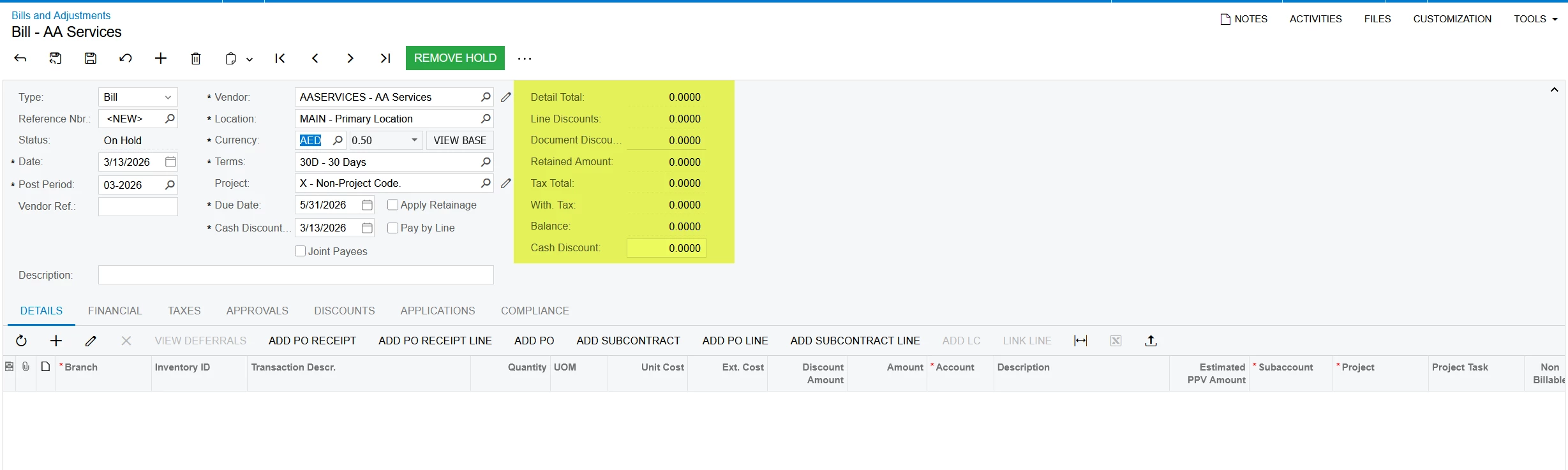
In our Acumatica environment, numeric values are displayed with trailing zeros in many transactions. For example:

  • 10.12000

  • 10.00000

  • 10.45785

Expected display:

  • 10.12000 → 10.12

  • 10.00000 → 10

  • 10.45785 → 10.45785 (should remain the same)

Our requirement is to remove unnecessary trailing zeros across the system (Purchase Orders, Sales Orders, AR/AP transactions, Generic Inquiries, and reports) without modifying each screen individually.

We have already checked:

  • Decimal Precision settings in companies master screen

Is there a way to configure this globally in Acumatica, or would this require customization?

4 replies

DasunPerera91
Acumatica Employee
Forum|alt.badge.img
  • Acumatica Employee
  • March 13, 2026

Hi,

Can you try restarting the site after changing the settings in Companies screen?

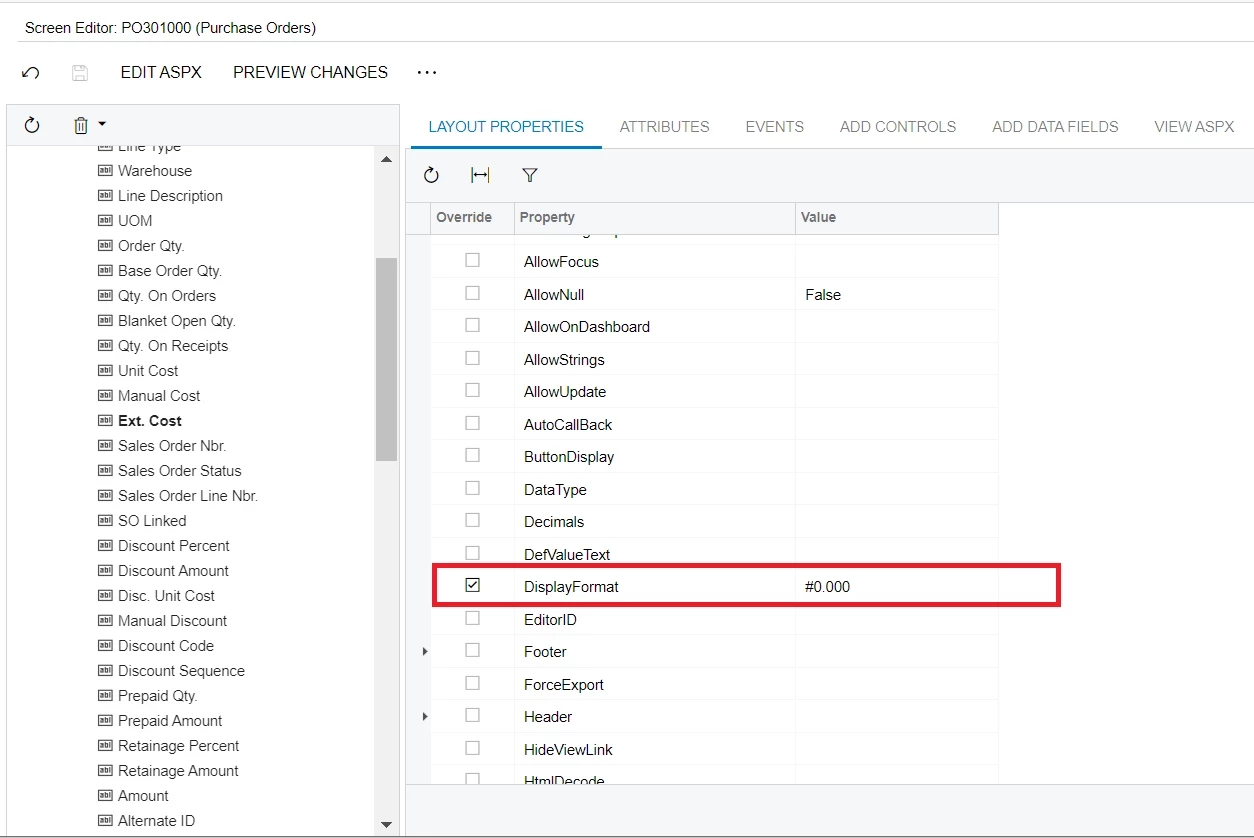
If issue persists check the below post and replies on changing the decimal points. There might be a way to change the format using Screen Editor.

How to change decimal point to 3 digit | Community


Forum|alt.badge.img
  • Jr Varsity II
  • March 13, 2026

@shijomathew16 This would likely require a customization.


Yasas Withanage
Acumatica Employee
Forum|alt.badge.img+5

Hello ​@shijomathew16 

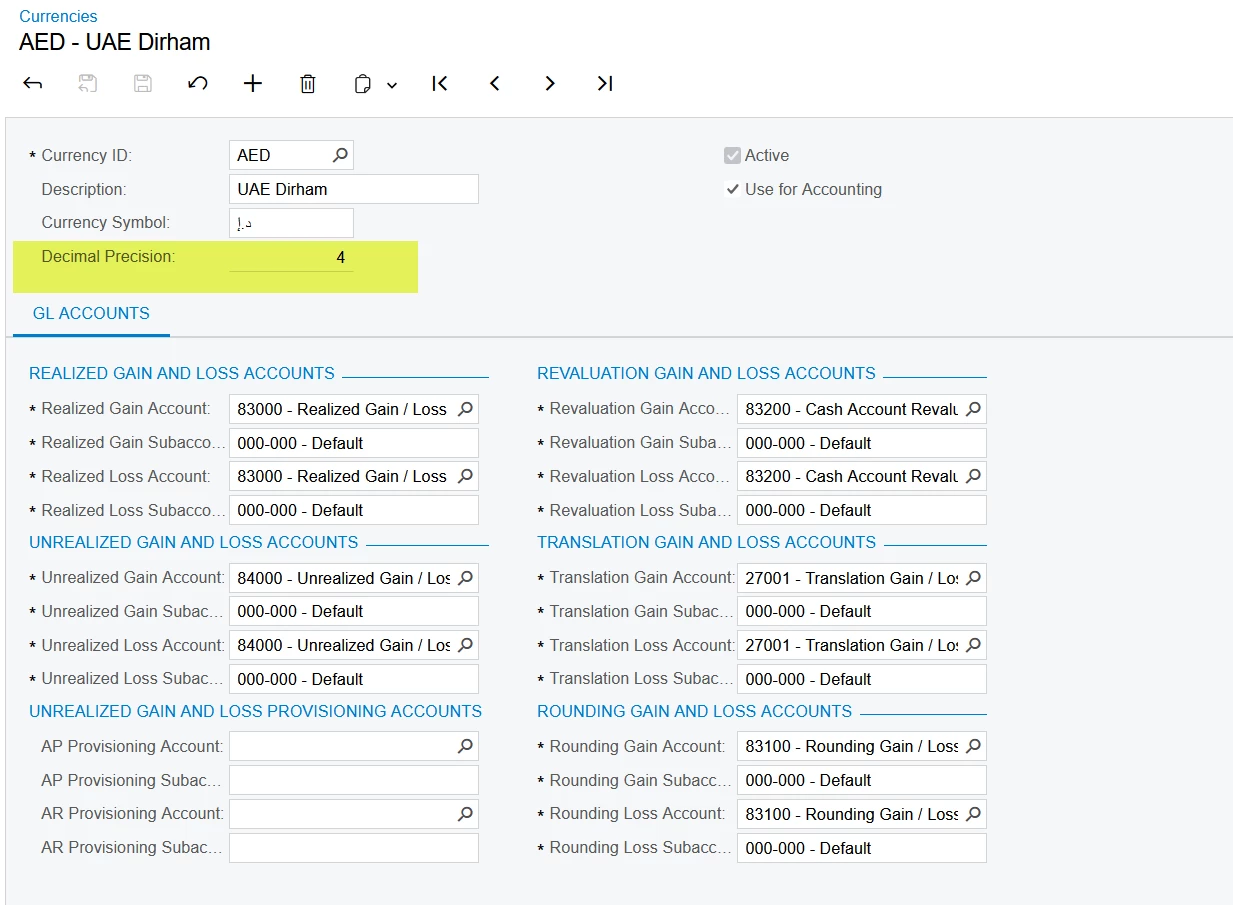
Generally, these decimals come from the decimal precision in the relevant currency ID.

This is a one-time setup. Yes, if you need to change this, you need to explore some customization options.

Thanks


darylbowman
Captain II
Forum|alt.badge.img+16

This is frankly next to impossible. It’s not how Acumatica was designed to work. You could achieve some with customization, but the level of customization you would need to go through to accomplish this across the system is unfeasible.