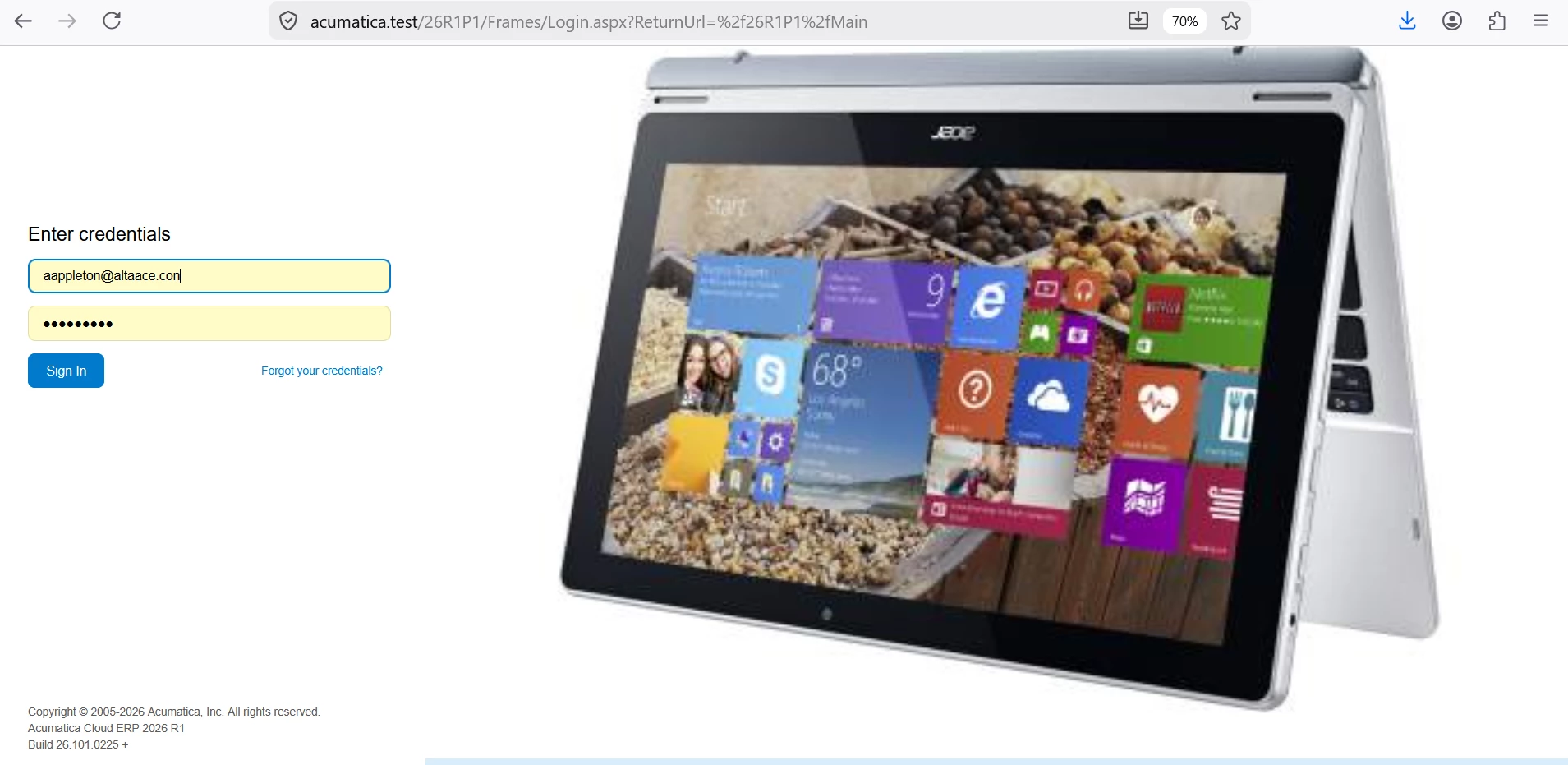
On the Portal Settings page, the uploaded Sign-In Page Image does not seem to be displayed on the portal Sign-In page.
Has anyone else had this issue or know how to fix it?
The Welcome to the Self-Self-Service Portal default screen is replaced with a blue box, instead of the uploaded image…
Best answer by Srinivas Kota
On the Portal Settings page, the uploaded Sign-In Page Image does not seem to be displayed on the portal Sign-In page.
Has anyone else had this issue or know how to fix it?
The Welcome to the Self-Self-Service Portal default screen is replaced with a blue box, instead of the uploaded image…
@jbarnett14
Hi,
It is working for me, added screenshots below for your reference.
make sure ERP and Portal Build version should match.
Portal Settings in ERP :
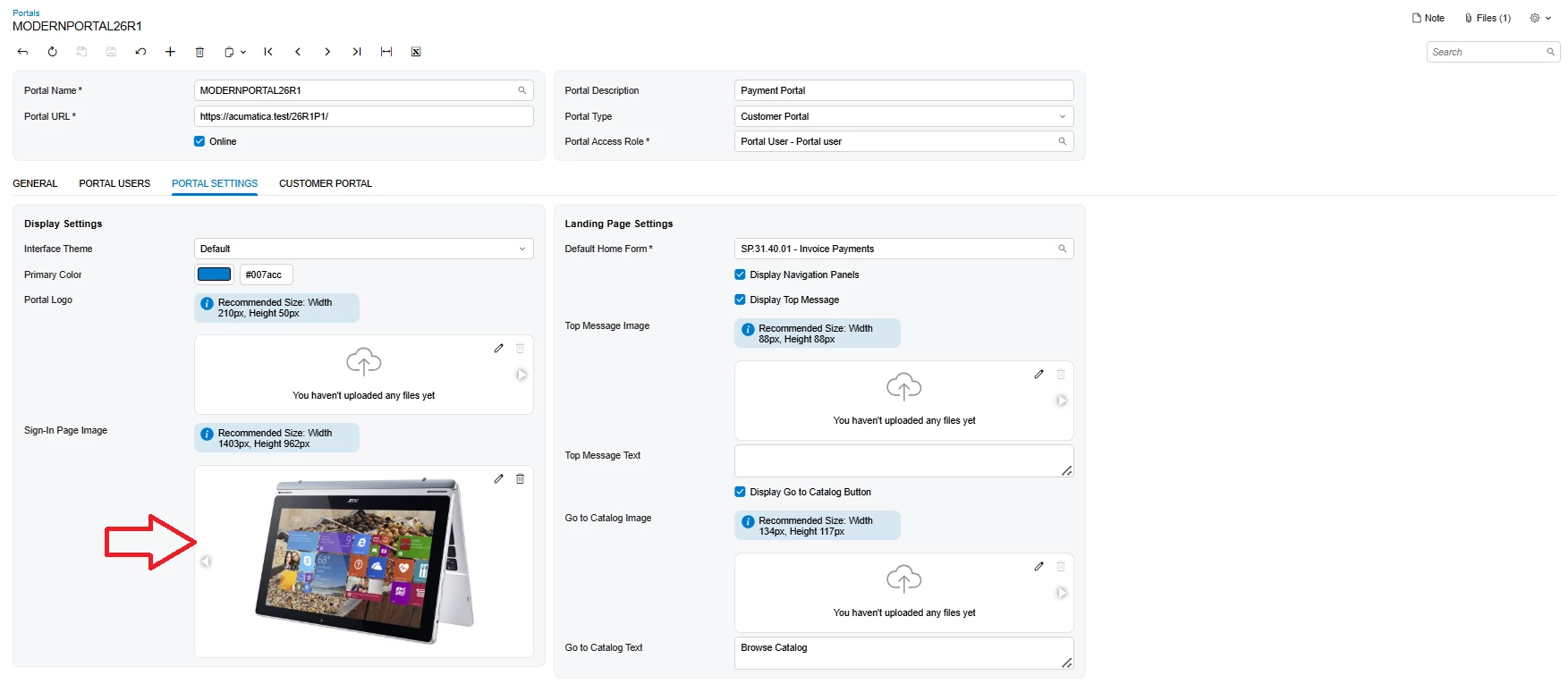 My image dimensions you can see below
Port Login Page :