Answer

Import to local Acumatica instance

  • May 3, 2024
  • 2 replies
  • 134 views

                We are trying to restore some data from our snapshot going back to October 2023.

We have built a local site (2022R20 in trial mode and started to import a snapshot.

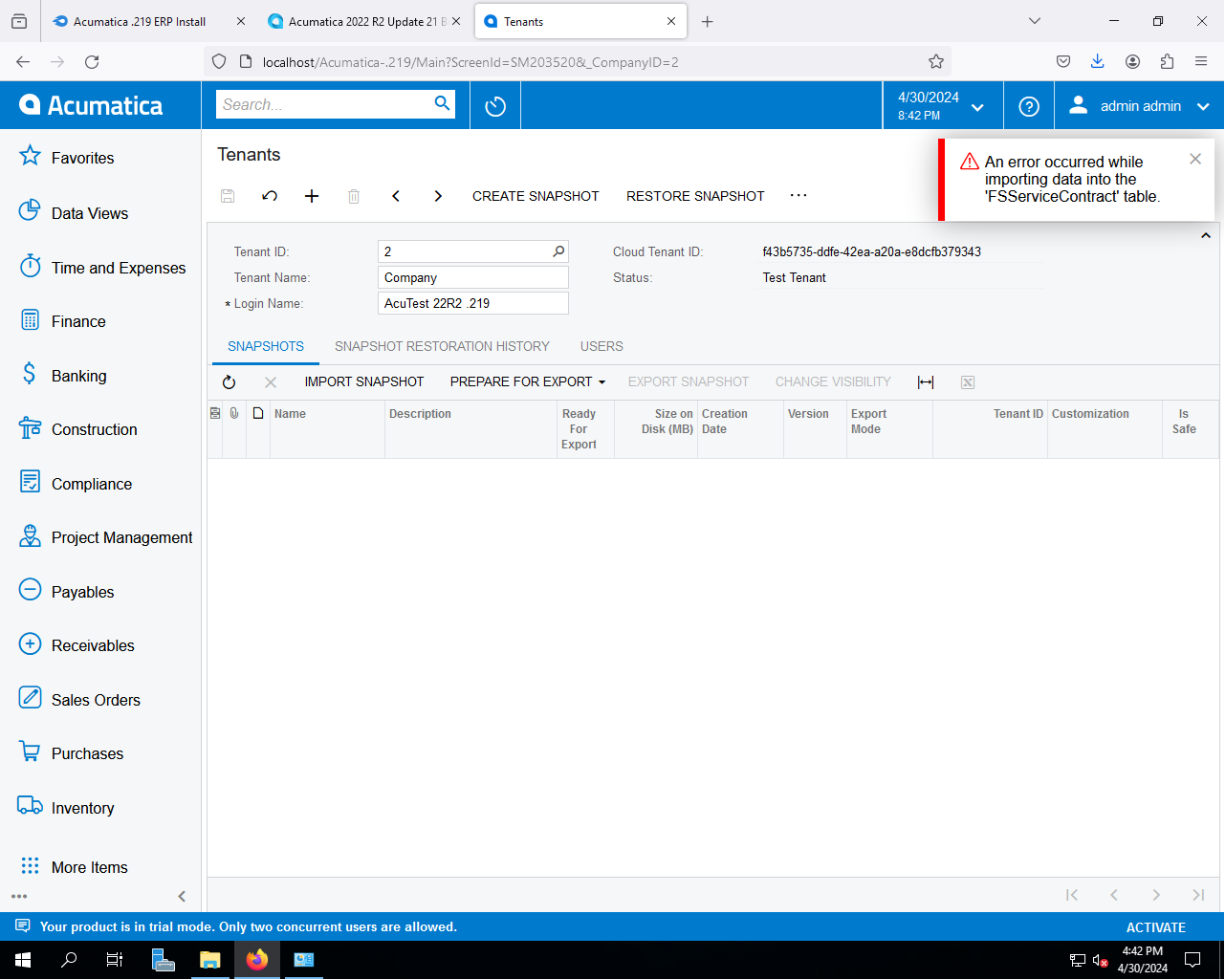
While the snapshot was being imported, I got the below displayed error.

Any idea what might cause this problem?
 

Best answer by wsobers

Hi @manikantad18 

I ran the process to optimize the data base. At the end of the process, the same error happened when I tried to import the snapshot.

I bypassed the error by taking the named file (FSServiceContract) out of the snapshot zip file. 

The import ran to completion and the restore snapshot worked as well.

 

2 replies

Manikanta Dhulipudi
Captain II
Forum|alt.badge.img+15

Hi @kevinheng21 

This issue happens when there is no space to Import the data.

Please do the following activities

.       1. Optimize database

  1. reset caches
  2. make sure you have enough space
  3. restart the application
  4. reimport the snapshot

https://community.acumatica.com/import-and-export-scenarios-117/error-import-snapshot-19279#:~:text=Basically%20this%20issue%20happen%20when,space%20to%20Import%20the%20data.&text=Hi%20%40kevinheng21%20The%20mentioned%20error,Character%20length%20of%20the%20field.


  • Author
  • Freshman II
  • Answer
  • May 7, 2024

Hi @manikantad18 

I ran the process to optimize the data base. At the end of the process, the same error happened when I tried to import the snapshot.

I bypassed the error by taking the named file (FSServiceContract) out of the snapshot zip file. 

The import ran to completion and the restore snapshot worked as well.


