

Hi ALL,
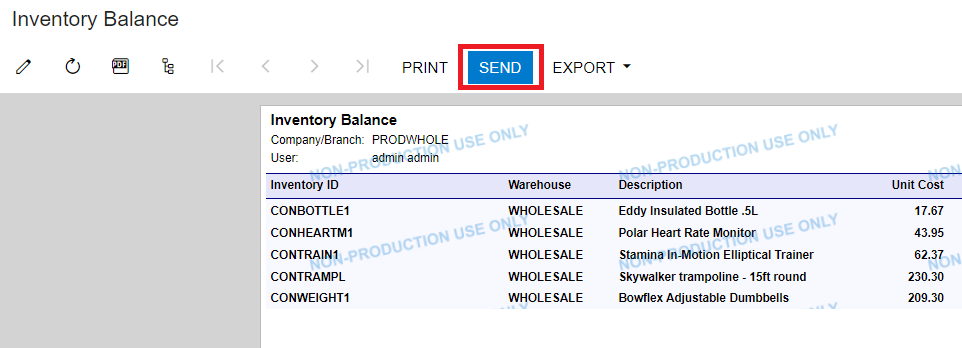
For example: Inventory Balance report > Click SEND
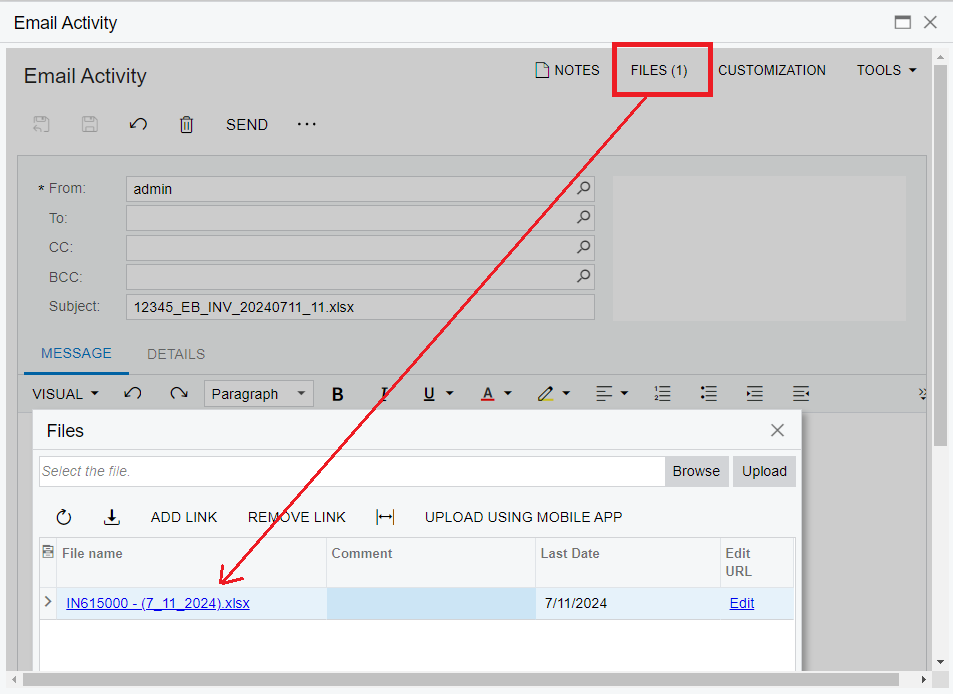
In the Email Activity screen > FILES > File name is the default.
How to rename this default file in Email Activity screen before sending email ?
Best Regards,
NNT


 +14
+14Hi ALL,
For example: Inventory Balance report > Click SEND
In the Email Activity screen > FILES > File name is the default.
How to rename this default file in Email Activity screen before sending email ?
Best Regards,
NNT
Best answer by Manikanta Dhulipudi
Hi
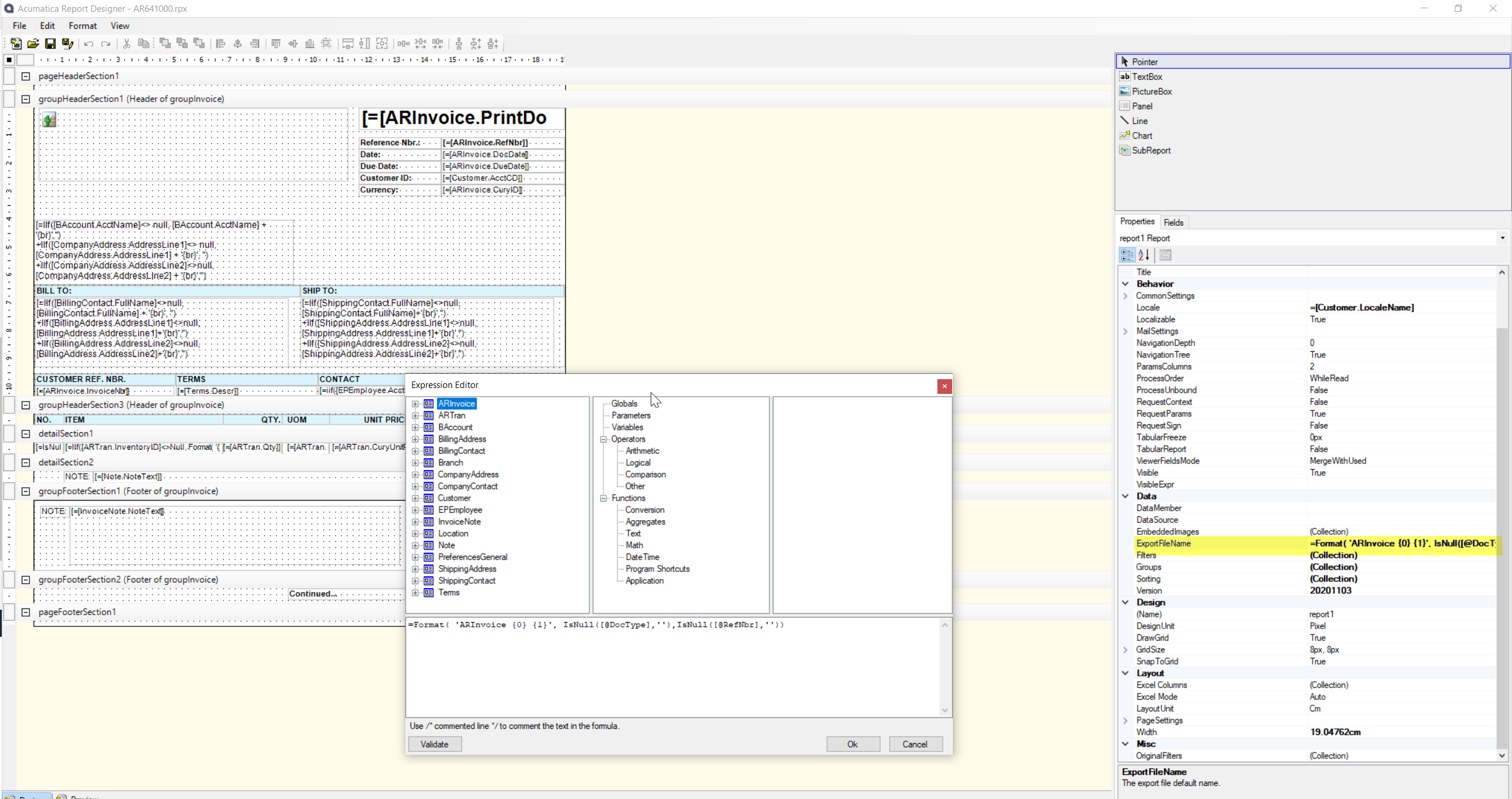
In the report designer, the user can set up the export file name.
Open the report in the report designer and navigate to the export file name field and add the required file name
Enter your E-mail address. We'll send you an e-mail with instructions to reset your password.
