

I’m assuming, but not certain, since there is no documentation I can find, that I could install a local instance of MYOB similarly to Acumatica. But how?
Solved
How can I install a local instance of MYOB?


 +17
+17Best answer by jinin
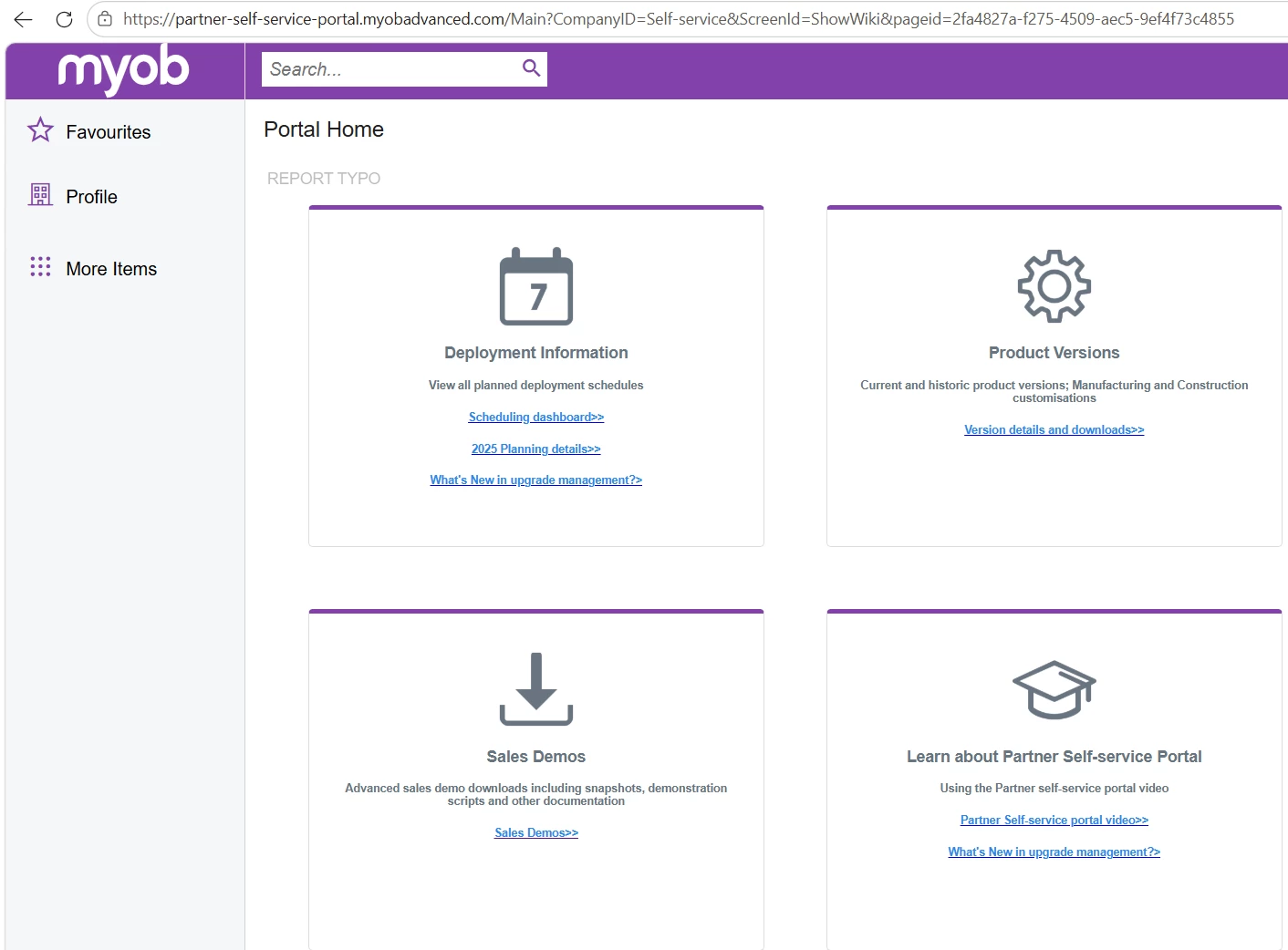
You're right. The Partner Portal appears to be for MYOB partners only, so independent users likely can't download the MYOB build from there.
You can try the following options:
- Apply to the MYOB Acumatica Developer Program through developer.myob.com. This is the official way to get sandbox access.
- Ask your customer or their MYOB reseller to provide access to a sandbox/test tenant.
- For a local install, use standard Acumatica from builds.acumatica.com (free 2-user mode). MYOB Acumatica is built on the same platform, so it works for testing customizations and the API, but it won't include MYOB's AU/NZ-specific features.


Enter your E-mail address. We'll send you an e-mail with instructions to reset your password.