

Solved

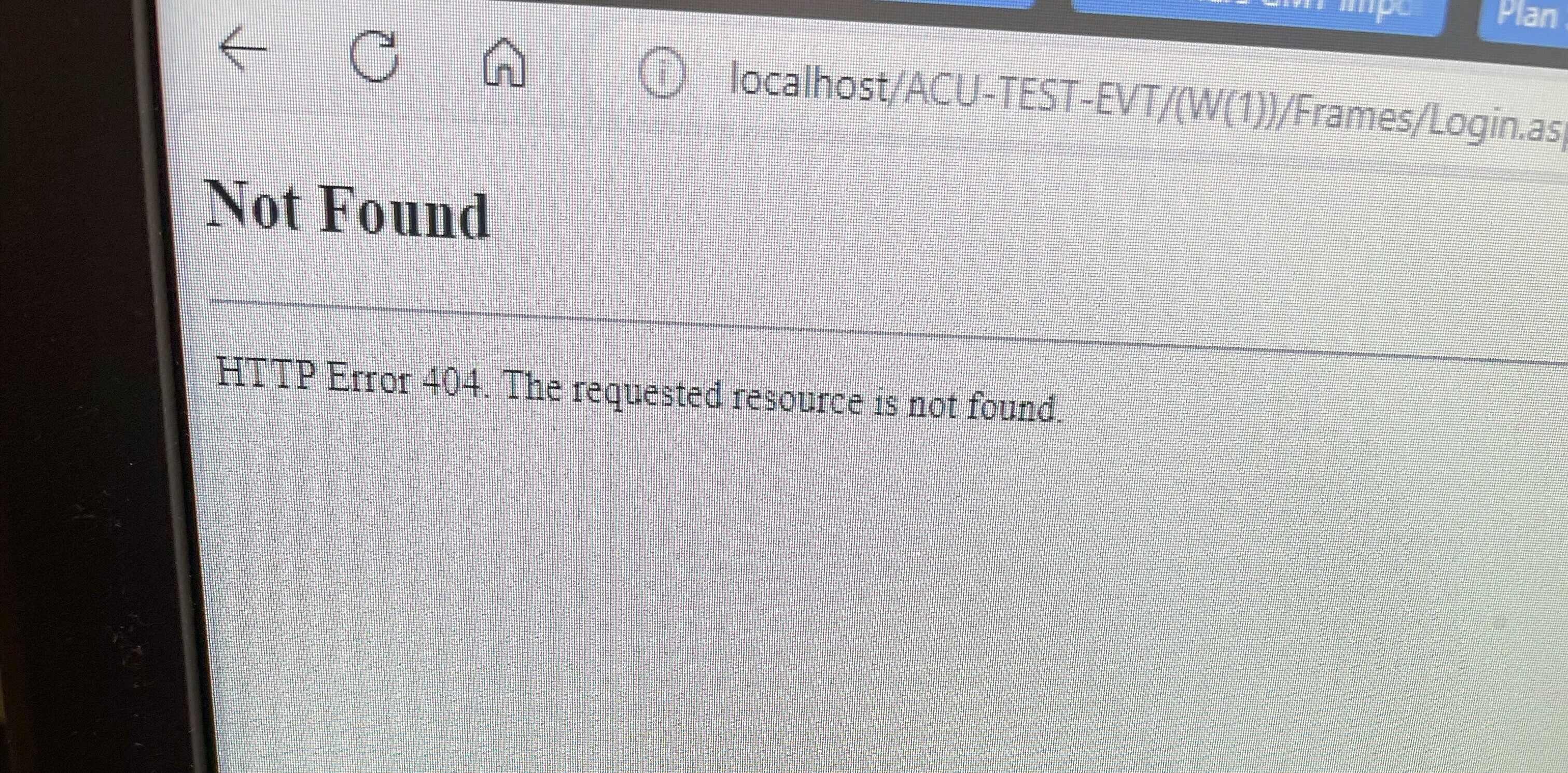
Acumatica ERP Wizard localhost Error

  • Oct 17, 2024 1:51 PM UTC
  • 3 replies
  • 184 views
  • Translate All

Forum|alt.badge.img

I had Acumatica Wizard installed with Windows 10 and after upgrading it to Windows 11 I get the following error when running an instance


Is there anything to fix it?


Best answer by alejandradiaz68

Hi ​@alejandradiaz68 were you able to find a solution? Thank you!

Hi ​@Chris Hackett no, I just delete Acumatica and install again. Also double Check the sql server configuration to be able to create an instance local. 


View original

3 replies

hkabiri
Acumatica Moderator
Forum|alt.badge.img+8
  • Acumatica Support Team
  • Oct 17, 2024 1:56 PM UTC

@alejandradiaz68 Please check the version installation requirement and make sure you have all features required enabled on application side. Acumatica works on Windows 11 without any issue. I have many instances from 2020R1 up to 2024R2 and I am using windows 11.

You should check your IIS to make sure the application pool linked to this instance is stated and there is no warning error on Event viewer.

Translate

Chris Hackett
Community Manager
Forum|alt.badge.img
  • Acumatica Community Manager
  • Dec 24, 2024 10:17 PM UTC

Hi ​@alejandradiaz68 were you able to find a solution? Thank you!

Translate

Forum|alt.badge.img
  • Author
  • Jr Varsity II
  • Answer
  • Dec 27, 2024 1:59 PM UTC

Hi ​@alejandradiaz68 were you able to find a solution? Thank you!

Hi ​@Chris Hackett no, I just delete Acumatica and install again. Also double Check the sql server configuration to be able to create an instance local. 


Translate


