Answer

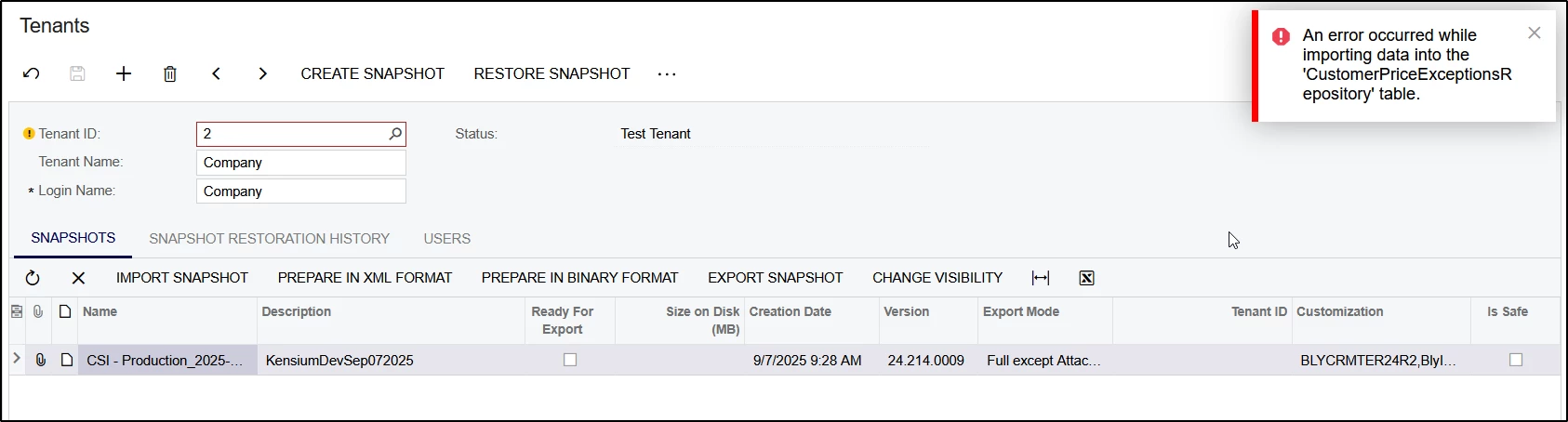
24R2 Snapshot Creation Error: An error occurred while importing data into the 'CustomerPriceRepository' table.

  • August 28, 2025
  • 18 replies
  • 223 views

vivekm
Varsity II
Forum|alt.badge.img

Hi Team,

I am working with 24R2 Build 24.210.0019.

And created custom table that has some data in it.

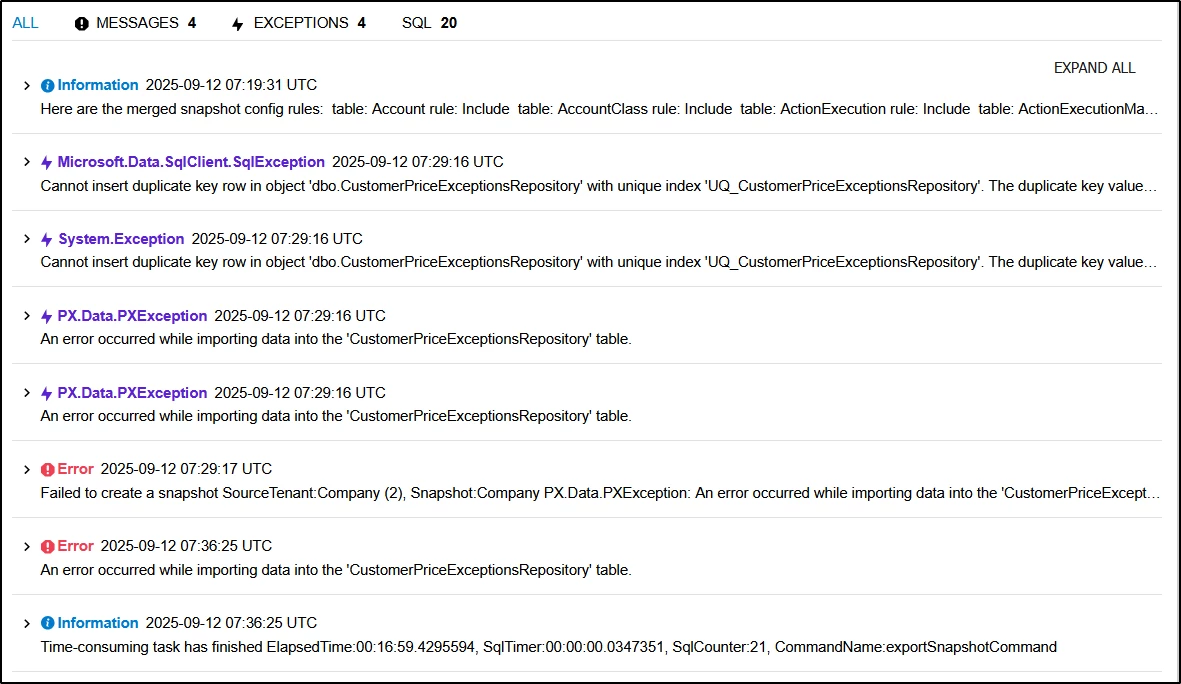
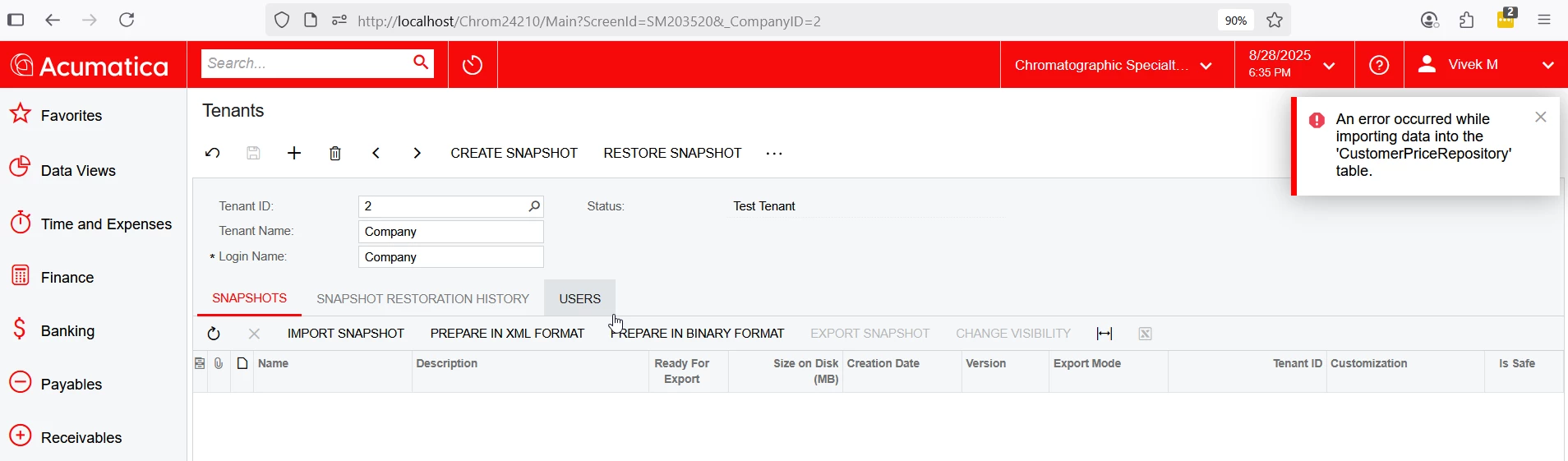
But while snapshot creation getting error like: “An error occurred while importing data into the 'CustomerPriceRepository' table.”

Can you please suggest the possible root cause and fix for the error.
Thanks,

Best answer by vivekm

Hi ​@darylbowman and everyone thank you for the response. The issue seems to be related to the missing audit fields. I have dropped the table and recreated the table with audit fields and with this the snapshot issue resolved.

18 replies

JSpikowski
Jr Varsity II
Forum|alt.badge.img
  • Jr Varsity II
  • August 29, 2025

They should call them SnapAttack. 👻


Manikanta Dhulipudi
Captain II
Forum|alt.badge.img+15

@vivekm 

Are you facing the same issue when creating a snapshot?

This error typically occurs if there is no space available. Another option is to try creating the snapshot 2–3 more times.

To free up space, you may also:

  • Delete unwanted snapshots

  • Run database optimization

  • Delete audit history from unwanted tables


JSpikowski
Jr Varsity II
Forum|alt.badge.img
  • Jr Varsity II
  • August 29, 2025

Getting at your data is like the stairway to heaven.


MichaelShirk
Captain II
Forum|alt.badge.img+5
  • Captain II
  • August 29, 2025

@vivekm are you able to view and share the trace log? There might be more details there. 

There are default limits (that can be changed) to the size of tables that can be imported. I’ve seen this be the problem on a number of occasions. If you open the snapshot folder and search for this table, you should be able to see the “actual size”. I believe the default limit is 2GB.


@JSpikowski  Responses to people’s questions should really be limited to helping find an answer.


darylbowman
Captain II
Forum|alt.badge.img+15

@JSpikowski  Responses to people’s questions should really be limited to helping find an answer.

Or at least include something helpful 😏


vivekm
Varsity II
Forum|alt.badge.img
  • Author
  • Varsity II
  • August 29, 2025

Hi ​@Manikanta Dhulipudi 

Yes, I do have space in the system and tried around 5-6 times but to no avail.

Also there is the scenario where is there are no records in the table then I am able to create the snapshot but if record is there in the table then getting the error.


darylbowman
Captain II
Forum|alt.badge.img+15

Could you post the DAC for your table?


vivekm
Varsity II
Forum|alt.badge.img
  • Author
  • Varsity II
  • August 29, 2025

Hi ​@MichaelShirk 

Sure, I will get trace details and share for review and inputs.

Also, there is this scenario where if there are no records in the table then I am able to create the snapshot but if records are there in the table then getting the error.


vivekm
Varsity II
Forum|alt.badge.img
  • Author
  • Varsity II
  • August 29, 2025

Hi ​@darylbowman,

Sure, will share DAC, DB table script and trace details here for your review and inputs.


JSpikowski
Jr Varsity II
Forum|alt.badge.img
  • Jr Varsity II
  • August 29, 2025

You're right. I shouldn't make jokes when someone is hurting.


vivekm
Varsity II
Forum|alt.badge.img
  • Author
  • Varsity II
  • September 1, 2025

Hi ​@MichaelShirk ​@darylbowman 

Please find the attached DAC and DB files for reference.


Forum|alt.badge.img+8
  • Captain II
  • September 1, 2025

Hi ​@vivekm 


You could save the zip file of the snapshot in C:\Acumatica ERP\Database\Data.

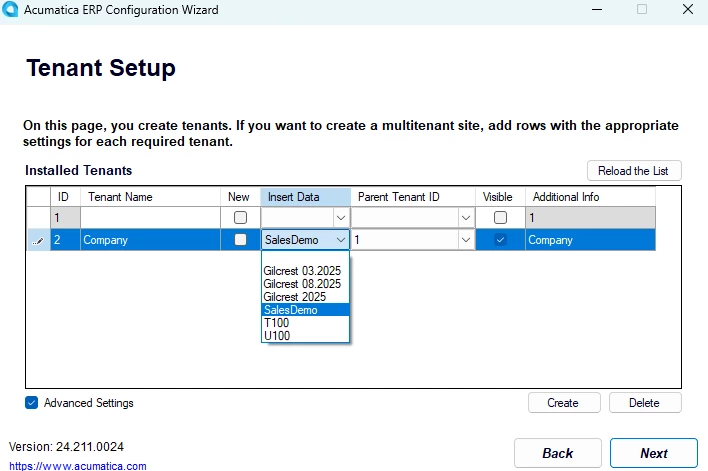
Then you can go into Acumatica Config, ‘Perform Database Maintenance’, then select your DB, then in the ‘Insert Data’ column, you can insert the data from your snapshot, hopefully without errors. Make sure you tick ‘advanced settings’ before trying to modify the ‘insert data’.


You may still get the error, or it could work.


You mentioned posting the trace, can you please do so?


darylbowman
Captain II
Forum|alt.badge.img+15

Your DAC specifies ShopifyVariantGID and ShopifyPriceListGID as 1000 (length) but in DB Scripts is only 255.

CompanyID must be included in the primary key constraint and should not be nullable (in DB).


vivekm
Varsity II
Forum|alt.badge.img
  • Author
  • Varsity II
  • September 10, 2025

Hi ​@aiwan 

Thank you for the response. The issue I am facing is on snapshot creation, not on restoration.


vivekm
Varsity II
Forum|alt.badge.img
  • Author
  • Varsity II
  • September 10, 2025

Thank you ​@darylbowman for the inputs. I will validate the shared observations.

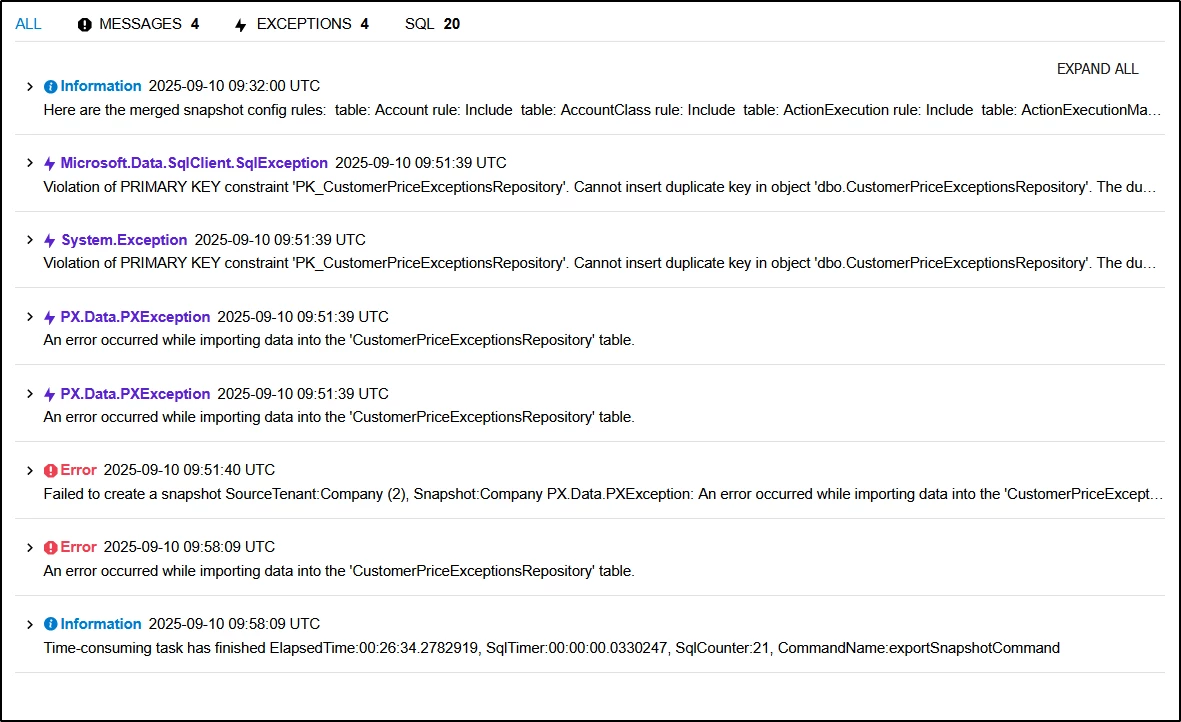
Also sharing attached files with trace details, DAC, and DB scripts below for your and ​@MichaelShirk reference and review.


vivekm
Varsity II
Forum|alt.badge.img
  • Author
  • Varsity II
  • September 15, 2025

Hello ​@darylbowman 

I tried the below suggested implementations but it also results in same error. Can you please review and suggest.

Your DAC specifies ShopifyVariantGID and ShopifyPriceListGID as 1000 (length) but in DB Scripts is only 255.

CompanyID must be included in the primary key constraint and should not be nullable (in DB).


darylbowman
Captain II
Forum|alt.badge.img+15
  • September 15, 2025

What is the UQ constraint?


vivekm
Varsity II
Forum|alt.badge.img
  • Author
  • Varsity II
  • Answer
  • September 19, 2025

Hi ​@darylbowman and everyone thank you for the response. The issue seems to be related to the missing audit fields. I have dropped the table and recreated the table with audit fields and with this the snapshot issue resolved.