


Solved

2026R1 "Filter by this Cell Value" Is missing

  • April 15, 2026
  • 3 replies
  • 29 views

S1AW
Freshman II
Forum|alt.badge.img

In 2026R1 I am looking at ScreenId=SO3010PL . Normally I should be able to right-click a cell and see “Filter by this cell value” in order to quickly filter the results.

It appears that this menu is now disallowed.

I just see a browser menu, not the Acumatica menu within this Primary List.
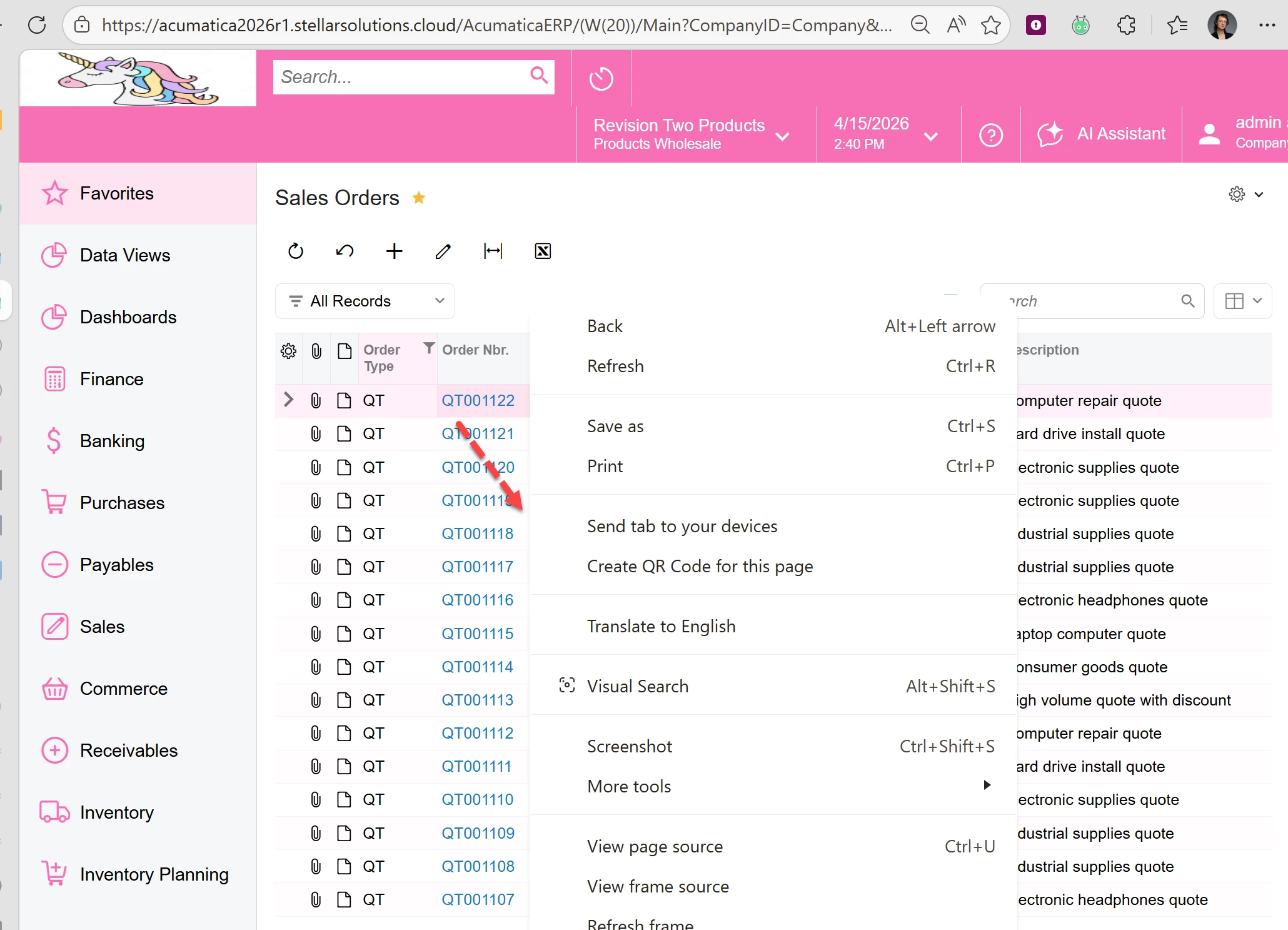
“Filter by This Cell Value” missing :(


Seems like this corresponds with the Modern UI.


Is there any way to get this usability back?

Thank you to ​@jturcottesti for testing with me :)

Arline


Best answer by Samvel Petrosov

It seems like the action menu on the Right click is missing.

The grid still allows to filter by the cell by clicking on the cell then using Shift+F hotkey.

3 replies

Samvel Petrosov
Jr Varsity III
Forum|alt.badge.img+9

It seems like the action menu on the Right click is missing.

The grid still allows to filter by the cell by clicking on the cell then using Shift+F hotkey.


darylbowman
Captain II
Forum|alt.badge.img+16

Perhaps you’d be willing to cast your vote here


S1AW
Freshman II
Forum|alt.badge.img
  • Author
  • Freshman II
  • April 16, 2026

@darylbowman ​@Samvel Petrosov  thank you both. I just upvoted that.

And sharing here for others, you can also then use Shift+F hotkey to toggle the filter OFF.


