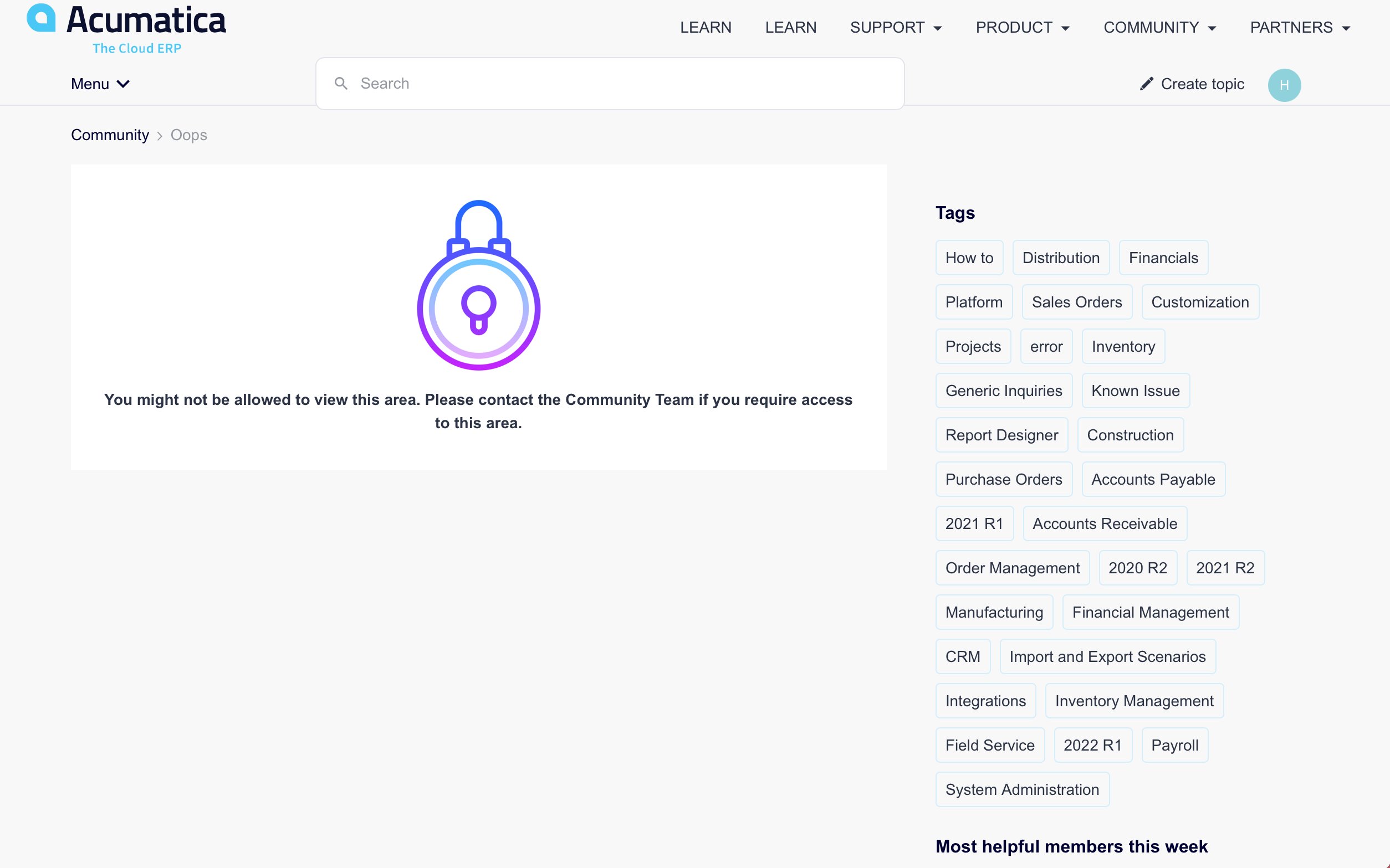
Dont have access to the following links it just says request community team

  • November 9, 2022
  • 5 replies
  • 123 views

  • Freshman II
  • 6 replies

Hi Everyone,


Hope everyone is well :)

I am from Australia implementing MYOB Adv/Acumatica. Love Cricket & Tennis, Have pets special love for great Danes :)

I am also stuck for the below links which i wish to solve for my clients.

where do I request access to the links below.

I am not able to do so. May i please get some directions please.

https://community.acumatica.com/reports-and-generic-inquires-83/how-to-create-a-table-in-a-report-79

 

https://community.acumatica.com/installation-and-configuration-14/how-to-set-up-exchange-online-office-365-and-azure-online-accounts-using-modern-authentication-oauth-2-0-4638


5 replies

Chris Hackett
Community Manager
Forum|alt.badge.img
  • Acumatica Community Manager
  • 3295 replies
  • November 9, 2022

Hi @Amitk - Welcome to the community!

Access to some resources (such as KBs and Ideas) are restricted to customer and partner roles that SSO brings over from the CRM. Your role as registered guest will not have that access. You would need to talk to your business account owner to have them add you to the account with the appropriate role for access. 


Forum|alt.badge.img+3
  • Pro II
  • 76 replies
  • November 9, 2022

I don’t believe it’s possible for us MYOB Advanced users to get access. 


laurabarber45
Captain II
Forum|alt.badge.img+19
  • Captain II
  • 3132 replies
  • November 9, 2022

Welcome to the community @Amitk !

We’re glad you’re here.


Laura


Forum|alt.badge.img
  • Varsity I
  • 24 replies
  • May 5, 2023

Hello @Laura02 @Chris Hackett I have been facing the same issue. Have attached the screenshot below:


Kindly guide me out for this.

Thanks in advance.


Chris Hackett
Community Manager
Forum|alt.badge.img
  • Acumatica Community Manager
  • 3295 replies
  • May 5, 2023

Hi @harshita53 - you have the correct permissions so have KB access. Please clear cache, sign out, close browser and try again. If you still have issues, try another device and please email me at christopher.hackett@acumatica.com and include the links you are trying to access. I haven't heard of anyone else with permissions having access issues.