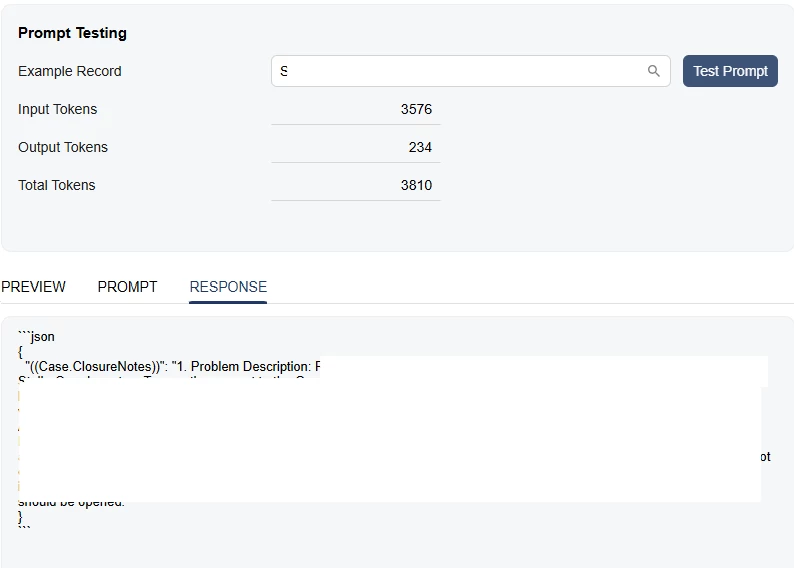
Wondering if anyone else is running into the problem where output format of LLM Prompt response being very inconsistent and display the raw JOSN into the output field.
We have been using the LLM action to generate case closure notes for a while now it has been working great until recently when we upgrade to 26r1.
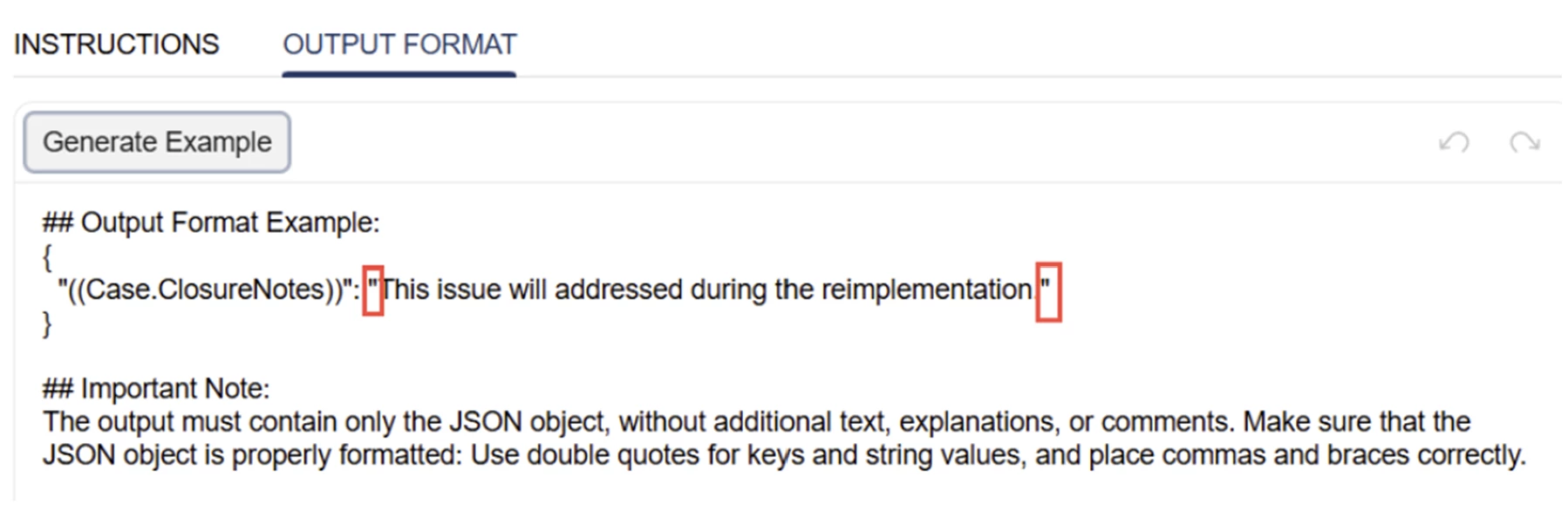
I understand that the AI Studio requires JSON output, but from my understanding, once the response reaches to the closure notes tab of the case screen, it should display in regular text in the format we specify in the instruction.
Every time when I test the prompt, the preview tab shows exactly how I want to see it. But when I click on the LLM Action button within the case, I would sometimes get the raw json with no additional formatting. If I say in the instruction that I don’t want any json or code blocks, Acumatica would throw an error saying system couldn’t parse output as valid JSON.
Has anyone else run into this? And if you haven’t, what does your instruction or output format look like?
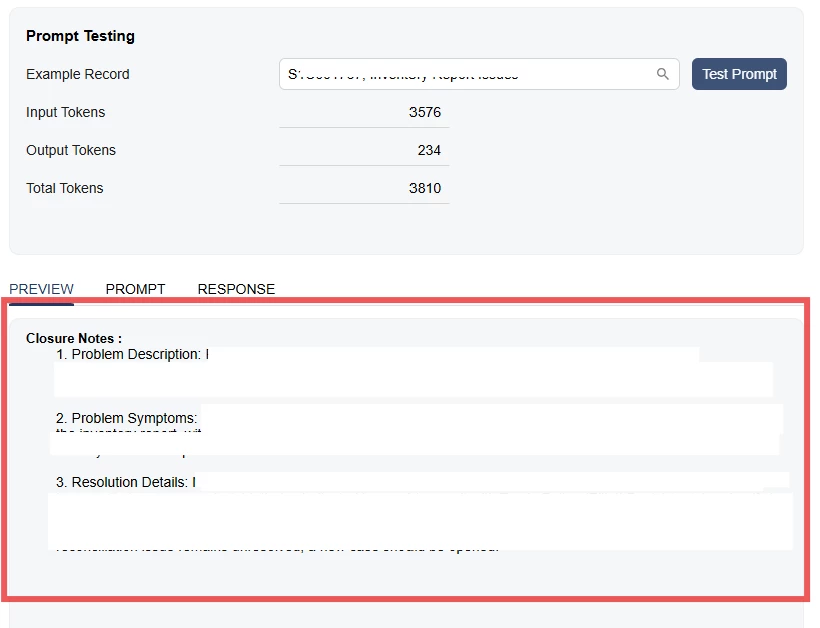
This is what the preview shows when I test my prompt, format and all looks good:
This is the response tab, which valid that it returns json. However, this json is also what I see when using the LLM action button directly on the case: