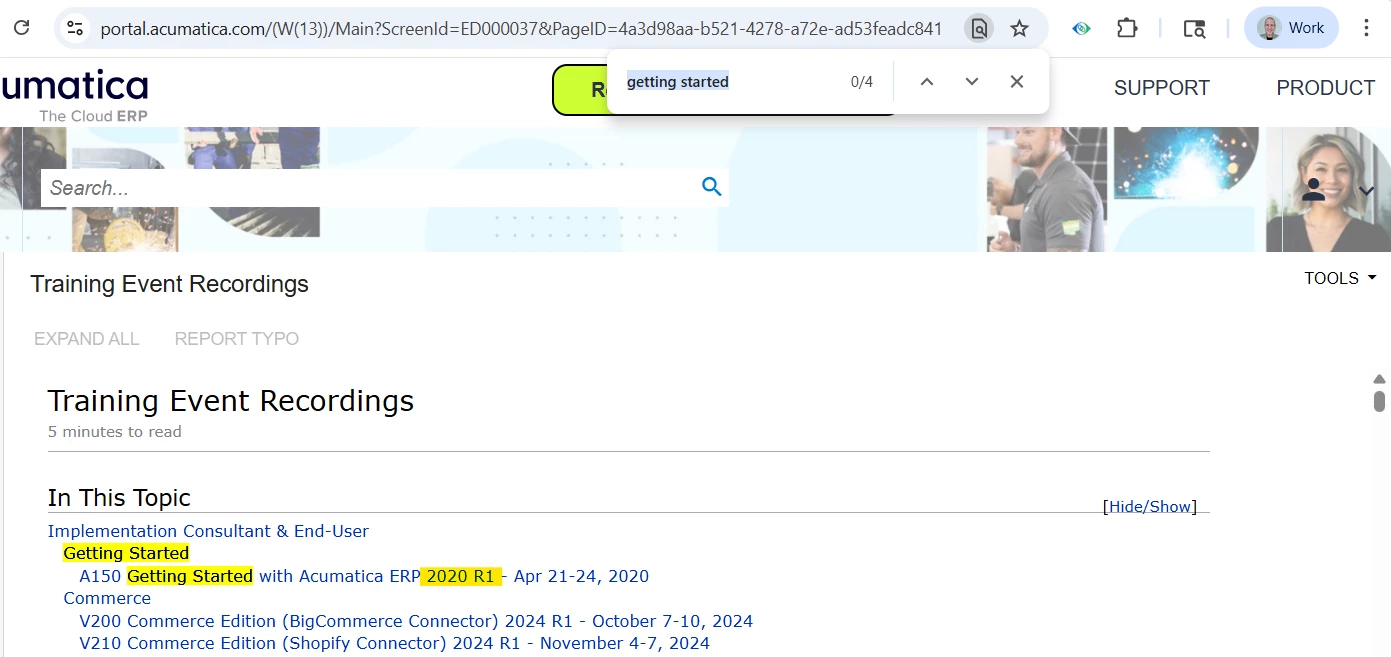

We’ve refreshed our Getting Started with Acumatica ERP course! 🎉
This update now features the modern user interface and covers the general processes in Acumatica ERP 2025 R2, making it a perfect first step for anyone new to the platform, or a great refresher for those already familiar.
What you’ll learn:
The course introduces the fundamentals of working with Acumatica’s modern UI, including:
-
Navigating the Acumatica ERP interface (menus, workspaces, favorites, and forms)
-
Using search, filtering, and sorting capabilities to find what you need quickly
-
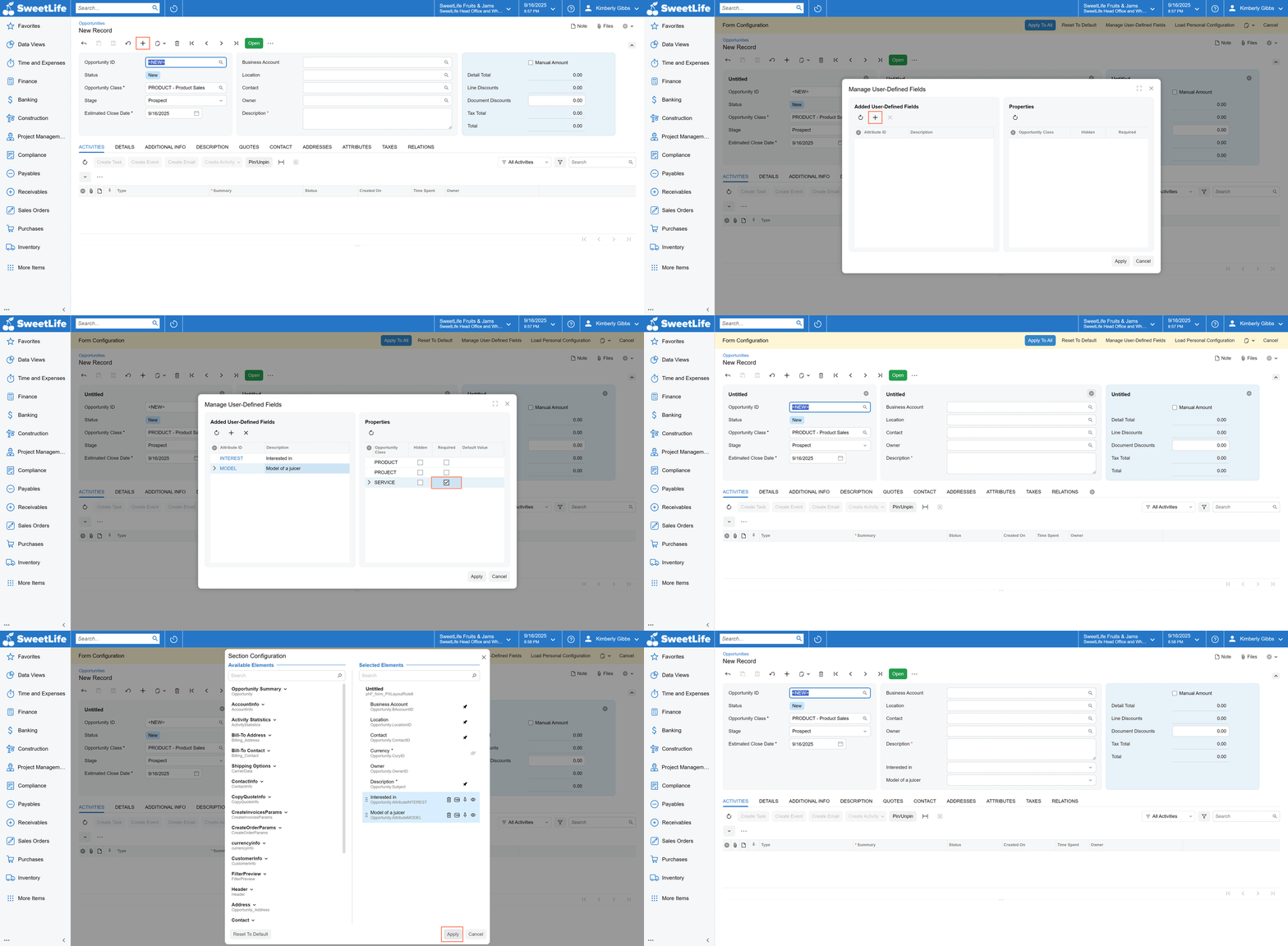
Personalizing the UI with user-defined fields and system-wide settings
-
Entering and managing records efficiently
-
Attaching files and notes to your work
-
Running reports and accessing Acumatica educational resources
-
Managing your personal working environment
Digital Badge:
Upon completion, customers and individual professionals will receive a new Getting Started with Acumatica ERP Modern UI digital badge—an excellent way to showcase your achievement and familiarity with Acumatica ERP.
Whether you’re just getting started or looking to sharpen your skills, this course is designed to help you feel confident navigating Acumatica ERP.
Please note, Acumatica Partners must use Partner Univeristy to complete courses and get badges.
We’d love your thoughts. Share feedback in the comments or by training@acumatica.com email. Your input helps us improve future learning resources!